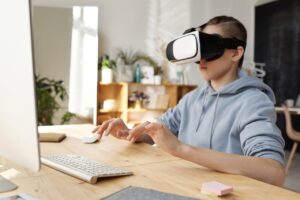
Looking for VR educational tools that enrich learning, spark curiosity, and deliver an interactive learning VR experience? Whether you’re a teacher, a curious parent, or a student eager to see what cutting-edge technology can do, we’ve got five outstanding educational VR apps to recommend. Some are perfect for at-home exploration, while others might fit right into your VR in the classroom setting if used thoughtfully. Let’s dive in!
VR for Schools: Better as Extracurricular, But Potentially Useful
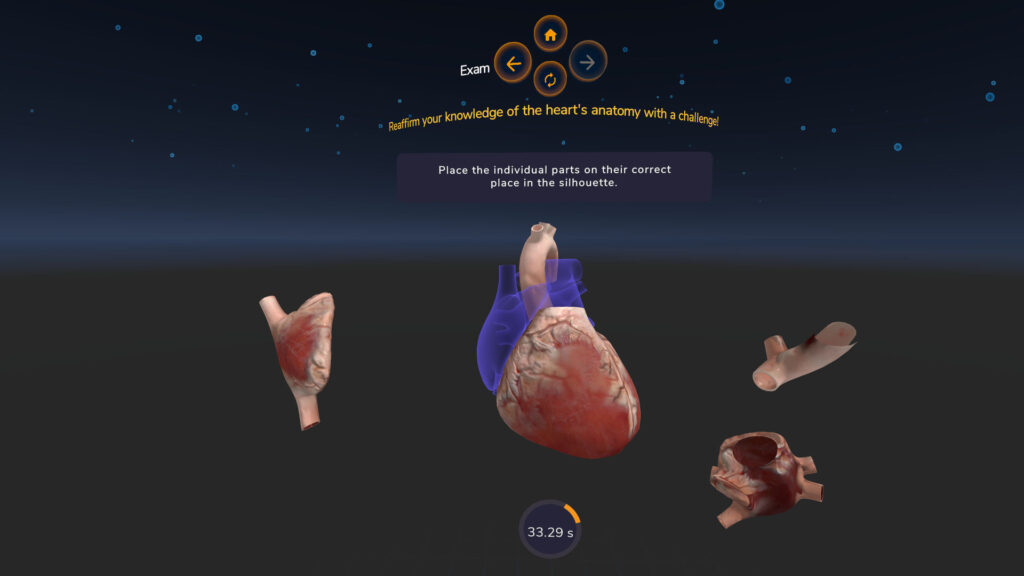
Awake Heart offers a detailed, interactive look at the heart, guiding you through chambers, valves, and blood flow. It’s fantastic for students craving immersive VR biology content. Although the app doesn’t specifically align with a school curriculum, teachers can suggest it as a home-based learning tool to complement lessons on human anatomy. It’s also a good way to see how VR in schools could work for medical or health-related courses, once integrated into a digital classroom environment.
VR in the Classroom: Specifically Designed for School Use
Why It’s Awesome
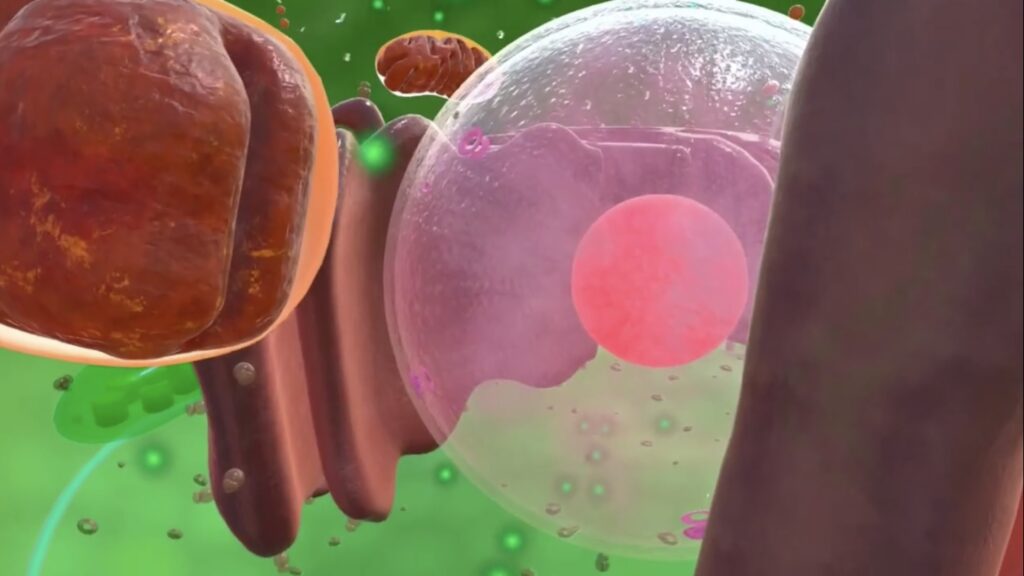
While many VR apps are standalone experiences, XReady Lab content is crafted for VR learning in official school programs. For instance, their solutions cover a range of STEM subjects:
All XReady Lab simulations are:
XReady Lab stands out by bridging the gap between VR solutions for schools and official syllabi. If you want a VR classroom environment that truly complements course objectives, this is a prime example of how technology in education can work seamlessly.
Extracurricular Exploration at Home
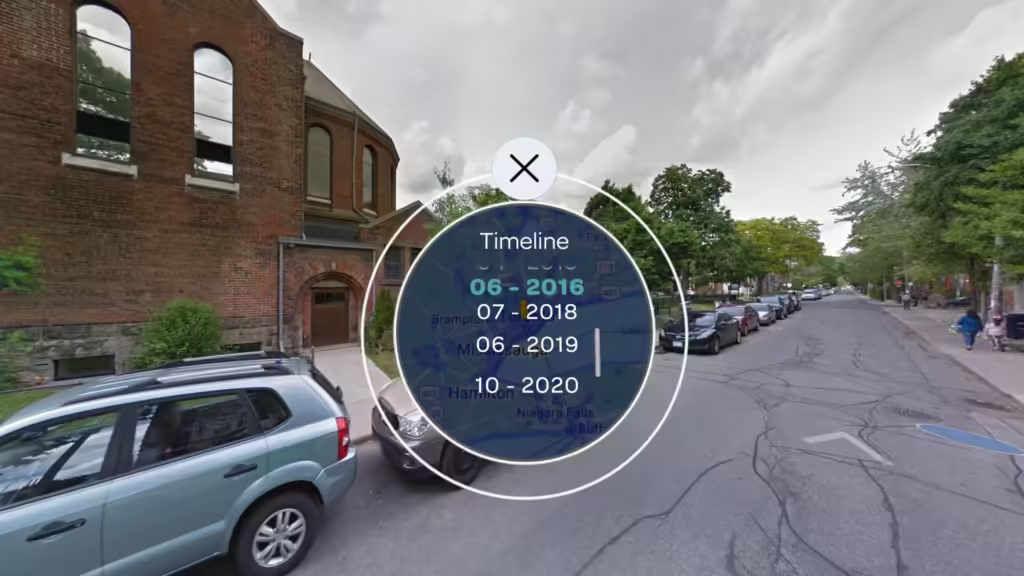
Wander is like having Google Street View in VR, letting you drop into practically any spot on the globe. Want to spark curiosity about geography, history, or culture? Wander’s got you covered. Although not explicitly designed for a VR in the classroom setting, imaginative teachers can incorporate it into interactive classroom projects—like exploring famous landmarks or historical sites. This approach exemplifies how to use VR for learning even if it wasn’t built with a school curriculum in mind.

Inspiring STEM Enthusiasm Through Real Astronaut Experiences
If you’re seeking an app that ignites a child’s enthusiasm for STEM careers, Mission: ISS is a perfect example. Students get a realistic sense of life on the International Space Station, learning about orbital mechanics, daily routines in microgravity, and scientific experiments. While it may not mesh seamlessly into day-to-day VR school lessons, it’s invaluable for benefits of VR education in sparking big dreams. For more insights on how role models in media can shape STEM ambitions, check our articles on media influence and closing the gender gap.
Great for Classroom Usage with Teacher Support
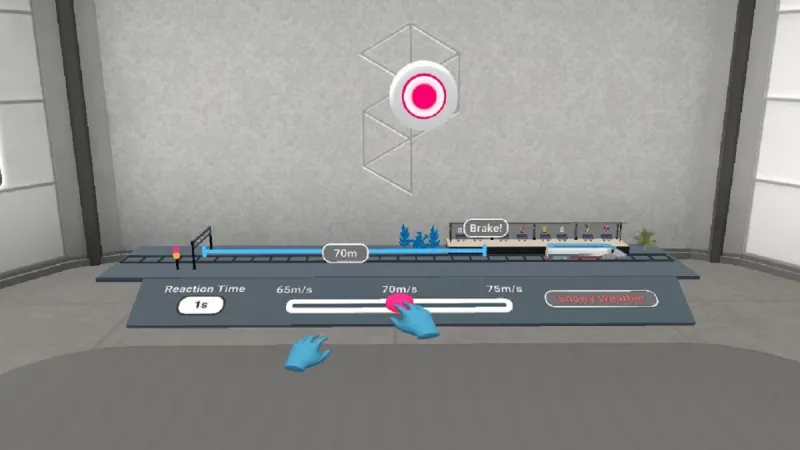
Prisms Math exemplifies how educational VR apps can support and enrich a digital classroom. By providing structured modules and VR educational games, it aligns well with math lessons, helping students understand complex, abstract concepts through hands-on interaction. It’s a strong candidate for classroom VR integration, showing teachers a path toward deeper engagement and better conceptual mastery.
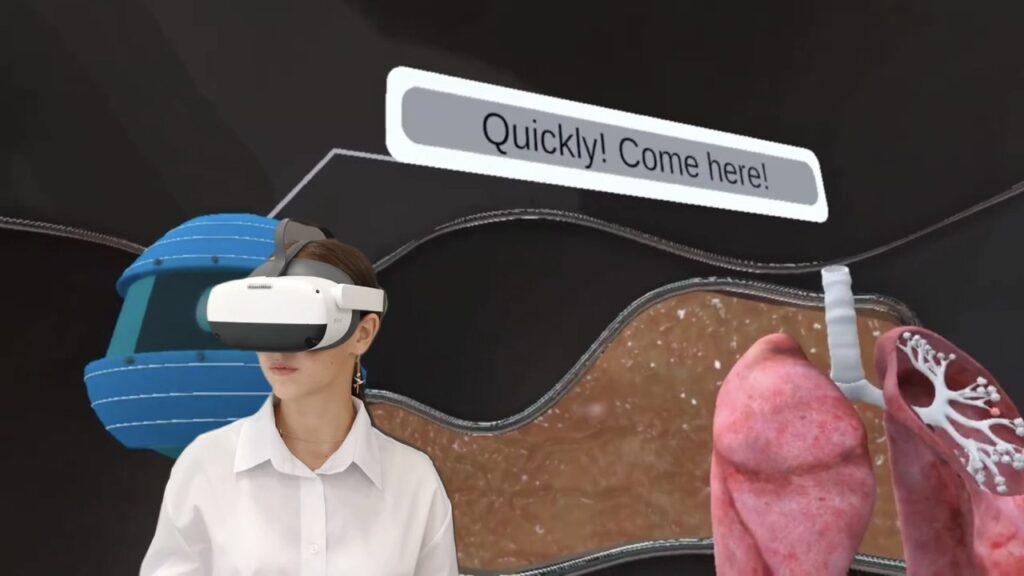
Many assume VR in schools is still a futuristic idea, but today’s VR headsets for education—ranging from Pico VR vs Meta Quest (Oculus) —are more accessible than ever. Beyond simple novelty, VR education companies are creating robust, curriculum-aligned products. Whether your focus is VR physics, VR biology, or VR chemistry, there’s a VR learning platform to meet those needs.
For teachers:
For parents:
Encourage children to try constructive apps to experience benefits of VR education in a relaxed, home setting.
If you’ve ever wondered how to use VR for learning or sought immersive education experiences, these top 5 VR education apps can serve as a springboard. Each app offers something unique:
Whether you’re aiming for a smart classroom environment or seeking quality extracurricular engagement, VR technology in education has the potential to revolutionize learning. Explore these options, pick the ones that resonate with your goals, and see how a VR educational app can transform both your teaching and students’ experiences.
From VR for school integration to at-home exploration, the power of VR can unlock new levels of engagement and curiosity in learners of all ages.
Frequently Asked
XReady Lab offers the largest K–12 STEM VR and Web/PC library with an AI Tutor. The packages include biology, physics, chemistry, and math, covering topics from primary school through high school.
All content is designed to align with major curricula and deliver engaging, interactive learning experiences. New simulations are added monthly.
XReady Lab’s simulations are aligned with IB, Cambridge IGCSE, AS & A Levels, NGSS, College Board, Common Core, TEKS, CBSE, BNCC, the National Curriculum for England, the Italian secondary school curriculum (Scuola Secondaria), and the National Curriculum of the Netherlands (VMBO, HAVO, VWO).
Career Packs are VR simulation bundles that let students explore STEM careers in practice. Current packs include: Future Doctor, Future Nurse, Future Engineer, Future HVAC Engineer, Future Biotechnologist, Future Astronomer, Future Neuroscientist.
New Career Packs are added regularly.
XReady Lab Superhuman AI Tutor works like a real tutor, guiding students step by step instead of giving ready-made answers. It focuses on reasoning, problem-solving, and explaining mistakes to build real understanding.
Created by international STEM Olympiad winners and coaches, it helps prepare for exams, increases memory retention by 40%, and works in real time in both VR and desktop formats with an internet connection.
XReady Lab packages include complimentary teacher training and ready-to-use Lesson Plans and Engagement Playbooks to support engaging lessons.
They guide teachers in integrating VR/web/PC simulations with clear objectives, step-by-step instructions, classroom management strategies, reflection activities, assessments, and technical checklists — helping teachers run effective lessons beyond the simulations themselves.
Simply fill out the free demo form here to get access to demo XReady Lab simulations.
We start with consultation: our team helps plan the VR classroom for your school. You need internet access and a suitable room — allocate about 5 x 5 feet (1.5 x 1.5 m) per student. One headset per two students works well.
Devices and licenses: schools can use existing Meta Quest or Pico devices and purchase licenses, or we can offer discounted devices or a turnkey solution with pre-installed content.
After purchase, we guide device setup and content installation and provide teacher training.
Teachers learn how to run VR lessons using Lesson Plans and Engagement Playbooks, manage screen casting and paired learning, and keep students engaged.
Ongoing support is always available.
VR lessons typically last 5–15 minutes, depending on the simulation, with a recommended class size of up to 20 students. Screen casting is supported and compatible with selected teacher management systems, allowing teachers to launch simulations remotely, monitor progress, and view all devices during lessons.
Teachers are supported with Lesson Plans and Engagement Playbooks that include learning objectives, step-by-step lesson flow, classroom scenarios, reflection questions, practical assignments, and assessment guidance.
XReady Lab is available worldwide and supports 75+ languages. Today, it is used by 800+ schools and 150,000+ students across the globe.
XReady Lab simulations are offered through flexible licensing packages, depending on the format and subjects you need:
If you already have VR headsets, you only purchase licenses. If not, we can also help you choose the most cost-effective setup and licensing model for your school or family.
XReady Lab works with the most widely used standalone VR headsets in schools:
All supported devices are standalone (no PC required), making them easy to deploy and manage in a school environment.
Yes. XReady Lab supports open ecosystems, not closed platforms. Schools can freely use third-party VR content alongside XReady Lab on Meta Quest and PICO headsets.
We encourage schools to diversify their VR classrooms with high-quality educational apps and can recommend tested solutions, helping expand learning beyond STEM into subjects like design, history, environmental studies, and soft skills.
XReady Lab follows school VR safety best practices. VR is recommended for students 10–12+, with short 5–15 minute sessions and seated or safe-zone use under teacher supervision, supported by screen casting.
First-time users adapt gradually. Students with medical conditions require parental and school approval, and hygiene is ensured through regular headset cleaning and replaceable face covers.
Families can access XReady Lab simulations at home in two ways: