


Learning about the past can be fascinating—but textbooks and videos don’t always capture the depth of historical events. For educators seeking more engaging methods, virtual reality offers an immersive way to transport students back in time. Below, we explore five top apps that bring history to life. While these titles may not align perfectly with all official curricula, they can definitely broaden students’ understanding of pivotal moments and cultures.
Why It Stands Out
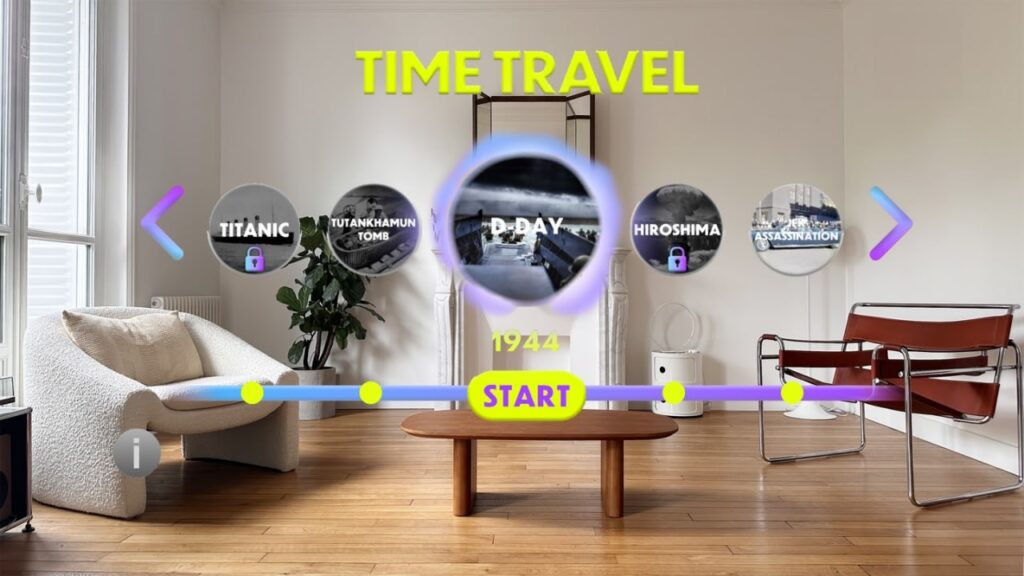
Time Travel VR lets students leap into crucial events across different eras, including the sinking of the Titanic. This blend of escape-room puzzles and narrative challenges keeps middle and high school learners fully engaged, as they solve problems to progress through historically themed scenarios. By weaving gameplay with factual content, Time Travel VR offers a unique approach to history in the digital classroom.
Time Travel VR for Meta Quest VR Headset
Historic Snapshot
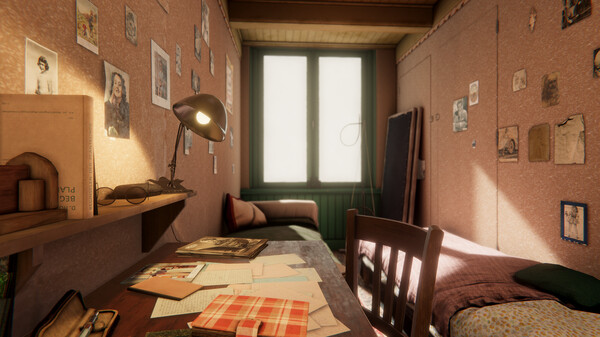
In 1942, Anne Frank and her family hid in the “Secret Annex” in Amsterdam to escape Nazi persecution. This immersive experience re-creates the annex as it was during World War II. Students can step inside this confined space and sense the gravity of Anne’s situation, understanding the emotional toll of life in hiding.
Anne Frank House for Meta Quest VR Headset
Journey to the Moon
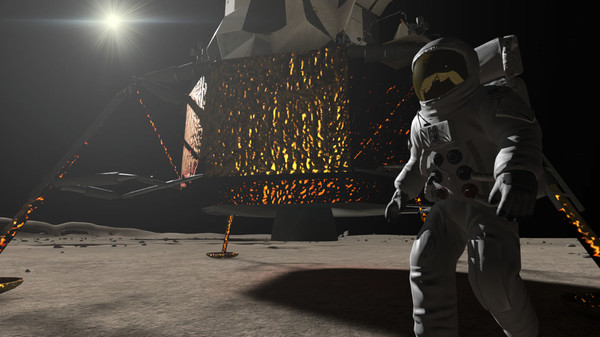
Apollo 11 retells the story of the first lunar landing, combining authentic footage and re-created spacecraft modules. Students can pilot the command module, land the lunar craft, and explore the Moon’s surface—returning to Earth with a fiery re-entry sequence.
Apollo 11 for Meta Quest VR Headset
Retro Air Combat
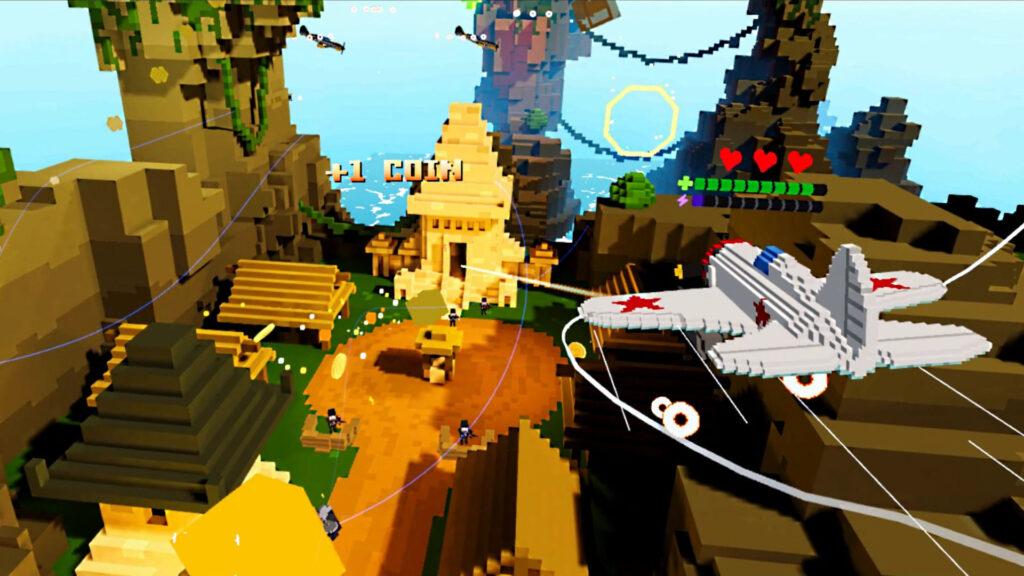
Set during World War II, Wings 1941 tasks players with piloting voxel-style aircraft through iconic battles—from the D-Day landings to the Battle of Midway. It’s part flight sim, part arcade shooter, and wholly engrossing for students who enjoy action-based learning.
Wings 1941 for Meta Quest VR Headset
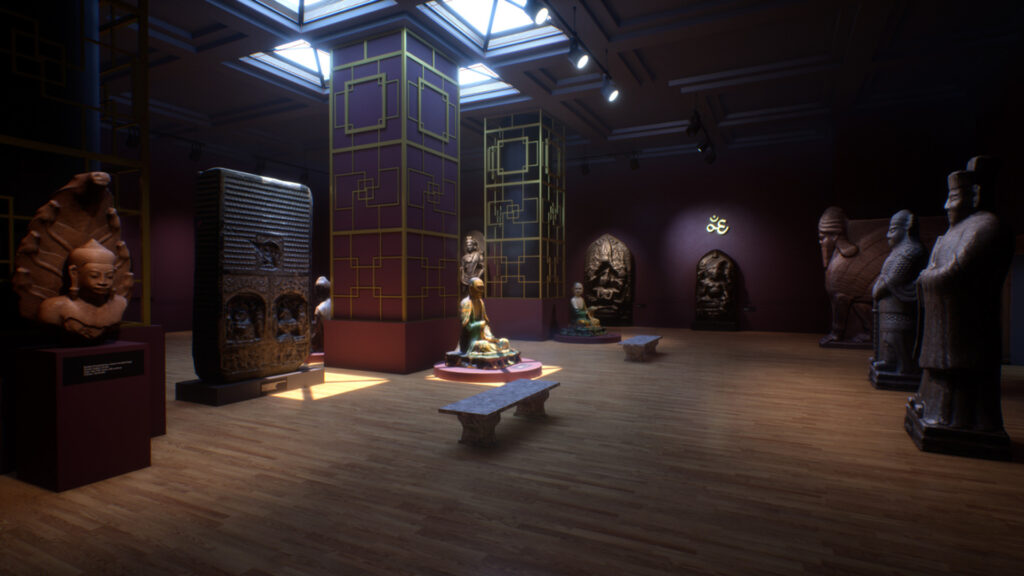
Virtual Museum Exploration
Containing digitized displays of ancient relics from around the globe—Europe, Asia, and North Africa—The Grand Museum immerses students in art history far beyond typical classroom VR. They can “visit” artifacts from Greek, Roman, Egyptian, and Asian cultures.
The Grand Museum for Meta Quest VR Headset
While each title focuses on different eras or themes—WWII, space exploration, ancient artifacts—they share a common strength: immersive experiences. Students not only read or watch but also participate, walk around, and interact with elements from the past. This shift from passive to active learning benefits retention and sparks curiosity.
However, these apps may not neatly align with strict curriculum standards. That said, using them as supplementary material can enrich traditional lessons. From viewing Anne Frank’s annex to studying ancient art, students develop empathy, context, and multi-dimensional perspectives on history. For older learners, these experiences can tie into Earth Science discussions—like how environment and geography influenced events—or even spark interest in advanced topics like environmental management in historical civilizations.
Education thrives on sparking wonder and curiosity. By leveraging immersive technology, teachers can enrich the digital classroom with experiences far beyond textbooks. Whether you’re guiding students through WWII-era stories or letting them pilot a lunar lander, these apps offer a chance to expand historical knowledge in a novel, interactive way.
At XReady Lab, we’re dedicated to demonstrating how immersive learning—whether via historical sims or advanced simulations in physics—can shift the student mindset from mere memorization to genuine discovery. While we specialize in everything from Earth Science modules to interactive labs, we also appreciate the value in using historical VR experiences to diversify lesson content.
Interested in more creative ways to bring these apps into your schedule? We’re always happy to share suggestions. Let’s innovate and let students see history as more than words on a page—turning it into a living, breathing narrative they can explore.
From the wonders of ancient artifacts to the awe-inspiring Apollo missions, history becomes vivid through these top VR apps. Even if not every detail aligns with a fixed curriculum, the depth of immersion can inspire a lifelong curiosity about our world’s past.
Frequently Asked
XReady Lab offers the largest K–12 STEM VR and Web/PC library with an AI Tutor. The packages include biology, physics, chemistry, and math, covering topics from primary school through high school.
All content is designed to align with major curricula and deliver engaging, interactive learning experiences. New simulations are added monthly.
XReady Lab’s simulations are aligned with IB, Cambridge IGCSE, AS & A Levels, NGSS, College Board, Common Core, TEKS, CBSE, BNCC, the National Curriculum for England, the Italian secondary school curriculum (Scuola Secondaria), and the National Curriculum of the Netherlands (VMBO, HAVO, VWO).
Career Packs are VR simulation bundles that let students explore STEM careers in practice. Current packs include: Future Doctor, Future Nurse, Future Engineer, Future HVAC Engineer, Future Biotechnologist, Future Astronomer, Future Neuroscientist.
New Career Packs are added regularly.
XReady Lab Superhuman AI Tutor works like a real tutor, guiding students step by step instead of giving ready-made answers. It focuses on reasoning, problem-solving, and explaining mistakes to build real understanding.
Created by international STEM Olympiad winners and coaches, it helps prepare for exams, increases memory retention by 40%, and works in real time in both VR and desktop formats with an internet connection.
XReady Lab packages include complimentary teacher training and ready-to-use Lesson Plans and Engagement Playbooks to support engaging lessons.
They guide teachers in integrating VR/web/PC simulations with clear objectives, step-by-step instructions, classroom management strategies, reflection activities, assessments, and technical checklists — helping teachers run effective lessons beyond the simulations themselves.
Simply fill out the free demo form here to get access to demo XReady Lab simulations.
We start with consultation: our team helps plan the VR classroom for your school. You need internet access and a suitable room — allocate about 5 x 5 feet (1.5 x 1.5 m) per student. One headset per two students works well.
Devices and licenses: schools can use existing Meta Quest or Pico devices and purchase licenses, or we can offer discounted devices or a turnkey solution with pre-installed content.
After purchase, we guide device setup and content installation and provide teacher training.
Teachers learn how to run VR lessons using Lesson Plans and Engagement Playbooks, manage screen casting and paired learning, and keep students engaged.
Ongoing support is always available.
VR lessons typically last 5–15 minutes, depending on the simulation, with a recommended class size of up to 20 students. Screen casting is supported and compatible with selected teacher management systems, allowing teachers to launch simulations remotely, monitor progress, and view all devices during lessons.
Teachers are supported with Lesson Plans and Engagement Playbooks that include learning objectives, step-by-step lesson flow, classroom scenarios, reflection questions, practical assignments, and assessment guidance.
XReady Lab is available worldwide and supports 75+ languages. Today, it is used by 800+ schools and 150,000+ students across the globe.
XReady Lab simulations are offered through flexible licensing packages, depending on the format and subjects you need:
If you already have VR headsets, you only purchase licenses. If not, we can also help you choose the most cost-effective setup and licensing model for your school or family.
XReady Lab works with the most widely used standalone VR headsets in schools:
All supported devices are standalone (no PC required), making them easy to deploy and manage in a school environment.
Yes. XReady Lab supports open ecosystems, not closed platforms. Schools can freely use third-party VR content alongside XReady Lab on Meta Quest and PICO headsets.
We encourage schools to diversify their VR classrooms with high-quality educational apps and can recommend tested solutions, helping expand learning beyond STEM into subjects like design, history, environmental studies, and soft skills.
XReady Lab follows school VR safety best practices. VR is recommended for students 10–12+, with short 5–15 minute sessions and seated or safe-zone use under teacher supervision, supported by screen casting.
First-time users adapt gradually. Students with medical conditions require parental and school approval, and hygiene is ensured through regular headset cleaning and replaceable face covers.
Families can access XReady Lab simulations at home in two ways:


