01
01
We are a school; How can we subscribe?

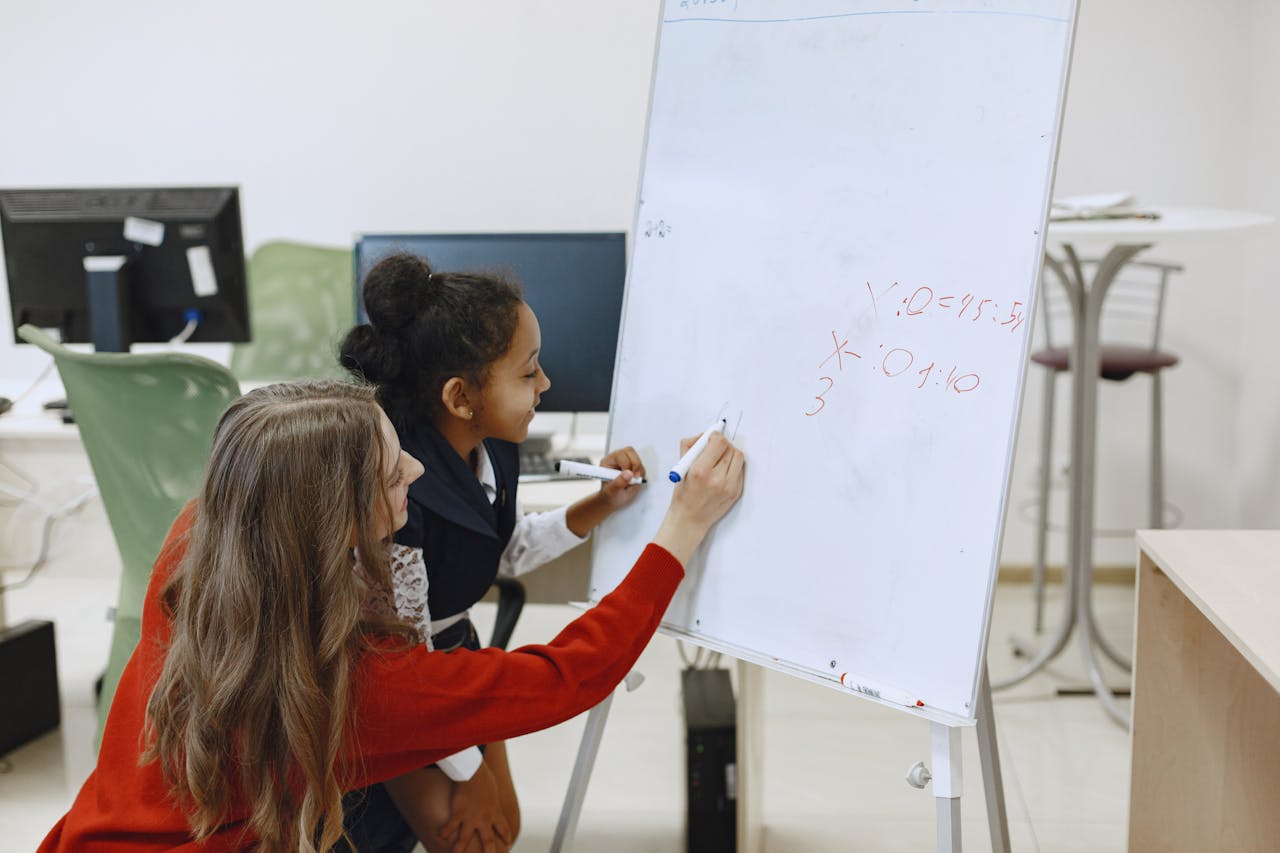
Hands – on learning has the unique ability to spark curiosity in ways that textbooks and lectures cannot. From building simple machines to experimenting in a science lab, this approach encourages students to explore, discover, and truly connect with what they are studying. By actively engaging both mind and body, experiential education transforms abstract theories into tangible, memorable experiences.
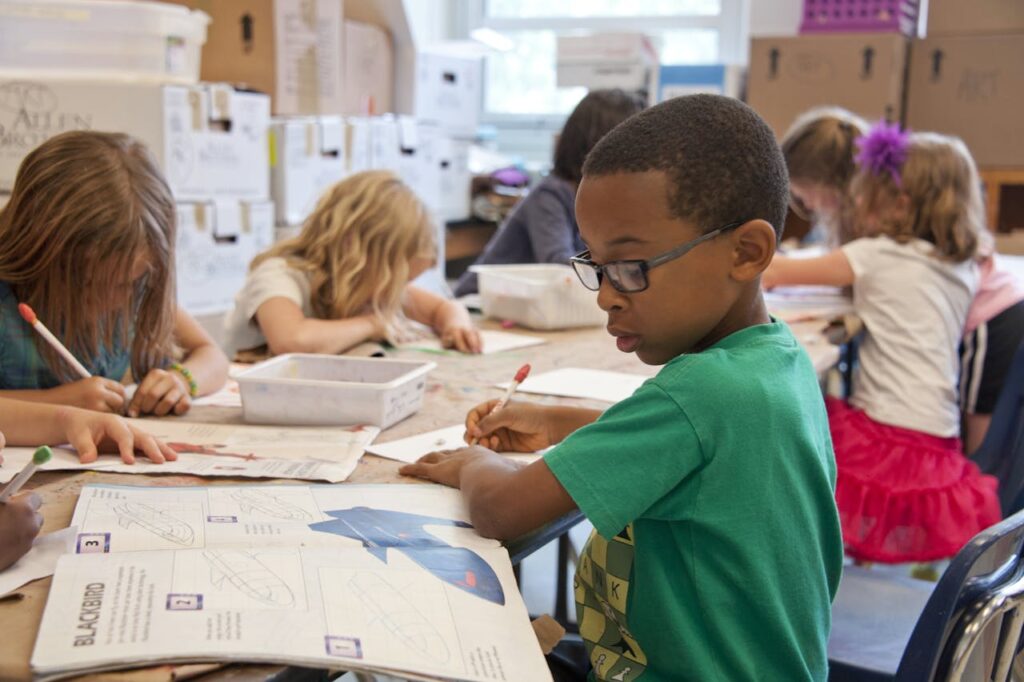
When students can see, touch, and manipulate real objects, the information sticks better. This multi – sensory approach not only boosts retention but also nurtures deeper understanding. Think of a child learning about plant growth by gardening, or a teen exploring electrical circuits by physically assembling them.
Hands – on activities help students see the relevance of academic concepts in daily life. For example, mixing chemicals in a high school STEM lab shows how chemical reactions power everything from cooking to modern medicine. This sense of purpose fosters excitement and drives learners to investigate further on their own.
When students are the ones setting up experiments, brainstorming solutions, or building prototypes, they develop a sense of ownership over their learning. This independence is crucial for building self – confidence and critical thinking skills. Mistakes become stepping stones, not failures.
Hands – on education doesn’t always mean a lab full of expensive equipment. Thanks to technology, teachers can bring realistic simulations, engaging games, or digital models right into the classroom. An article on balancing physical and virtual experiments explores how both approaches can complement each other, providing well-rounded learning experiences.
Some educational platforms allow students to navigate virtual environments that mimic real – world scenarios. Whether they are traveling back in time or diving under the sea, these immersive adventures enrich learning and spark curiosity. By integrating digital tasks with real materials, students remain active participants in their own development.
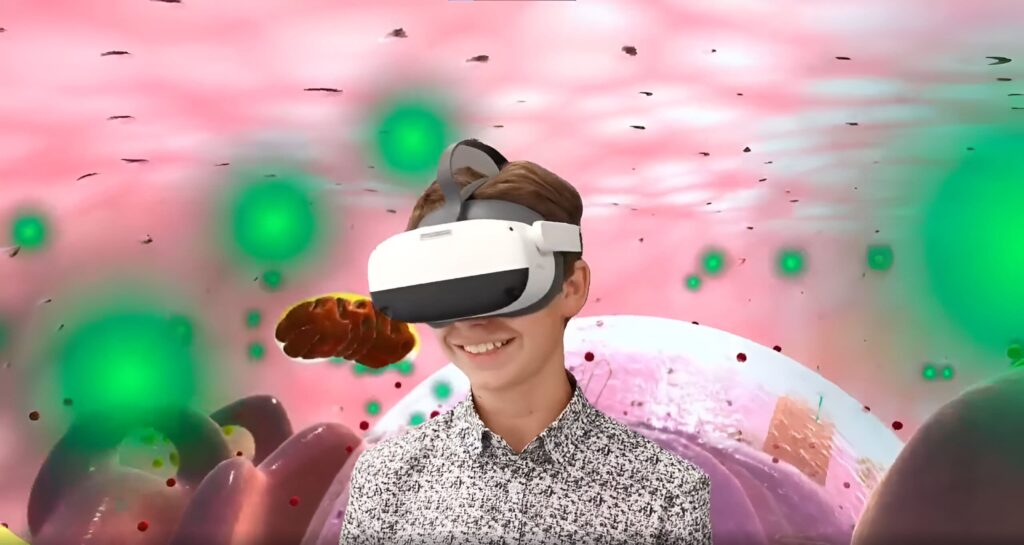
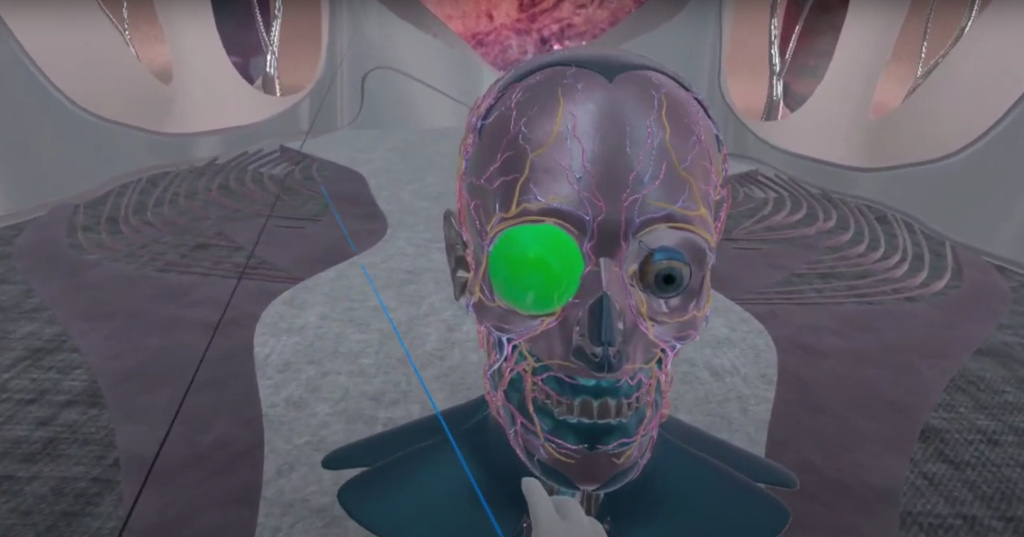
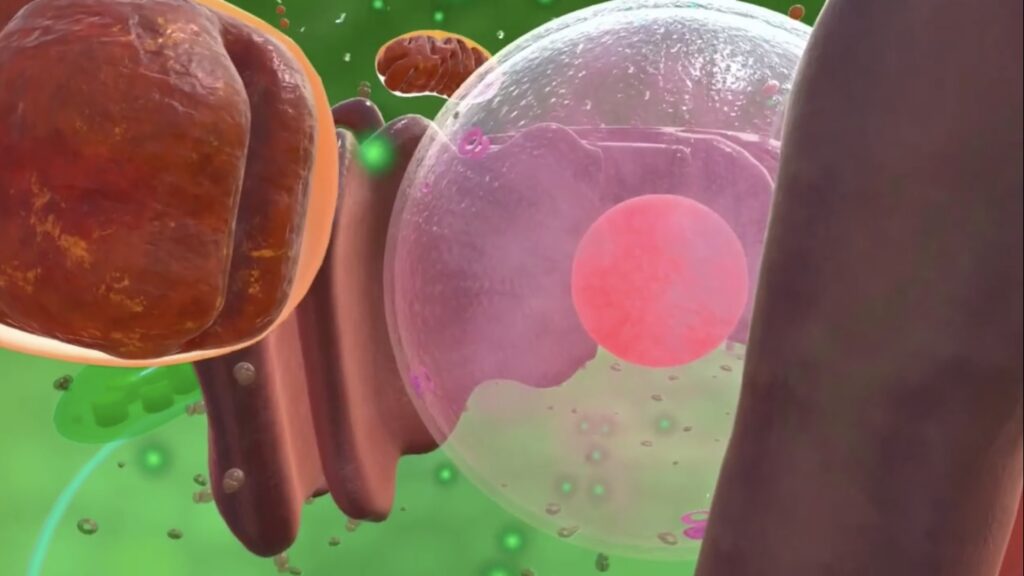
While physical experiments are unbeatable in many ways, immersive digital tools open up additional possibilities. Students can explore everything from the surface of Mars to microscopic organisms without leaving their desks. This approach resonates with modern learners who are comfortable with technology and eager for interactive challenges.
Imagine a high school science class that “travels” to the heart of a volcano or inspects the rings of Saturn. These journeys feel less like schoolwork and more like thrilling adventures, spurring curiosity and retention.
Not all students learn best by reading or listening. Immersive environments often include visual cues, 3D models, or interactive elements that accommodate various preferences, making lessons more inclusive and effective.
Below are examples of how educators can merge hands – on strategies with modern technology to enrich the learning experience:
Language: Noun Town Language Learning
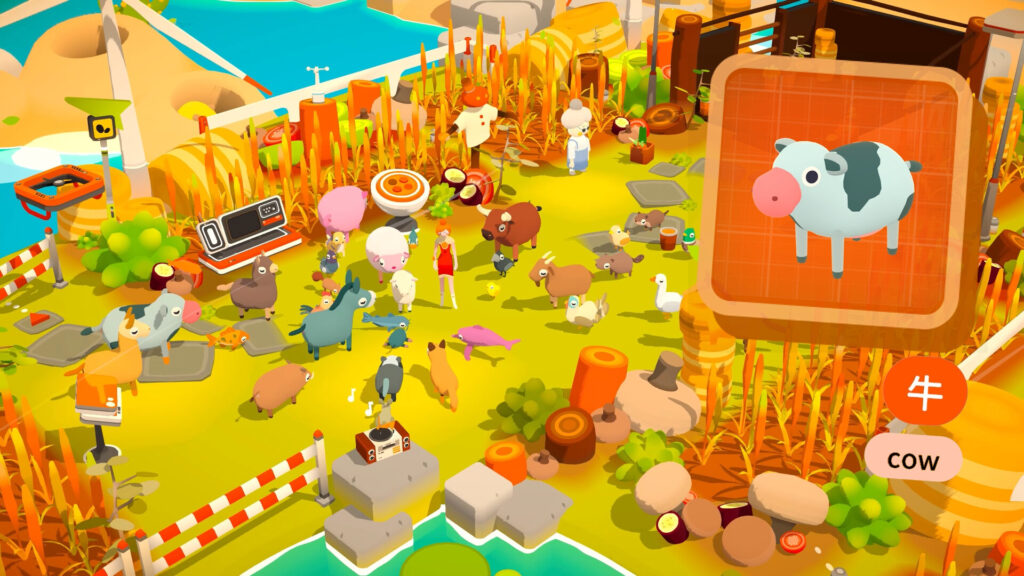
Students immerse themselves in scenarios that promote vocabulary building and practical conversation, making language acquisition feel like an adventure.
Cognitive Skills: Enhance VR
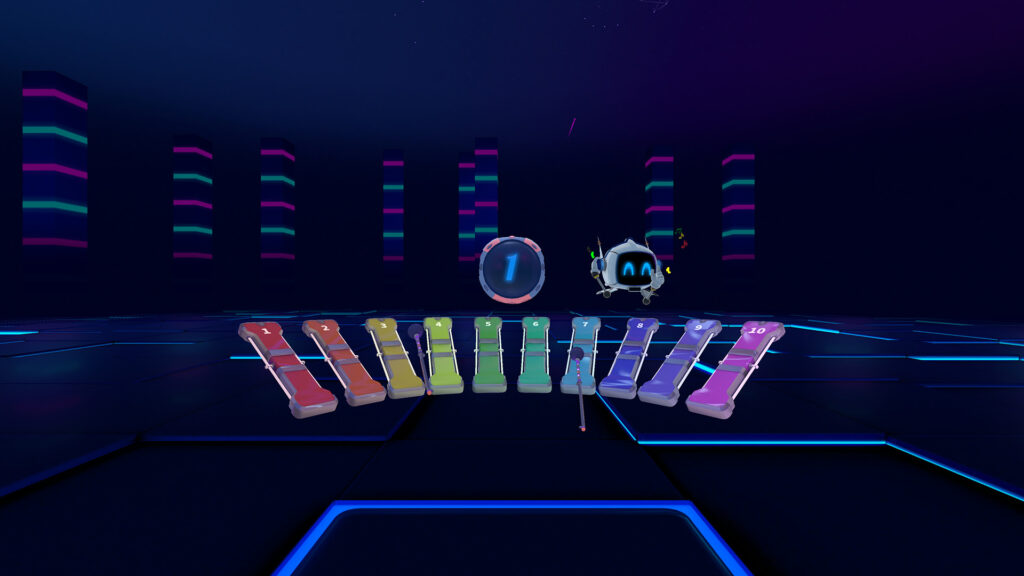
This platform offers games designed to boost memory, focus, and problem – solving. By turning mental exercises into play, learners are more motivated to challenge themselves.
STEM: XReady Lab
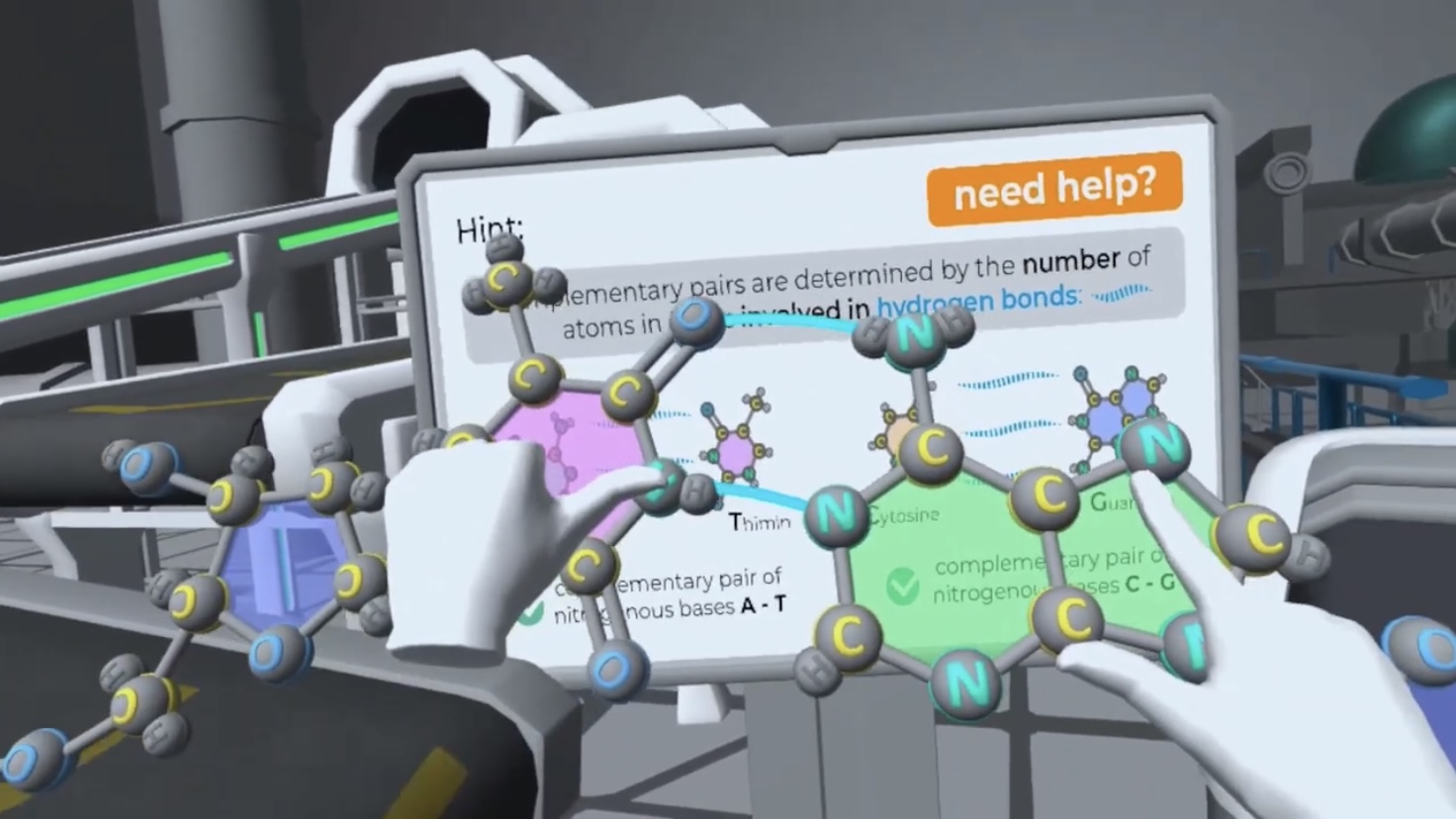
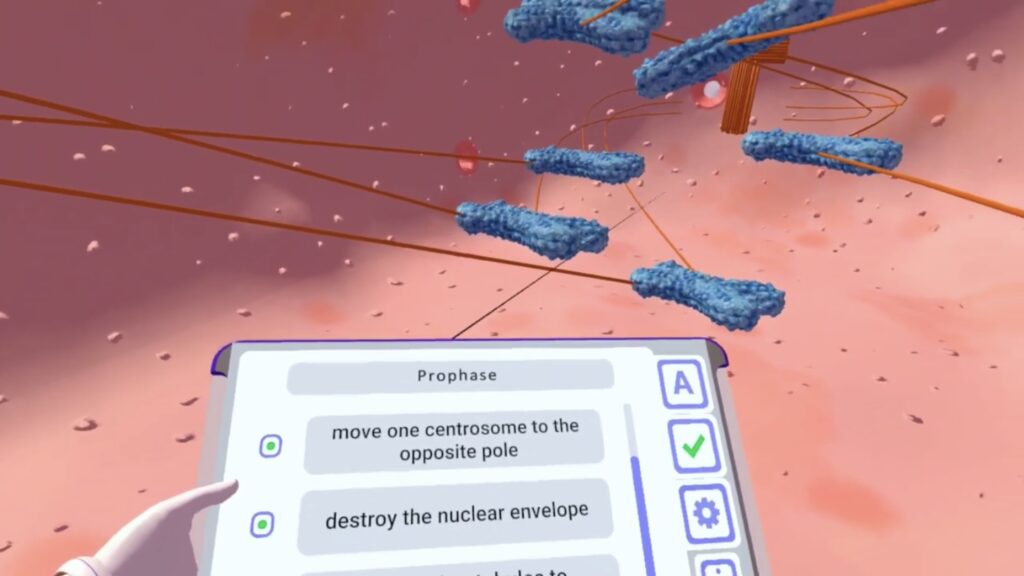
Whether exploring cell division or electrical phenomena, these hands – on modules from XReady Lab can deepen scientific understanding through active experimentation.
History: Anne Frank House

Instead of passively reading about the past, students can virtually enter historical settings, gaining insights that stir empathy and contextual understanding.
XReady Lab focuses on creating experiences that merge theory with action. Whether students are exploring science, technology, engineering, or mathematics, the simulations bring concepts to life.
Curious to see how this can revitalize your lessons?
👉 Request your free demo now and discover the impact of combining hands – on methods with modern educational tools.
Experiential education stands out as one of the most effective ways to inspire genuine interest and long – term understanding. By encouraging learners to touch, build, observe, and actively explore, we help them appreciate the “why” behind the theories. Integrating physical projects with digital environments amplifies these benefits, catering to a diverse range of learning styles.
When students get to experiment, make mistakes, and discover new possibilities, education becomes less about rote memorization and more about lifelong curiosity. Teachers are no longer mere instructors; they become guides, enabling young minds to grow through a mix of tangible activities and innovative technology.
Committed to enhancing education through immersive, hands-on solutions, XReady Lab opens the door to active discovery and ensures that learning remains both meaningful and engaging.
STEM VR and 3D simulations for K-12 📚 Increase classroom engagement with XReady Lab’s VR Education!
UAE, Dubai, Park Lane Tower, Business Bay, Floor 32
USA, Delaware, Wilmington, 919 North Market Street, Suite 950
QATAR, Doha, QFC Tower 1, Floor 9, Office №1