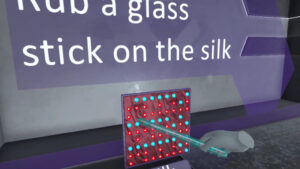
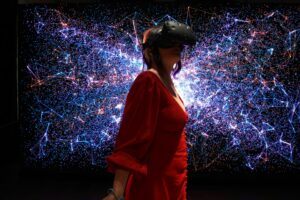
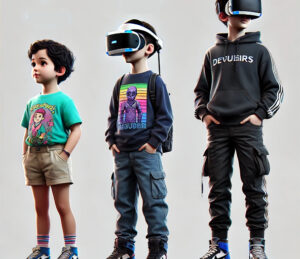
Virtual reality in education is rapidly transforming how students learn. Rather than relying solely on lectures, VR headsets for schools bring interactive-classroom activities right to your campus. Whether it’s a high-school STEM lab or an elementary program, the benefits of virtual reality in the classroom include:
Immersive Engagement – Students dive into historical sites, walk through virtual biology labs, or explore cosmic phenomena without leaving school grounds.
Practical Accessibility – Standard labs can be expensive or limited in scope; VR solutions for schools let you simulate labs for everything from physics to chemistry.
Personalized Learning – Each student can learn at their own pace, replaying lessons or trying new scenarios for deeper comprehension.
As technology in education continues to evolve, teachers can harness these VR education services to help students connect classroom theory with real-world applications.
When choosing the best VR headsets for education, consider factors like resolution, comfort, battery life, and warranty. Below are four standout devices that can significantly enhance learning in VR.
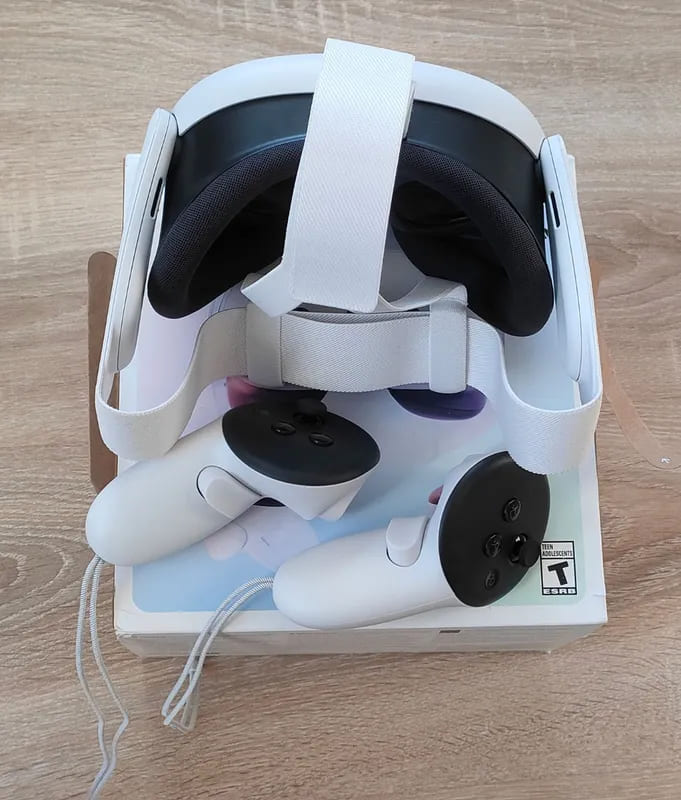
Why It’s Great: Equipped with pancake lenses for crisp visuals, plus strong processing power and body-tracking capabilities. Offers a blend of virtual reality and mixed reality, letting students explore both digital worlds and augmented physical spaces.
Ideal Use: Suited for higher-level tasks, such as VR physics simulations or complex STEM lab projects, thanks to its high resolution.
Price: Around €583 for the 512 GB version (three-year warranty).

Why It’s Great: A more affordable alternative to the Quest 3, featuring Fresnel lenses and slightly lower resolution. Still powerful enough to handle immersive classroom VR experiences.
Ideal Use: Perfect for schools on a budget seeking robust VR in the classroom with reliable performance.
Price:
128 GB model at €365
256 GB model at €454 (both options have a three-year warranty)

Why It’s Great: Offers a hot-swappable battery, so you can run continuous sessions without waiting for a charge. Slightly higher field of view than the Quest 3, ideal for immersive virtual reality classrooms.
Ideal Use: Suitable for group demonstrations or extended labs in subjects like biology or chemistry, where multiple students rotate through lessons.
Price: €1,249 (two-year warranty). Comes with Fresnel lenses and a MicroSD slot for extra storage.

Why It’s Great: Features pancake lenses, high resolution, and a wider field of view, placing it between the Quest 3 and HTC Vive Focus 3 in terms of clarity. Equipped with enterprise-level apps and 12 GB of memory.
Ideal Use: Great for schools or institutions needing more advanced VR technology in education with robust multitasking for interactive lessons.
Price: €699 for 256 GB (one-year warranty).
Selecting the best VR for education isn’t just about hardware specs; it’s also about how you implement interactive-classroom activities. Here are three impactful ways schools can use VR headsets to transform lessons.
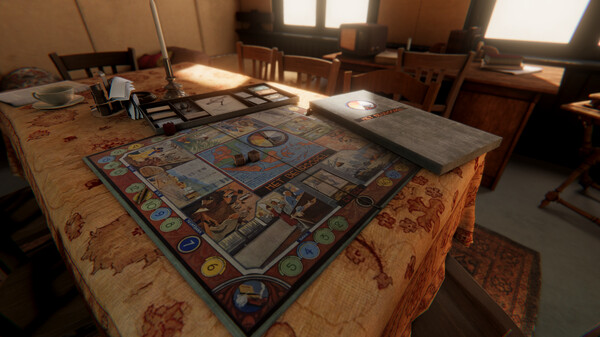
Traditional history classes can feel abstract. With VR for students, teachers can transport learners to ancient civilizations or famous landmarks.
Example: Take your class on a guided tour of the Great Wall of China, enabling them to experience its scale and setting in a way textbooks can’t match.
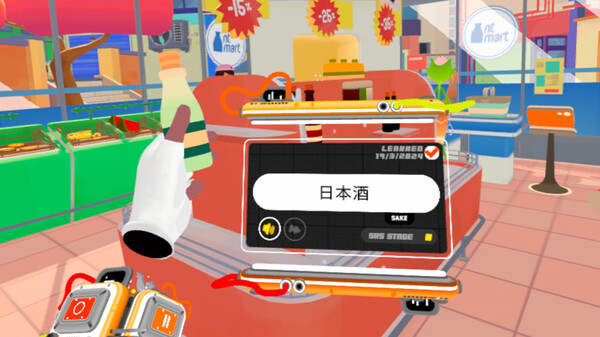
Learning new languages can be challenging if students lack opportunities to practice in real-life settings. Virtual reality environments allow pupils to explore digital homes, markets, or public spaces, absorbing vocabulary in context.
Example: In a French lesson, students might receive commands in French like “Ouvrez la porte” (Open the door) and see immediate results in a virtual reality class scenario.

Science classes often require expensive labs or field trips. With a digital classroom approach, teachers can simulate experiments in VR physics, biology, or chemistry.
Example: Dive into recycling processes at a virtual plant, where students see the machinery and workflows in action—no permission slips needed!
VR in education is no longer a futuristic concept—it’s a present-day reality changing classrooms worldwide. Schools can choose from top-notch headsets like the Meta Quest 3, Quest 3s, HTC Vive Focus 3, or Pico 4 Ultra Enterprise to shape interactive and inclusive learning spaces. Coupled with versatile curriculum integration—whether through history excursions, language immersion, or STEM lab projects—virtual reality in schools paves the way for a more engaging, memorable educational experience.
Thinking about a deeper dive into virtual reality for your institution? Explore how science topics like diffraction come to life in an immersive setup by checking out XReady Lab’s Simulations and request a free demo. Embrace the future of tech-infused teaching and watch your students light up with curiosity!
Frequently Asked
XReady Lab offers the largest K–12 STEM VR and Web/PC library with an AI Tutor. The packages include biology, physics, chemistry, and math, covering topics from primary school through high school.
All content is designed to align with major curricula and deliver engaging, interactive learning experiences. New simulations are added monthly.
XReady Lab’s simulations are aligned with IB, Cambridge IGCSE, AS & A Levels, NGSS, College Board, Common Core, TEKS, CBSE, BNCC, the National Curriculum for England, the Italian secondary school curriculum (Scuola Secondaria), and the National Curriculum of the Netherlands (VMBO, HAVO, VWO).
Career Packs are VR simulation bundles that let students explore STEM careers in practice. Current packs include: Future Doctor, Future Nurse, Future Engineer, Future HVAC Engineer, Future Biotechnologist, Future Astronomer, Future Neuroscientist.
New Career Packs are added regularly.
XReady Lab Superhuman AI Tutor works like a real tutor, guiding students step by step instead of giving ready-made answers. It focuses on reasoning, problem-solving, and explaining mistakes to build real understanding.
Created by international STEM Olympiad winners and coaches, it helps prepare for exams, increases memory retention by 40%, and works in real time in both VR and desktop formats with an internet connection.
XReady Lab packages include complimentary teacher training and ready-to-use Lesson Plans and Engagement Playbooks to support engaging lessons.
They guide teachers in integrating VR/web/PC simulations with clear objectives, step-by-step instructions, classroom management strategies, reflection activities, assessments, and technical checklists — helping teachers run effective lessons beyond the simulations themselves.
Simply fill out the free demo form here to get access to demo XReady Lab simulations.
We start with consultation: our team helps plan the VR classroom for your school. You need internet access and a suitable room — allocate about 5 x 5 feet (1.5 x 1.5 m) per student. One headset per two students works well.
Devices and licenses: schools can use existing Meta Quest or Pico devices and purchase licenses, or we can offer discounted devices or a turnkey solution with pre-installed content.
After purchase, we guide device setup and content installation and provide teacher training.
Teachers learn how to run VR lessons using Lesson Plans and Engagement Playbooks, manage screen casting and paired learning, and keep students engaged.
Ongoing support is always available.
VR lessons typically last 5–15 minutes, depending on the simulation, with a recommended class size of up to 20 students. Screen casting is supported and compatible with selected teacher management systems, allowing teachers to launch simulations remotely, monitor progress, and view all devices during lessons.
Teachers are supported with Lesson Plans and Engagement Playbooks that include learning objectives, step-by-step lesson flow, classroom scenarios, reflection questions, practical assignments, and assessment guidance.
XReady Lab is available worldwide and supports 75+ languages. Today, it is used by 800+ schools and 150,000+ students across the globe.
XReady Lab simulations are offered through flexible licensing packages, depending on the format and subjects you need:
If you already have VR headsets, you only purchase licenses. If not, we can also help you choose the most cost-effective setup and licensing model for your school or family.
XReady Lab works with the most widely used standalone VR headsets in schools:
All supported devices are standalone (no PC required), making them easy to deploy and manage in a school environment.
Yes. XReady Lab supports open ecosystems, not closed platforms. Schools can freely use third-party VR content alongside XReady Lab on Meta Quest and PICO headsets.
We encourage schools to diversify their VR classrooms with high-quality educational apps and can recommend tested solutions, helping expand learning beyond STEM into subjects like design, history, environmental studies, and soft skills.
XReady Lab follows school VR safety best practices. VR is recommended for students 10–12+, with short 5–15 minute sessions and seated or safe-zone use under teacher supervision, supported by screen casting.
First-time users adapt gradually. Students with medical conditions require parental and school approval, and hygiene is ensured through regular headset cleaning and replaceable face covers.
Families can access XReady Lab simulations at home in two ways: