


We often think of VR as a futuristic toy or, at best, a more engaging version of video games. But in reality, virtual reality has already crossed into very serious territory. It is now used to train surgeons, prepare new drivers for dangerous conditions, teach industrial workers to handle complex machinery, and help students grasp abstract scientific concepts.
This naturally raises an important question: when you master something in VR, how well does it transfer to the real world? Does the knowledge stick when the headset comes off, or does it dissolve once you’re back in the physical environment?
The truth is, VR doesn’t exist in isolation. Its breakthroughs in one industry — whether it’s aviation, industrial safety, or healthcare — inevitably influence how it is applied in education. At XReady Lab, we keep a close watch not just on school-based simulations, but on VR as a whole. To understand where learning in virtual reality is going, you have to look at the entire technology landscape.
A 2021 meta-analysis, Meta-Analysis Assessing the Effects of Virtual Reality Training on Student Learning and Skills Development, pulled together data from 31 studies and over 90 separate experiments. The findings were clear: VR can significantly improve technical skills, safety awareness, and learner confidence.
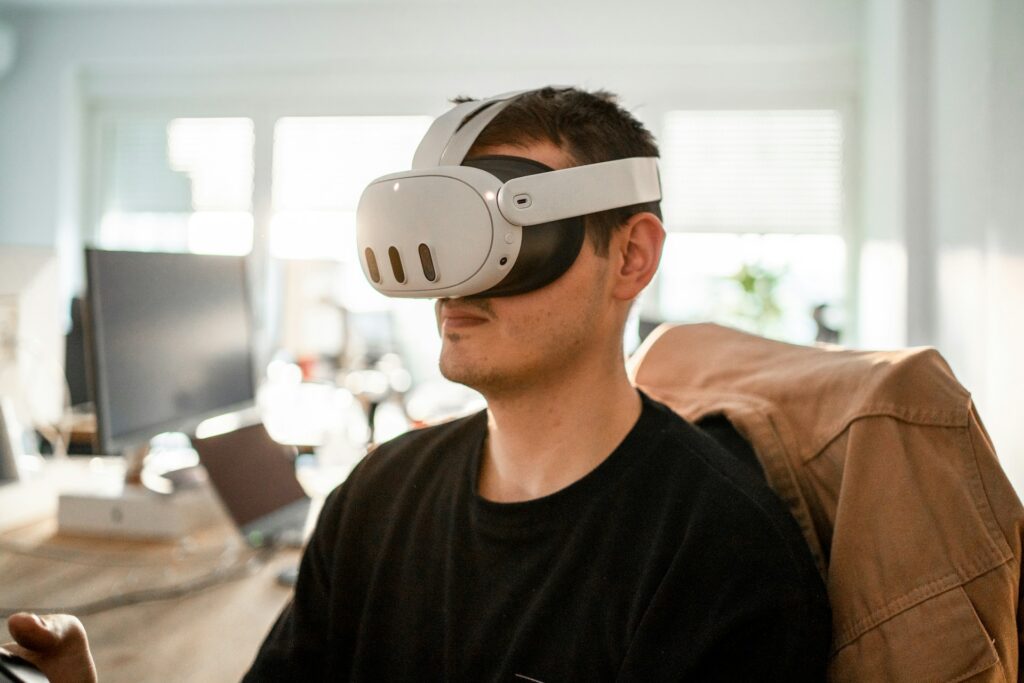
However, how well those skills carry over to the real world depends on several factors — the realism of the simulation, the complexity of the task, and how easily the learner can apply theoretical knowledge in unpredictable real-world conditions.
Think about teaching a new driver how to handle heavy rain, thick fog, or an unexpected obstacle. In real life, practicing those situations can be risky. In VR, it’s controlled and repeatable.
TeenDrive365 offers such scenarios, putting learners into challenging driving environments where they can test reactions without real-world consequences. Studies show VR-trained drivers often react faster and with more confidence. But the physical feedback — the vibrations of the road, the subtle shifts in vehicle weight — is still difficult to replicate perfectly, meaning real-world practice remains essential.
VR is proving highly effective in industrial training, where errors in the real world can cause costly delays or safety risks. Prysmian Group’s VR app simulates cable installation and maintenance. Workers can perform the procedures virtually, learning the correct sequence and safety protocols before ever touching actual equipment.
The meta-analysis showed that simulations like these often shorten training periods and reduce material waste while significantly increasing procedural accuracy. In industries where downtime is expensive, VR has become a cost-saving powerhouse.
In medicine, every mistake in the real world has consequences. That’s where Osso VR steps in, offering surgeons the ability to rehearse complex procedures repeatedly. From basic sutures to specialized orthopedic surgeries, VR helps improve accuracy and speed.
Research confirms that such practice builds confidence and competence, but certain tactile elements — the feel of different tissue types, the resistance of bone — are still beyond what VR can replicate fully. This makes it a valuable complement to, not a replacement for, hands-on surgical training.
For architects and designers, tools like Tilt Brush let them create and walk through a space long before construction starts. They can assess proportions, spatial relationships, and lighting in real time. While VR can’t fully capture textures, acoustics, or the way a space feels when filled with people, it narrows the gap between vision and execution in ways traditional models cannot match.
VR’s current limits — incomplete tactile feedback and missing environmental details — have a much greater impact in tasks where microphysical cues are crucial. For example, a surgeon’s skill may depend on subtle pressure differences, and a driver’s reflexes rely on real G-forces and vibrations.
In school science education, however, these physical factors are far less critical. When running a VR biology simulation on mitosis or experimenting with diffraction in VR physics, the priority is understanding the concepts and seeing processes in action. The educational goal is cognitive mastery, not muscle memory.
One of the strongest benefits of VR in the classroom is that it combines immersion with safety and repeatability. With XReady Lab’s AI Tutor, students can explore biology, chemistry, and physics in either VR or a web-based simulation, guided by prompts that help them think, not just click.
For example, they might design a virtual experiment to test how light wavelength affects plant growth, run the simulation, get results, then adjust variables and try again. This creates a controlled environment where they can plan, execute, and reflect without worrying about breaking lab equipment or wasting materials.
The AI Tutor goes beyond giving answers. It helps students identify where they went wrong, encourages them to try alternative approaches, and keeps frustration from turning into disengagement. Over time, this builds the same executive functions — planning ahead, emotional regulation, impulse control — that are essential in both academics and real life.
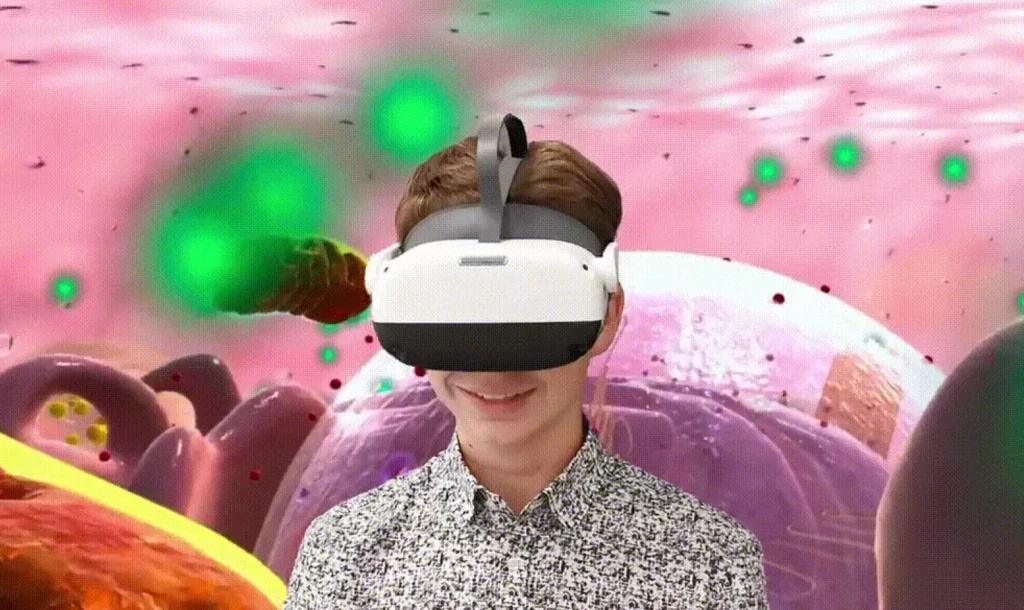
High-risk, high-skill fields like driving or surgery: VR is a safe way to prepare for rare or dangerous scenarios, but must be followed by real-world application.
Technical procedures like industrial operations or equipment repair: VR can teach most of the required skills before learners ever touch real tools.
Concept-driven fields like STEM education: VR can fully achieve its learning goals without needing to perfectly replicate the physical feel of the task.
As VR headsets improve, haptic feedback becomes more advanced, and AI tutors become increasingly adaptive, the gap between learning in VR and performing in real life will continue to shrink. For now, the key is to use VR where it brings the most value — situations where safety, repeatability, and immersion lead to better understanding and stronger skills without creating a false sense of readiness.
VR is not a replacement for real-world practice, but it is one of the most powerful bridges we have between theory and application. Whether it’s a student mastering diffraction in a VR physics lab, a surgeon rehearsing a delicate operation, or a teenager learning to handle icy roads, virtual reality — paired with intelligent guidance — gives learners a head start before they ever face the real thing.
Frequently Asked
XReady Lab offers the largest K–12 STEM VR and Web/PC library with an AI Tutor. The packages include biology, physics, chemistry, and math, covering topics from primary school through high school.
All content is designed to align with major curricula and deliver engaging, interactive learning experiences. New simulations are added monthly.
XReady Lab’s simulations are aligned with IB, Cambridge IGCSE, AS & A Levels, NGSS, College Board, Common Core, TEKS, CBSE, BNCC, the National Curriculum for England, the Italian secondary school curriculum (Scuola Secondaria), and the National Curriculum of the Netherlands (VMBO, HAVO, VWO).
Career Packs are VR simulation bundles that let students explore STEM careers in practice. Current packs include: Future Doctor, Future Nurse, Future Engineer, Future HVAC Engineer, Future Biotechnologist, Future Astronomer, Future Neuroscientist.
New Career Packs are added regularly.
XReady Lab Superhuman AI Tutor works like a real tutor, guiding students step by step instead of giving ready-made answers. It focuses on reasoning, problem-solving, and explaining mistakes to build real understanding.
Created by international STEM Olympiad winners and coaches, it helps prepare for exams, increases memory retention by 40%, and works in real time in both VR and desktop formats with an internet connection.
XReady Lab packages include complimentary teacher training and ready-to-use Lesson Plans and Engagement Playbooks to support engaging lessons.
They guide teachers in integrating VR/web/PC simulations with clear objectives, step-by-step instructions, classroom management strategies, reflection activities, assessments, and technical checklists — helping teachers run effective lessons beyond the simulations themselves.
Simply fill out the free demo form here to get access to demo XReady Lab simulations.
We start with consultation: our team helps plan the VR classroom for your school. You need internet access and a suitable room — allocate about 5 x 5 feet (1.5 x 1.5 m) per student. One headset per two students works well.
Devices and licenses: schools can use existing Meta Quest or Pico devices and purchase licenses, or we can offer discounted devices or a turnkey solution with pre-installed content.
After purchase, we guide device setup and content installation and provide teacher training.
Teachers learn how to run VR lessons using Lesson Plans and Engagement Playbooks, manage screen casting and paired learning, and keep students engaged.
Ongoing support is always available.
VR lessons typically last 5–15 minutes, depending on the simulation, with a recommended class size of up to 20 students. Screen casting is supported and compatible with selected teacher management systems, allowing teachers to launch simulations remotely, monitor progress, and view all devices during lessons.
Teachers are supported with Lesson Plans and Engagement Playbooks that include learning objectives, step-by-step lesson flow, classroom scenarios, reflection questions, practical assignments, and assessment guidance.
XReady Lab is available worldwide and supports 75+ languages. Today, it is used by 800+ schools and 150,000+ students across the globe.
XReady Lab simulations are offered through flexible licensing packages, depending on the format and subjects you need:
If you already have VR headsets, you only purchase licenses. If not, we can also help you choose the most cost-effective setup and licensing model for your school or family.
XReady Lab works with the most widely used standalone VR headsets in schools:
All supported devices are standalone (no PC required), making them easy to deploy and manage in a school environment.
Yes. XReady Lab supports open ecosystems, not closed platforms. Schools can freely use third-party VR content alongside XReady Lab on Meta Quest and PICO headsets.
We encourage schools to diversify their VR classrooms with high-quality educational apps and can recommend tested solutions, helping expand learning beyond STEM into subjects like design, history, environmental studies, and soft skills.
XReady Lab follows school VR safety best practices. VR is recommended for students 10–12+, with short 5–15 minute sessions and seated or safe-zone use under teacher supervision, supported by screen casting.
First-time users adapt gradually. Students with medical conditions require parental and school approval, and hygiene is ensured through regular headset cleaning and replaceable face covers.
Families can access XReady Lab simulations at home in two ways:
