


Q: We already have a good school, but there are better ones. Is it worth spending money on a transfer if my child likes their current school?
A: It depends. If your school has a toxic atmosphere, a weak academic level, or simply doesn’t fit your child’s interests, then yes – changing schools can be the right step. But if your child is doing well, has friends, and the school shows good results in university admissions, then maybe the right move is… not to move at all.
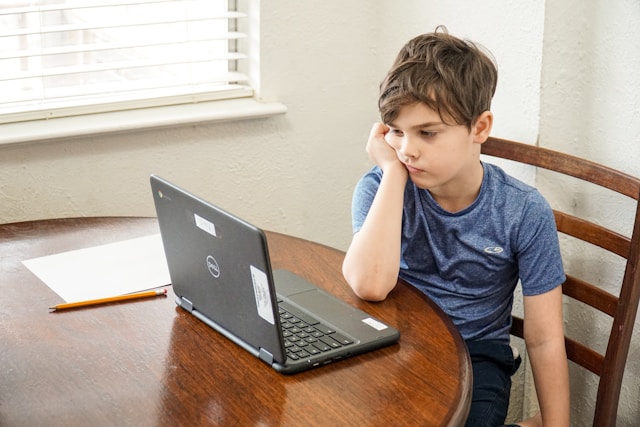
Parents are natural optimizers. We all want to give our children the best: the best teachers, the best program, the best chance for the future. But “best” is a slippery word.
Many families today are chasing rankings and reviews, thinking that a top-rated school automatically guarantees success. But school is not only about test scores. It’s a living environment that shapes self-esteem, friendships, and the way a child sees the world.
Before changing schools, it’s worth asking: what exactly do we want to improve?
If the answer is vague – “just a better reputation” – it might not be worth the cost, stress, and emotional risk of transferring.
There are cases where moving to another school really helps.
Low academic level. If your child is consistently bored, finishes homework in 10 minutes, and isn’t challenged enough, they may be outgrowing the environment.
Toxic atmosphere. Bullying, unfair teachers, constant stress – no ranking is worth this.
Mismatch of profile. If your child dreams of robotics or biology, but your school focuses on humanities, a transfer can open doors that were previously closed.
Strong motivation. If your child really wants to go to another school because of a specific teacher, program, or community – support that initiative.
A transfer can be a test of independence. Adapting to a new environment, meeting new people, managing the stress of change – all these experiences build resilience and self-confidence.

Sometimes, stability is underrated.
If your child loves going to school, has close friends, and feels comfortable – that’s already rare. Don’t break what works just because someone else says their school is “better.”
Your child is introverted or struggles socially. A new environment can feel like starting life over.
The new school is far away. Two hours of commuting daily will quickly kill motivation.
The culture doesn’t fit. A wealthy, competitive environment may sound appealing, but not every child thrives there.
One mother from Reddit shared:
“My son has best friends, great teachers, and a happy life. Moving him to a top school could give him better test prep, but it might wreck his mental health. Then his grades will tank anyway.”
And that’s a point many parents overlook. The best school on paper doesn’t mean the best school for your child.
Here’s the tricky part. The exact same reason can be both a pro and a con.
For example:
“If the child isn’t very social and finds it hard to make new friends…”
Argument for staying: They already have a circle of friends. Why risk loneliness and stress?
Argument for moving: That’s exactly why a transfer might help them grow and learn to adapt.
There’s no universal formula. It depends on what you value more right now – comfort or growth.
Educational psychologists often remind parents that stability in early and middle school years correlates with emotional well-being and confidence. But high-achieving students benefit from environments that challenge them – as long as support systems remain strong.
So the golden rule is balance: growth without trauma, challenge without burnout.
If your child is already curious, motivated, and supported at home, they can thrive anywhere – even in an average school. You don’t need the “top” one to raise a successful, happy human being.
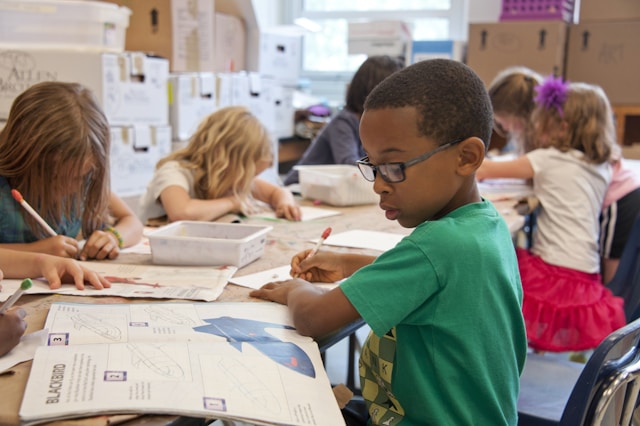
A mother from the U.S. described her dilemma online:
“My brother offered to move us into a wealthy district with the best public schools. But my son loves his current life – block parties, friends since kindergarten, a community that feels like home. I worry he’ll be bullied if we move. What should I do?”
One of the top comments said:
“Most kids won’t be the next math prodigy. But they’ll remember the good times with friends forever. If he’s happy and doing well, stay put.”
Another added:
“You can find enrichment opportunities anywhere – online programs, community colleges, summer camps. Don’t move unless something’s really broken.”
These stories remind us: every situation is unique. “Better” schools don’t guarantee better lives.
At XReady Lab, we build AI and VR tools that help children explore science through curiosity, not pressure.
And we see it in classrooms every day: when students feel safe, supported, and inspired, they learn faster.
A “best” school means little if a child wakes up anxious.
But a good school that supports curiosity, kindness, and confidence – that’s where real growth happens.
So if everything is “pretty good right now,” maybe that’s exactly what’s best.
There is no single answer.
Don’t let rankings, neighbors, or glossy brochures decide for you.
Think about your child’s personality, emotional comfort, and how they see themselves in the world.
Sometimes the bravest decision isn’t moving to the best school.
It’s staying where your child is already happy – and helping them grow from there.
Q: What if my child is doing well but wants to transfer?
A: Talk it through. If they’re motivated by a real goal – a specific program or teacher – support them. If it’s just curiosity or peer pressure, take time to reflect.
Q: Does a top school really improve university chances?
A: Only slightly. Admission officers care more about grades, extracurriculars, and motivation than school ranking.
Q: How can I enrich my child’s education without changing schools?
A: Look for online courses, summer science programs, or tools like XReady Lab’s VR labs to supplement learning without uprooting your life.
Frequently Asked
XReady Lab offers the largest K–12 STEM VR and Web/PC library with an AI Tutor. The packages include biology, physics, chemistry, and math, covering topics from primary school through high school.
All content is designed to align with major curricula and deliver engaging, interactive learning experiences. New simulations are added monthly.
XReady Lab’s simulations are aligned with IB, Cambridge IGCSE, AS & A Levels, NGSS, College Board, Common Core, TEKS, CBSE, BNCC, the National Curriculum for England, the Italian secondary school curriculum (Scuola Secondaria), and the National Curriculum of the Netherlands (VMBO, HAVO, VWO).
Career Packs are VR simulation bundles that let students explore STEM careers in practice. Current packs include: Future Doctor, Future Nurse, Future Engineer, Future HVAC Engineer, Future Biotechnologist, Future Astronomer, Future Neuroscientist.
New Career Packs are added regularly.
XReady Lab Superhuman AI Tutor works like a real tutor, guiding students step by step instead of giving ready-made answers. It focuses on reasoning, problem-solving, and explaining mistakes to build real understanding.
Created by international STEM Olympiad winners and coaches, it helps prepare for exams, increases memory retention by 40%, and works in real time in both VR and desktop formats with an internet connection.
XReady Lab packages include complimentary teacher training and ready-to-use Lesson Plans and Engagement Playbooks to support engaging lessons.
They guide teachers in integrating VR/web/PC simulations with clear objectives, step-by-step instructions, classroom management strategies, reflection activities, assessments, and technical checklists — helping teachers run effective lessons beyond the simulations themselves.
Simply fill out the free demo form here to get access to demo XReady Lab simulations.
We start with consultation: our team helps plan the VR classroom for your school. You need internet access and a suitable room — allocate about 5 x 5 feet (1.5 x 1.5 m) per student. One headset per two students works well.
Devices and licenses: schools can use existing Meta Quest or Pico devices and purchase licenses, or we can offer discounted devices or a turnkey solution with pre-installed content.
After purchase, we guide device setup and content installation and provide teacher training.
Teachers learn how to run VR lessons using Lesson Plans and Engagement Playbooks, manage screen casting and paired learning, and keep students engaged.
Ongoing support is always available.
VR lessons typically last 5–15 minutes, depending on the simulation, with a recommended class size of up to 20 students. Screen casting is supported and compatible with selected teacher management systems, allowing teachers to launch simulations remotely, monitor progress, and view all devices during lessons.
Teachers are supported with Lesson Plans and Engagement Playbooks that include learning objectives, step-by-step lesson flow, classroom scenarios, reflection questions, practical assignments, and assessment guidance.
XReady Lab is available worldwide and supports 75+ languages. Today, it is used by 800+ schools and 150,000+ students across the globe.
XReady Lab simulations are offered through flexible licensing packages, depending on the format and subjects you need:
If you already have VR headsets, you only purchase licenses. If not, we can also help you choose the most cost-effective setup and licensing model for your school or family.
XReady Lab works with the most widely used standalone VR headsets in schools:
All supported devices are standalone (no PC required), making them easy to deploy and manage in a school environment.
Yes. XReady Lab supports open ecosystems, not closed platforms. Schools can freely use third-party VR content alongside XReady Lab on Meta Quest and PICO headsets.
We encourage schools to diversify their VR classrooms with high-quality educational apps and can recommend tested solutions, helping expand learning beyond STEM into subjects like design, history, environmental studies, and soft skills.
XReady Lab follows school VR safety best practices. VR is recommended for students 10–12+, with short 5–15 minute sessions and seated or safe-zone use under teacher supervision, supported by screen casting.
First-time users adapt gradually. Students with medical conditions require parental and school approval, and hygiene is ensured through regular headset cleaning and replaceable face covers.
Families can access XReady Lab simulations at home in two ways:
