


Q: What VR device should I get for my kid? I want them to have fun, but also actually learn something useful.
It’s a question many parents are asking in 2025. VR headsets are no longer futuristic toys – they’ve quietly become part of how kids play, explore, and even study. But the line between entertainment and education in VR is thin.
You want your child to have fun, but you also want them to learn something meaningful. The good news is that both goals can fit into one headset – if you choose wisely.
Below is a detailed guide written by XReady Lab experts who work with schools every day and know exactly which devices and apps turn VR from a distraction into a discovery tool.
For children, VR is an adventure. They can visit Mars, dive into the ocean, or build molecules in a few clicks. Most parents see this and immediately worry: isn’t it all just games?
Not necessarily. The best modern VR headsets come with libraries full of educational experiences created by real teachers and scientists. The same headset that can run Beat Saber can also run a biology simulation or an interactive chemistry lab.
The key is what content you install – and which device supports it best.
If your goal is to make VR more than a gaming toy, look at the devices schools use for science and STEM classes. These headsets are chosen by educators for a reason:
They are lightweight and safe for long use.
They support curriculum-aligned educational apps.
They’re wireless, so children can move freely and safely.
And most importantly, they already have access to trusted learning platforms like XReady Lab, Futuclass, and VictoryXR.
So if schools are using them to teach real lessons, it’s a good sign that your child can use the same technology at home for both fun and learning.
These are currently the most universal and reliable headsets for family use. Affordable, comfortable, and wireless, they work without a PC and have the largest educational content library.
They’re used by many schools globally because they’re easy to manage and have long-term support from Meta’s education ecosystem. You’ll find hundreds of apps designed specifically for science, history, and creative learning.
A close alternative to the Meta Quest line. Slightly lighter, great visual quality, and also compatible with major educational platforms. Some schools in Europe use Pico 4 as their main VR system because of its price-to-performance ratio.
More expensive, but great for advanced students or families who want top quality. Usually found in STEM centers or universities. Not essential for home use, but if you want premium comfort and resolution, this one delivers.
If you want your child to learn while exploring, these are three proven educational platforms every parent should know.
Subjects: Biology, chemistry, and physics.
Why it matters: Kids don’t just read about science – they do it. Inside XReady Lab simulations, they can explore molecular processes, watch mitosis unfold, or travel through the human body in VR.
These simulations are part of school curriculums in multiple countries and are used by teachers for actual lessons. The same content can be accessed at home for self-learning.
👉 Explore XReady Lab’s modules
Subject: Biology
Why it matters: A fully realistic, step-by-step frog dissection lesson, but without any real animals. Students use virtual tools, follow biological procedures, and get instant visual feedback.
This app is frequently recommended by schools for students aged 12 and older. It’s also one of the top-rated science titles on the Meta Store.
👉 See on Meta Store
Subjects: Chemistry and physics.
Why it matters: Futuclass transforms complex formulas into visual experiments. Students can simulate reactions, adjust variables, and immediately see outcomes. It’s safe, hands-on learning at home.
Each lab is built around real curriculum topics, from gas laws to acids and bases.
👉 Available in Meta Store
If you want a full list of VR games and programs that balance fun and education, explore our complete guide here:
👉 Top Educational VR Games for 2025
This list includes everything from language-learning apps to anatomy simulators and space exploration tools. Each one has been reviewed for classroom and home use.
VR learning is effective because it combines motion, interaction, and emotion.
When children move their hands, observe a process, and feel immersed, their memory retention increases dramatically.
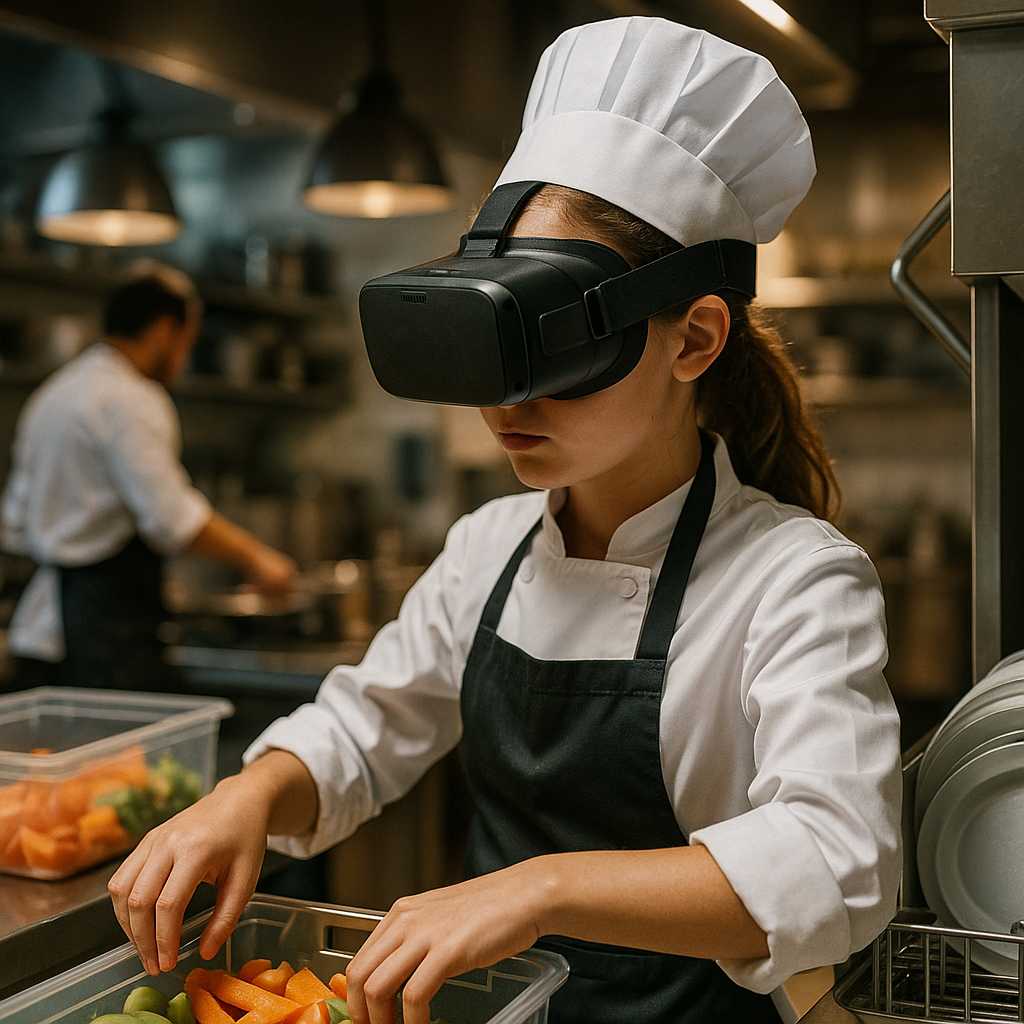
Studies show that students remember up to 40 percent more after using immersive simulations compared to reading or watching videos. And motivation grows, too – even students who used to lose focus in traditional lessons show higher engagement in VR.
But more importantly, VR learning helps kids see the real-world relevance of what they study. They stop memorizing formulas and start understanding how things work.
Go wireless. Headsets like Meta Quest 3, Quest 2, or Pico 4 are safer and more comfortable. No cables means more freedom to explore, move, and interact naturally.
Check for parental controls. Every major VR system now allows parents to restrict app access and time spent.
Focus on comfort. Look for adjustable straps, lighter designs, and proper eye distance.
Explore before buying. Test headsets in local tech stores to see which one fits your child best.
Schools have already realized that VR is not just a trend – it’s the next step in visual, experiential education. Thousands of classrooms now use VR for science and history. And parents are catching up, bringing that experience home.
When the same device is used both at home and in school, learning doesn’t stop after the bell rings. It continues naturally, through curiosity.
That’s why XReady Lab and other EdTech companies focus on making VR apps available on consumer headsets like Meta Quest. It helps bridge the gap between classroom and living room.
If your child is asking for a VR headset, don’t rush to say no. The right device can be both a playground and a classroom.
Start with what educators trust – Meta Quest 3, Quest 2, or Pico 4.
And most importantly, guide your child not just to play, but to explore, imagine, and learn.
Because the best VR isn’t about escaping reality. It’s about understanding it more deeply.
Frequently Asked
XReady Lab offers the largest K–12 STEM VR and Web/PC library with an AI Tutor. The packages include biology, physics, chemistry, and math, covering topics from primary school through high school.
All content is designed to align with major curricula and deliver engaging, interactive learning experiences. New simulations are added monthly.
XReady Lab’s simulations are aligned with IB, Cambridge IGCSE, AS & A Levels, NGSS, College Board, Common Core, TEKS, CBSE, BNCC, the National Curriculum for England, the Italian secondary school curriculum (Scuola Secondaria), and the National Curriculum of the Netherlands (VMBO, HAVO, VWO).
Career Packs are VR simulation bundles that let students explore STEM careers in practice. Current packs include: Future Doctor, Future Nurse, Future Engineer, Future HVAC Engineer, Future Biotechnologist, Future Astronomer, Future Neuroscientist.
New Career Packs are added regularly.
XReady Lab Superhuman AI Tutor works like a real tutor, guiding students step by step instead of giving ready-made answers. It focuses on reasoning, problem-solving, and explaining mistakes to build real understanding.
Created by international STEM Olympiad winners and coaches, it helps prepare for exams, increases memory retention by 40%, and works in real time in both VR and desktop formats with an internet connection.
XReady Lab packages include complimentary teacher training and ready-to-use Lesson Plans and Engagement Playbooks to support engaging lessons.
They guide teachers in integrating VR/web/PC simulations with clear objectives, step-by-step instructions, classroom management strategies, reflection activities, assessments, and technical checklists — helping teachers run effective lessons beyond the simulations themselves.
Simply fill out the free demo form here to get access to demo XReady Lab simulations.
We start with consultation: our team helps plan the VR classroom for your school. You need internet access and a suitable room — allocate about 5 x 5 feet (1.5 x 1.5 m) per student. One headset per two students works well.
Devices and licenses: schools can use existing Meta Quest or Pico devices and purchase licenses, or we can offer discounted devices or a turnkey solution with pre-installed content.
After purchase, we guide device setup and content installation and provide teacher training.
Teachers learn how to run VR lessons using Lesson Plans and Engagement Playbooks, manage screen casting and paired learning, and keep students engaged.
Ongoing support is always available.
VR lessons typically last 5–15 minutes, depending on the simulation, with a recommended class size of up to 20 students. Screen casting is supported and compatible with selected teacher management systems, allowing teachers to launch simulations remotely, monitor progress, and view all devices during lessons.
Teachers are supported with Lesson Plans and Engagement Playbooks that include learning objectives, step-by-step lesson flow, classroom scenarios, reflection questions, practical assignments, and assessment guidance.
XReady Lab is available worldwide and supports 75+ languages. Today, it is used by 800+ schools and 150,000+ students across the globe.
XReady Lab simulations are offered through flexible licensing packages, depending on the format and subjects you need:
If you already have VR headsets, you only purchase licenses. If not, we can also help you choose the most cost-effective setup and licensing model for your school or family.
XReady Lab works with the most widely used standalone VR headsets in schools:
All supported devices are standalone (no PC required), making them easy to deploy and manage in a school environment.
Yes. XReady Lab supports open ecosystems, not closed platforms. Schools can freely use third-party VR content alongside XReady Lab on Meta Quest and PICO headsets.
We encourage schools to diversify their VR classrooms with high-quality educational apps and can recommend tested solutions, helping expand learning beyond STEM into subjects like design, history, environmental studies, and soft skills.
XReady Lab follows school VR safety best practices. VR is recommended for students 10–12+, with short 5–15 minute sessions and seated or safe-zone use under teacher supervision, supported by screen casting.
First-time users adapt gradually. Students with medical conditions require parental and school approval, and hygiene is ensured through regular headset cleaning and replaceable face covers.
Families can access XReady Lab simulations at home in two ways:
