


If you’ve ever walked into a classroom where the energy feels tense, you know that even the best lesson plan won’t work unless the atmosphere is right. The truth is simple: students learn better when they feel safe, respected, and noticed.
But how do you actually create that kind of environment? Rules alone won’t do it. You can’t force kindness. What you can do is make positivity a habit – something that becomes part of your classroom’s daily rhythm.
Here are some creative, real-world ideas that teachers use to build a healthy, supportive classroom culture in 2025.
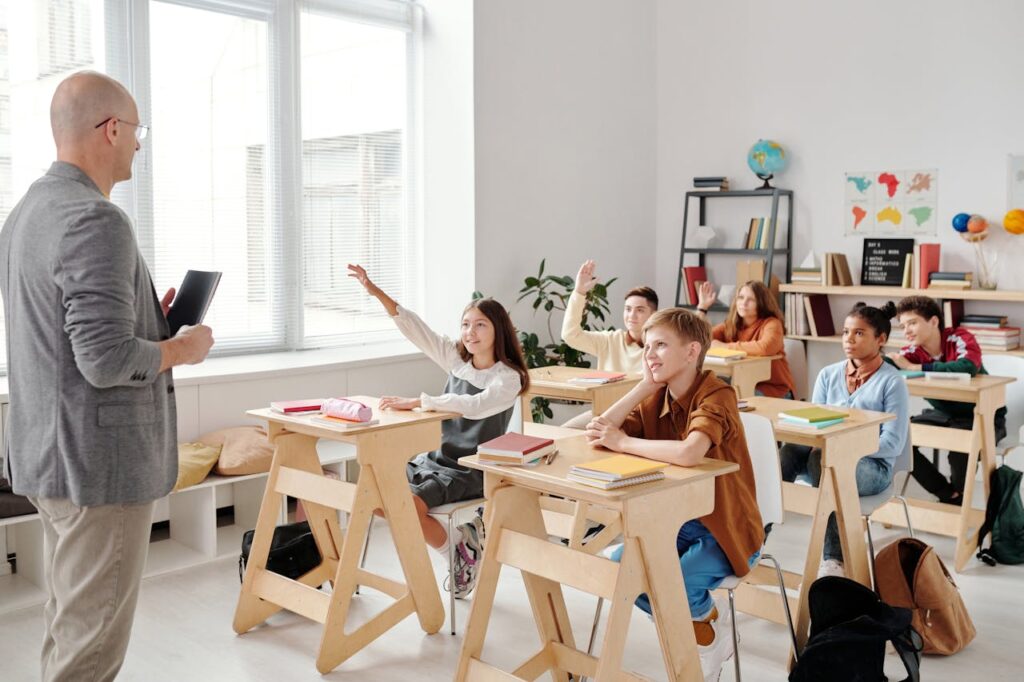
Once a week, gather the class in a circle and let each student share one positive thing about another classmate. It doesn’t have to be big – it can be “you helped me understand the math problem” or “you’re always kind during group work.”
By the end of the session, everyone has heard something good about themselves. You’ll see how quickly this simple ritual changes the atmosphere. Students start noticing kindness in others, and that awareness spills into the rest of the week.
At the start of each week, draw a “mission card.” Each card contains a small challenge connected to empathy or teamwork.
For example:
“Help someone who forgot their homework.”
“Invite a quiet classmate to join your group.”
“Write a thank-you note to your teacher or a friend.”
Students love it when the missions sound a bit like a game. You can even create a “Good Deed Wall” where they post what they’ve completed anonymously. By Friday, you’ll see the difference in how they treat each other.
Keep a transparent jar on your desk. Whenever someone notices a kind action – helping, sharing, encouraging – they write it on a small note and drop it in.
At the end of the month, read the notes aloud (without names). The jar becomes a visual reminder that kindness is constant, not rare.
This works especially well with middle-schoolers, who often crave recognition but rarely get it for small, quiet acts.

Once a week, set aside five minutes for a reflection. Students write one short note that starts with:
“Today I noticed…”
It could be about themselves, their classmates, or the day in general.
Examples:
“Today I noticed that I didn’t give up even though the task was hard.”
“Today I noticed that Alex helped Mia with her presentation.”
You’ll be surprised how many students start paying attention to positive details – not just grades or mistakes.
Music can shape mood faster than words. Ask students to submit songs that make them feel confident, calm, or happy (no lyrics with negativity). Use the playlist during creative projects or relaxed moments before class starts.
When students hear “their” songs in class, it builds connection. And when everyone’s songs are there, it sends a subtle message: every voice matters.
Mondays are tough for everyone. Make them lighter with a five-minute ritual where students share one good thing from the weekend or one thing they’re looking forward to.
It doesn’t have to be deep – even small joys count. “I had pancakes,” “I finished a book,” or “I played football with my cousin.” The goal is to remind everyone that positivity exists before the first bell even rings.
Give each student a small space on a corkboard or whiteboard where they can pin thank-you notes, doodles, or photos. Encourage them to update it every few weeks.
Over time, the wall becomes a snapshot of shared experiences – a living record of kindness, effort, and connection.
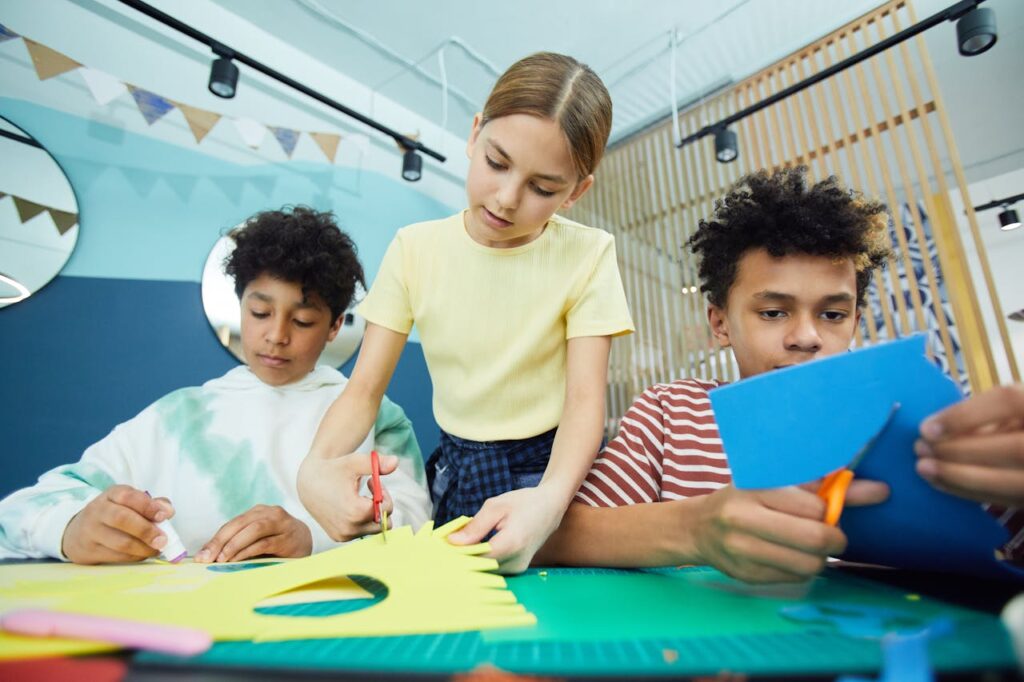
Every month, let students write one anonymous compliment card to a classmate. It could be something like:
“You always make group projects fun.”
“You’re really improving in math – keep going!”
“You have the best ideas during discussions.”
Distribute the cards at the end of the week. The smiles are worth it.
Ask each student to describe their week in a single word – then explain why. Words like “busy,” “fun,” “stressful,” “teamwork” often open the door to short but meaningful discussions about feelings and goals.
This exercise helps develop emotional vocabulary, which many students struggle with. Over time, it builds empathy as they learn to see things from each other’s perspective.
Instead of writing rules at the start of the year, co-create a values code together.
Ask:
What makes us feel respected?
What kind of class do we want to be?
How do we solve conflicts?
When students participate in defining the culture, they feel responsible for maintaining it. It’s no longer “the teacher’s rules.” It’s our rules.
All these ideas have one thing in common: they turn kindness into a system, not a speech.
You can’t tell students “be kind” and expect it to stick. You have to make kindness visible, measurable, and repeatable.
When a class has a shared rhythm of appreciation, gratitude, and humor, it becomes self-sustaining. Students remind each other, not just the teacher.
And the result?
Less stress. More trust. Better learning.
Because a positive classroom culture isn’t decoration – it’s the foundation for everything that follows.
Frequently Asked
XReady Lab offers the largest K–12 STEM VR and Web/PC library with an AI Tutor. The packages include biology, physics, chemistry, and math, covering topics from primary school through high school.
All content is designed to align with major curricula and deliver engaging, interactive learning experiences. New simulations are added monthly.
XReady Lab’s simulations are aligned with IB, Cambridge IGCSE, AS & A Levels, NGSS, College Board, Common Core, TEKS, CBSE, BNCC, the National Curriculum for England, the Italian secondary school curriculum (Scuola Secondaria), and the National Curriculum of the Netherlands (VMBO, HAVO, VWO).
Career Packs are VR simulation bundles that let students explore STEM careers in practice. Current packs include: Future Doctor, Future Nurse, Future Engineer, Future HVAC Engineer, Future Biotechnologist, Future Astronomer, Future Neuroscientist.
New Career Packs are added regularly.
XReady Lab Superhuman AI Tutor works like a real tutor, guiding students step by step instead of giving ready-made answers. It focuses on reasoning, problem-solving, and explaining mistakes to build real understanding.
Created by international STEM Olympiad winners and coaches, it helps prepare for exams, increases memory retention by 40%, and works in real time in both VR and desktop formats with an internet connection.
XReady Lab packages include complimentary teacher training and ready-to-use Lesson Plans and Engagement Playbooks to support engaging lessons.
They guide teachers in integrating VR/web/PC simulations with clear objectives, step-by-step instructions, classroom management strategies, reflection activities, assessments, and technical checklists — helping teachers run effective lessons beyond the simulations themselves.
Simply fill out the free demo form here to get access to demo XReady Lab simulations.
We start with consultation: our team helps plan the VR classroom for your school. You need internet access and a suitable room — allocate about 5 x 5 feet (1.5 x 1.5 m) per student. One headset per two students works well.
Devices and licenses: schools can use existing Meta Quest or Pico devices and purchase licenses, or we can offer discounted devices or a turnkey solution with pre-installed content.
After purchase, we guide device setup and content installation and provide teacher training.
Teachers learn how to run VR lessons using Lesson Plans and Engagement Playbooks, manage screen casting and paired learning, and keep students engaged.
Ongoing support is always available.
VR lessons typically last 5–15 minutes, depending on the simulation, with a recommended class size of up to 20 students. Screen casting is supported and compatible with selected teacher management systems, allowing teachers to launch simulations remotely, monitor progress, and view all devices during lessons.
Teachers are supported with Lesson Plans and Engagement Playbooks that include learning objectives, step-by-step lesson flow, classroom scenarios, reflection questions, practical assignments, and assessment guidance.
XReady Lab is available worldwide and supports 75+ languages. Today, it is used by 800+ schools and 150,000+ students across the globe.
XReady Lab simulations are offered through flexible licensing packages, depending on the format and subjects you need:
If you already have VR headsets, you only purchase licenses. If not, we can also help you choose the most cost-effective setup and licensing model for your school or family.
XReady Lab works with the most widely used standalone VR headsets in schools:
All supported devices are standalone (no PC required), making them easy to deploy and manage in a school environment.
Yes. XReady Lab supports open ecosystems, not closed platforms. Schools can freely use third-party VR content alongside XReady Lab on Meta Quest and PICO headsets.
We encourage schools to diversify their VR classrooms with high-quality educational apps and can recommend tested solutions, helping expand learning beyond STEM into subjects like design, history, environmental studies, and soft skills.
XReady Lab follows school VR safety best practices. VR is recommended for students 10–12+, with short 5–15 minute sessions and seated or safe-zone use under teacher supervision, supported by screen casting.
First-time users adapt gradually. Students with medical conditions require parental and school approval, and hygiene is ensured through regular headset cleaning and replaceable face covers.
Families can access XReady Lab simulations at home in two ways:
