


The job market rewrites itself every year. Kids who once dreamed of becoming drone pilots or crypto-analysts may find those roles obsolete by the time they graduate, while brand-new titles—metaverse architect, VR-content ethicist—appear out of nowhere. Schools struggle to update fast enough, but one lesson never expires: strong communication. When students can speak with clarity, listen with empathy, and debate from any angle, they thrive no matter how the economy shifts.
Soft-skills are practical tools—public speaking, active listening, clear writing—that you can train through repetition. Meta-skills are deeper traits—adaptability, resilience, curiosity—that power every other ability. Picture meta-skills as an operating system and soft-skills as the apps. Upgrade the OS, and every app runs smoother. In the classroom, that means pairing debate drills (soft) with reflection exercises that build open-mindedness (meta).
Slides and worksheets rarely demand real-time argument. Teacher-led monologues give one-direction feedback, while modern employers expect rapid dialogue and agile thinking. Curricula updated every few years can’t keep pace with biotech break-throughs or AI-driven roles, yet persuasive language remains evergreen.
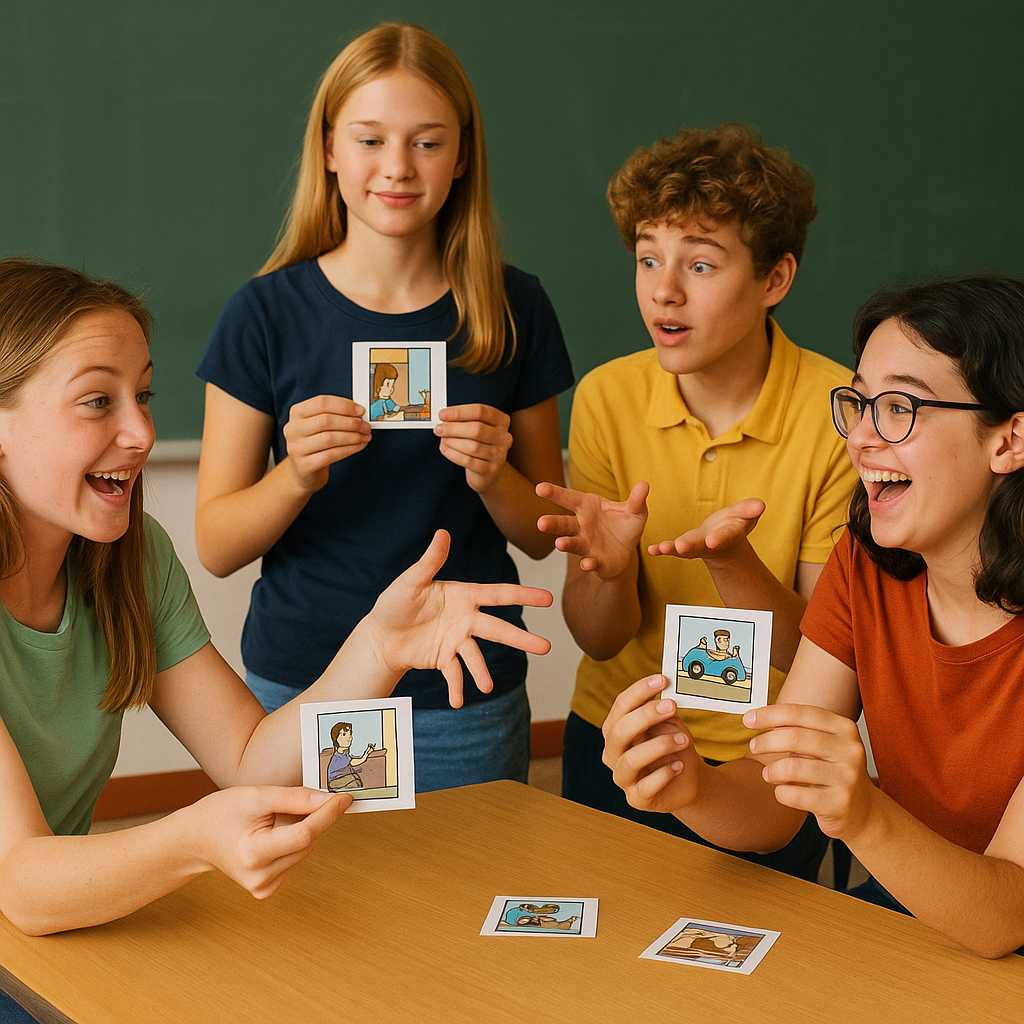
On day one of a new class—or the first session of a summer camp—hand each team a deck of visual story cards that together depict a single narrative (for example, a dog’s adventurous journey home). Shuffle and deal one card per student; no one shows their image.
Objective:
Using blind verbal descriptions only (no peeking, no gestures), teammates must:
Identify who holds the opening scene.
Re-create the entire sequence in correct chronological order.
Physically line up in that order before any card is revealed.
Why It Works:
Communication skills: Learners practise concise, vivid language to describe what they see.
Active listening: Success hinges on catching small details from peers.
Leadership & role allocation: Natural facilitators emerge to organise discussion, but every voice matters.
Collaborative logic: Players piece together gaps, test hypotheses, and adapt quickly.
Facilitator’s Role:
Observe without intervening, then lead a five-minute reflection: What communication tactics were most helpful? Who stepped into a leadership role and how? Which moments caused confusion, and what strategies resolved it?
No special deck? Craft your own by:
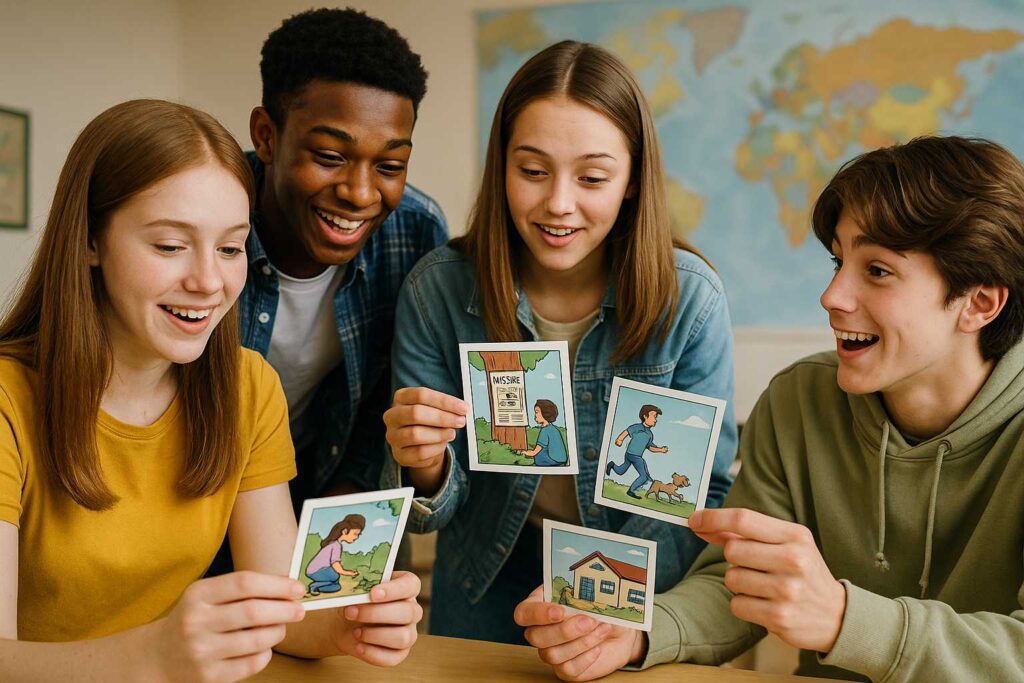
Printing screenshots from a short comic strip.
Dividing a single infographic into numbered but unlabelled panels.
Inviting students to draw scenes from a familiar tale, then shuffling and exchanging the artwork.
The entire exercise fits a 20-minute block, supercharges classroom rapport, and lays the groundwork for deeper debate activities throughout the term.
By embedding debate into core content, teachers reinforce subject knowledge while sharpening communication.

A single VR-classroom session drops students into a digital court-room or UN assembly hall, tracking tone, timing, and body language. Shy learners rehearse speeches privately; extroverts refine pacing. Because the environment feels authentic, adrenaline rises—improving retention—while the headset’s safe space reduces social anxiety.
Schools that embed weekly debate games report:
Interactive-classroom activities, especially those powered by VR-learning platforms from innovators like XReady Lab, convert theory into practice and build confidence that transcends any single profession.
Start with a five-minute debate warm-up each Monday. Rotate roles—moderator, summariser—to expose everyone to varied speaking challenges. Record sessions for self-review, then expand into inter-class tournaments. The goal: turn persuasive communication from a rare assignment into an everyday habit.
Coding languages evolve and software versions sunset, but clear speech and empathetic listening never go out of style. Weave debate games, role reversals, and immersive tech into daily lessons now, and you’ll equip Gen-Alpha students with a communication superpower ready for every career curveball ahead.
Frequently Asked
XReady Lab offers the largest K–12 STEM VR and Web/PC library with an AI Tutor. The packages include biology, physics, chemistry, and math, covering topics from primary school through high school.
All content is designed to align with major curricula and deliver engaging, interactive learning experiences. New simulations are added monthly.
XReady Lab’s simulations are aligned with IB, Cambridge IGCSE, AS & A Levels, NGSS, College Board, Common Core, TEKS, CBSE, BNCC, the National Curriculum for England, the Italian secondary school curriculum (Scuola Secondaria), and the National Curriculum of the Netherlands (VMBO, HAVO, VWO).
Career Packs are VR simulation bundles that let students explore STEM careers in practice. Current packs include: Future Doctor, Future Nurse, Future Engineer, Future HVAC Engineer, Future Biotechnologist, Future Astronomer, Future Neuroscientist.
New Career Packs are added regularly.
XReady Lab Superhuman AI Tutor works like a real tutor, guiding students step by step instead of giving ready-made answers. It focuses on reasoning, problem-solving, and explaining mistakes to build real understanding.
Created by international STEM Olympiad winners and coaches, it helps prepare for exams, increases memory retention by 40%, and works in real time in both VR and desktop formats with an internet connection.
XReady Lab packages include complimentary teacher training and ready-to-use Lesson Plans and Engagement Playbooks to support engaging lessons.
They guide teachers in integrating VR/web/PC simulations with clear objectives, step-by-step instructions, classroom management strategies, reflection activities, assessments, and technical checklists — helping teachers run effective lessons beyond the simulations themselves.
Simply fill out the free demo form here to get access to demo XReady Lab simulations.
We start with consultation: our team helps plan the VR classroom for your school. You need internet access and a suitable room — allocate about 5 x 5 feet (1.5 x 1.5 m) per student. One headset per two students works well.
Devices and licenses: schools can use existing Meta Quest or Pico devices and purchase licenses, or we can offer discounted devices or a turnkey solution with pre-installed content.
After purchase, we guide device setup and content installation and provide teacher training.
Teachers learn how to run VR lessons using Lesson Plans and Engagement Playbooks, manage screen casting and paired learning, and keep students engaged.
Ongoing support is always available.
VR lessons typically last 5–15 minutes, depending on the simulation, with a recommended class size of up to 20 students. Screen casting is supported and compatible with selected teacher management systems, allowing teachers to launch simulations remotely, monitor progress, and view all devices during lessons.
Teachers are supported with Lesson Plans and Engagement Playbooks that include learning objectives, step-by-step lesson flow, classroom scenarios, reflection questions, practical assignments, and assessment guidance.
XReady Lab is available worldwide and supports 75+ languages. Today, it is used by 800+ schools and 150,000+ students across the globe.
XReady Lab simulations are offered through flexible licensing packages, depending on the format and subjects you need:
If you already have VR headsets, you only purchase licenses. If not, we can also help you choose the most cost-effective setup and licensing model for your school or family.
XReady Lab works with the most widely used standalone VR headsets in schools:
All supported devices are standalone (no PC required), making them easy to deploy and manage in a school environment.
Yes. XReady Lab supports open ecosystems, not closed platforms. Schools can freely use third-party VR content alongside XReady Lab on Meta Quest and PICO headsets.
We encourage schools to diversify their VR classrooms with high-quality educational apps and can recommend tested solutions, helping expand learning beyond STEM into subjects like design, history, environmental studies, and soft skills.
XReady Lab follows school VR safety best practices. VR is recommended for students 10–12+, with short 5–15 minute sessions and seated or safe-zone use under teacher supervision, supported by screen casting.
First-time users adapt gradually. Students with medical conditions require parental and school approval, and hygiene is ensured through regular headset cleaning and replaceable face covers.
Families can access XReady Lab simulations at home in two ways:
