


Parents and teachers keep asking: Why don’t kids want to learn?
The answers are rarely simple. It’s not because children have become lazier or less intelligent. The real issue lies deeper – we are often teaching them with methods that worked for us, but not for them.
Let’s take a step back and look at how different generations learned, what shaped them, and why these differences matter more than ever.
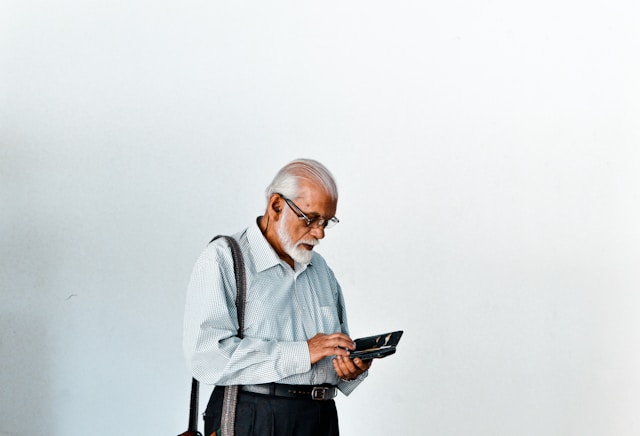
Let’s start with those who are now in their 60s and 70s – the late Baby Boomers.
Their education was built around discipline, authority, and routine.
Classrooms were quiet. The teacher spoke, the students listened. Memorization was key, not discussion. Knowledge came from books and encyclopedias – and you had to earn it through effort, not instant access.
For Boomers, success meant consistency: doing homework every evening, writing essays by hand, and respecting authority without question.
That system worked in its time. It built patience and attention – skills that many young people now struggle with. But it also taught conformity, not creativity. Those who didn’t fit the “standard student mold” often felt left out.
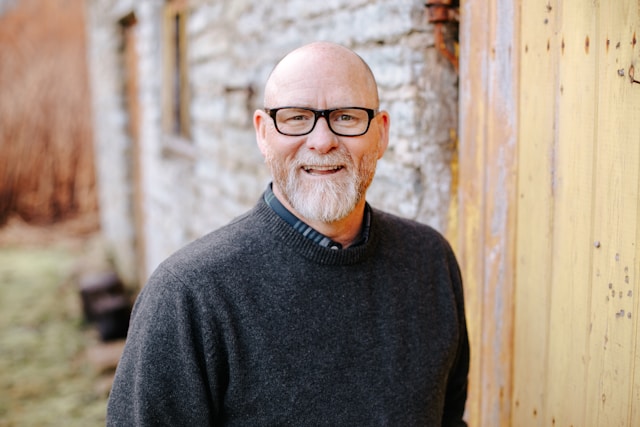
Born roughly between 1965 and 1980, Gen X students saw the world shift.
They had televisions at home, cassette players, and the first computers in schools. The traditional system was still there, but cracks began to show.
Gen X started asking why things had to be done in one specific way. They were the first to experience standardized testing and the beginnings of educational pressure tied to competition.
Learning was still analog – textbooks, notes, and long lectures – but technology was slowly entering the classroom. The generation learned patience, adaptability, and skepticism. But even they were mostly taught in a one-size-fits-all format.
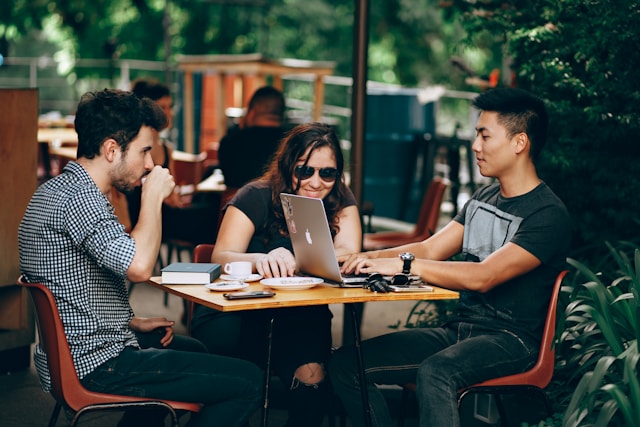
Then came the Millennials – born from the early 1980s to the mid-1990s.
This generation grew up at the crossroads of offline and online life. They learned with the first digital tools – PowerPoint lessons, Google searches, and the rise of educational games.
They were the first to use the internet for projects, research, and self-learning. But the system didn’t fully catch up. Schools still demanded handwritten notes and long reading lists, even when new technology offered faster, more visual ways to learn.
Millennials learned to multitask. They listened to music while studying and used the internet to fill gaps that school left unanswered. But that came with a price – attention spans shortened, and information overload became normal.
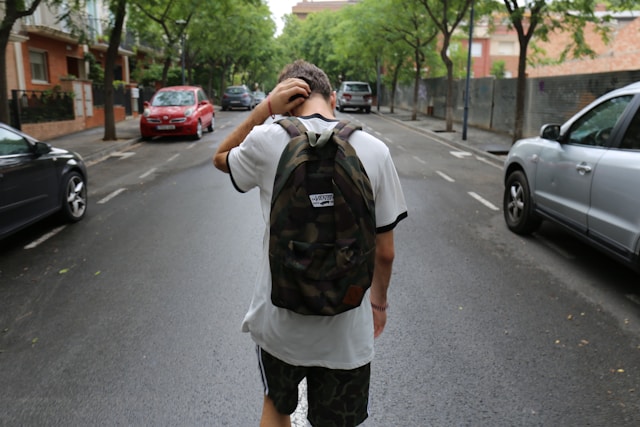
Born from the late 1990s to around 2010, Gen Z was the first generation fully immersed in the internet from early childhood.
They didn’t learn how to use technology – they were born into it. They consume information visually, prefer videos over texts, and learn through doing rather than listening.
The problem? Many schools still teach Gen Z like it’s 1985. Long lectures, slow pacing, rigid memorization – all of this feels outdated and painfully slow to them.
For Gen Z, engagement is everything. They learn best through interactivity, gamified tasks, and instant feedback. When teaching lacks these elements, they disconnect.
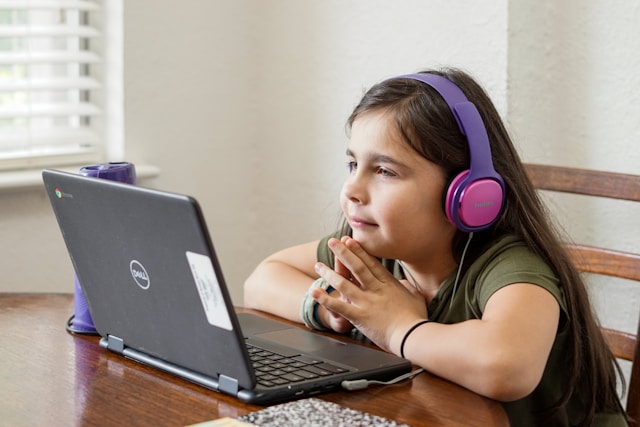
And now we reach the youngest generation – Generation Alpha, born from 2010 onward. These are the children growing up right now – the ones sitting in classrooms with tablets, not notebooks.
Their world is different. They live in a globalized environment where they can talk to a kid in Japan, play online games with friends in Spain, and learn science from a YouTube channel hosted in Singapore.
They are curious, visual, and used to instant answers. Their world is filled with simulation, video, and immersion.
But here’s the paradox:
Our educational system often treats them like they’re still living in the world of chalkboards and silence.
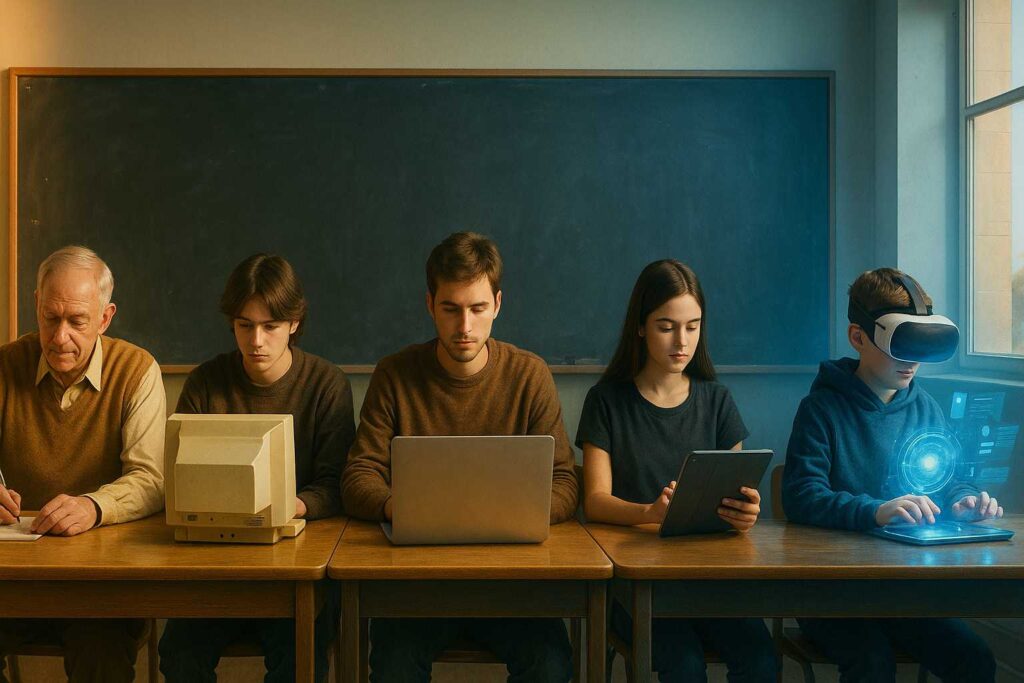
Every generation learns differently because their brains adapt to the tools around them.
Boomers grew up with books. Gen X with early computers. Millennials with Google. Gen Z with social media. Gen Alpha with AI.
So, when teachers expect Gen Alpha to sit quietly for 40 minutes and absorb a lecture, it’s like asking a fish to climb a tree. The format itself clashes with how their brains process information.
Modern learners:
Need interactivity and participation, not passive listening.
Remember better through visuals, motion, and storytelling.
Expect feedback quickly. Waiting a week for a graded test feels unnatural.
Learn through experimentation, not just rules.
And maybe the most important part – they need meaning.
If they don’t understand why they’re learning something, they lose interest immediately.
Before we accuse kids of being distracted, let’s remember: our own generations didn’t always fit the system either.
Not every Boomer thrived under strict discipline. Not every Gen X student enjoyed endless memorization. Not every Millennial liked standardized testing.
But we learned to adapt – and now, it’s our turn to adapt again.
The Alpha generation doesn’t want less education. They want a different kind of education – one that fits their pace, curiosity, and the way they naturally interact with the world.
It’s not about throwing out everything old. It’s about balance.
Blending traditional foundations – reading, critical thinking, writing – with modern formats that use interactivity, creativity, and technology.
The question is no longer should education change.
It’s how fast it can.
Frequently Asked
XReady Lab offers the largest K–12 STEM VR and Web/PC library with an AI Tutor. The packages include biology, physics, chemistry, and math, covering topics from primary school through high school.
All content is designed to align with major curricula and deliver engaging, interactive learning experiences. New simulations are added monthly.
XReady Lab’s simulations are aligned with IB, Cambridge IGCSE, AS & A Levels, NGSS, College Board, Common Core, TEKS, CBSE, BNCC, the National Curriculum for England, the Italian secondary school curriculum (Scuola Secondaria), and the National Curriculum of the Netherlands (VMBO, HAVO, VWO).
Career Packs are VR simulation bundles that let students explore STEM careers in practice. Current packs include: Future Doctor, Future Nurse, Future Engineer, Future HVAC Engineer, Future Biotechnologist, Future Astronomer, Future Neuroscientist.
New Career Packs are added regularly.
XReady Lab Superhuman AI Tutor works like a real tutor, guiding students step by step instead of giving ready-made answers. It focuses on reasoning, problem-solving, and explaining mistakes to build real understanding.
Created by international STEM Olympiad winners and coaches, it helps prepare for exams, increases memory retention by 40%, and works in real time in both VR and desktop formats with an internet connection.
XReady Lab packages include complimentary teacher training and ready-to-use Lesson Plans and Engagement Playbooks to support engaging lessons.
They guide teachers in integrating VR/web/PC simulations with clear objectives, step-by-step instructions, classroom management strategies, reflection activities, assessments, and technical checklists — helping teachers run effective lessons beyond the simulations themselves.
Simply fill out the free demo form here to get access to demo XReady Lab simulations.
We start with consultation: our team helps plan the VR classroom for your school. You need internet access and a suitable room — allocate about 5 x 5 feet (1.5 x 1.5 m) per student. One headset per two students works well.
Devices and licenses: schools can use existing Meta Quest or Pico devices and purchase licenses, or we can offer discounted devices or a turnkey solution with pre-installed content.
After purchase, we guide device setup and content installation and provide teacher training.
Teachers learn how to run VR lessons using Lesson Plans and Engagement Playbooks, manage screen casting and paired learning, and keep students engaged.
Ongoing support is always available.
VR lessons typically last 5–15 minutes, depending on the simulation, with a recommended class size of up to 20 students. Screen casting is supported and compatible with selected teacher management systems, allowing teachers to launch simulations remotely, monitor progress, and view all devices during lessons.
Teachers are supported with Lesson Plans and Engagement Playbooks that include learning objectives, step-by-step lesson flow, classroom scenarios, reflection questions, practical assignments, and assessment guidance.
XReady Lab is available worldwide and supports 75+ languages. Today, it is used by 800+ schools and 150,000+ students across the globe.
XReady Lab simulations are offered through flexible licensing packages, depending on the format and subjects you need:
If you already have VR headsets, you only purchase licenses. If not, we can also help you choose the most cost-effective setup and licensing model for your school or family.
XReady Lab works with the most widely used standalone VR headsets in schools:
All supported devices are standalone (no PC required), making them easy to deploy and manage in a school environment.
Yes. XReady Lab supports open ecosystems, not closed platforms. Schools can freely use third-party VR content alongside XReady Lab on Meta Quest and PICO headsets.
We encourage schools to diversify their VR classrooms with high-quality educational apps and can recommend tested solutions, helping expand learning beyond STEM into subjects like design, history, environmental studies, and soft skills.
XReady Lab follows school VR safety best practices. VR is recommended for students 10–12+, with short 5–15 minute sessions and seated or safe-zone use under teacher supervision, supported by screen casting.
First-time users adapt gradually. Students with medical conditions require parental and school approval, and hygiene is ensured through regular headset cleaning and replaceable face covers.
Families can access XReady Lab simulations at home in two ways:
