


If there is one quiet truth everyone seems to sense, yet few schools truly act on, it’s this: future careers no longer start in university. They start in school. Literally. Right there, in the classroom where students are still figuring out algebra and half-watching the clock.
And every year, the gap between what teenagers learn and what the job market expects is getting a little wider. Not dramatically, more like a slow drift. But drift long enough, and you’re suddenly miles away from the shore you thought you were close to.
This is where structured, career-focused preparation matters. Not abstract “career days” where a firefighter hands out stickers. Not posters saying “Believe in yourself” above the lockers. But actual, concrete learning cycles built around future careers. The kind students can touch, assemble, test, break, fix, and rethink.
That’s where the “future engineer” package comes in.
Today, engineering is no longer one profession. It’s a family of dozens of paths:
electrical engineer
optical engineer
data analyst
AI technician
robotics technician
systems engineer
quality engineer
and a whole mosaic of new hybrid roles appearing every year
The titles shift like a kaleidoscope, but the foundation beneath them is always the same: physics. A strong, intuitive, hands-on understanding of physics is the backbone of every modern engineering specialty.
And the demand? Rising for all of them.
Data analyst roles are exploding because companies drown in information and need someone to make sense of it. Optical engineers are suddenly everywhere thanks to VR, drones, sensors, and smart devices. AI technicians are becoming essential because someone has to maintain, adjust, and understand the systems everyone else relies on.
The common thread is simple: the world needs problem-solvers who know how systems really work, not just how they look in a diagram.
This is why many schools are turning to ready-made engineering preparation packages like the one developed by XReadyLab. These packages help schools run interactive workshop cycles that actually mirror what engineering feels like in real life.
To explore how it works, you can request access here:
https://xreadylab.com/request-demo-page/launch-in-classrooms/?utm_source=website&utm_medium=blogeng&utm_campaign=futureengineer
One of the underrated truths about engineering is that it’s easier to understand when you can manipulate things, not just memorize them. VR gives students that exact thing: a way to actually build, assemble, measure, and experiment.
Not watch passively. Do actively.
What makes VR unusually effective?
Immersiveness
Students aren’t looking at concepts. They’re inside them.
Memory retention up to 40 percent higher
When you physically assemble the eye layer by layer, or adjust a diffraction setup yourself, you simply remember it better.
Hands-on experiments
Engineering didn’t start with videos. It started with doing, fixing, adjusting.
Plus, for schools, everything is already aligned with IB, NGSS, TEKS, College Board, Cambridge, CBSE, and many other national and international programs. So teachers don’t need to reinvent the curriculum from scratch.
And yes, teacher training and ready-to-use lesson plans are all included. Schools get not just content, but confidence.
You can check the full package structure anytime:
https://xreadylab.com/request-demo-page/launch-in-classrooms/?utm_source=website&utm_medium=blogeng&utm_campaign=futureengineer
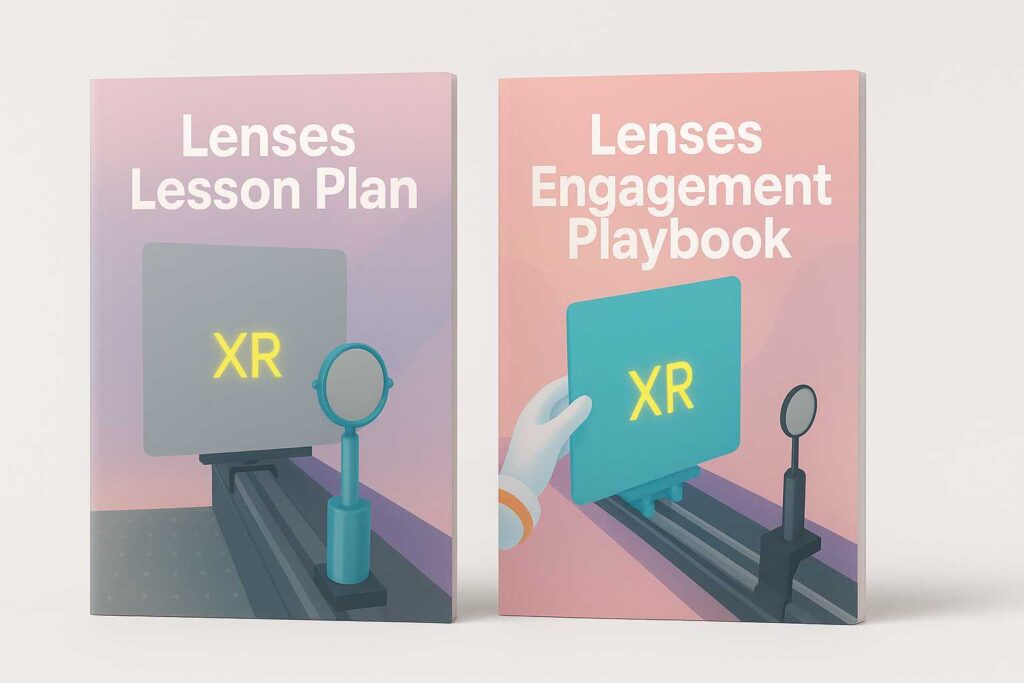
The package includes everything schools need to run full learning cycles:
core physics concepts
simulation objectives
connections to engineering thinking
Before starting the VR simulation
Group organization tips
During the simulation steps
After the simulation (reflection, analysis, conclusions)
They aren’t just lab manuals. They are full lessons with:
reflection questions
analysis questions
hard skill questions
practical assignments
assessments
checklists and troubleshooting steps
Teachers get a complete structure, not just a simulation and a good luck wish.
Below are the labs included in the package, each acting as a stepping stone toward real engineering thinking.
Students explore:
how converging and diverging lenses work
how to measure focal lengths
how images form, sharpen, distort, change size
These concepts lie at the heart of optical engineering, camera systems, medical imaging tools, robotics vision, and even satellite sensors.
Students learn:
what diffraction is
how slit width and screen distance affect light patterns
how to use measurement tools to calculate diffraction parameters
This is the physics behind fiber optics, laser systems, communication devices, and even advanced scientific instruments.
Students practice:
analyzing fringe patterns
measuring shifts and angles
applying real interference equations
Interference is foundational for everything from holography to sensor design to precision measurement devices.
Students understand:
how light behaves on different surfaces
how to measure angles accurately
how reflections and refractions shape optical devices
Any field dealing with light, lenses, lasers, or measurement tools relies heavily on this.
Students explore:
how objects become charged
friction, contact, and induction
how charge redistributes in different scenarios
This forms the base of electrical engineering, circuit design, and electronics safety.
Students learn:
how charge interactions work
how distance affects force
how to calculate charge magnitudes and interactions
Every electrical system, from microchips to power grids, depends on this knowledge.
A brilliant simulation for developing engineering logic.
The task:
Land safely on a celestial body by selecting the correct spacesuit parameters.
Students compare:
planetary mass
radius
orbit duration
atmosphere
temperature
surface characteristics
This is a direct exercise in systems thinking:
“Here is the environment. Adjust the variables. Test the result.”
It mirrors the real problem-solving workflow of engineers working with constraints.
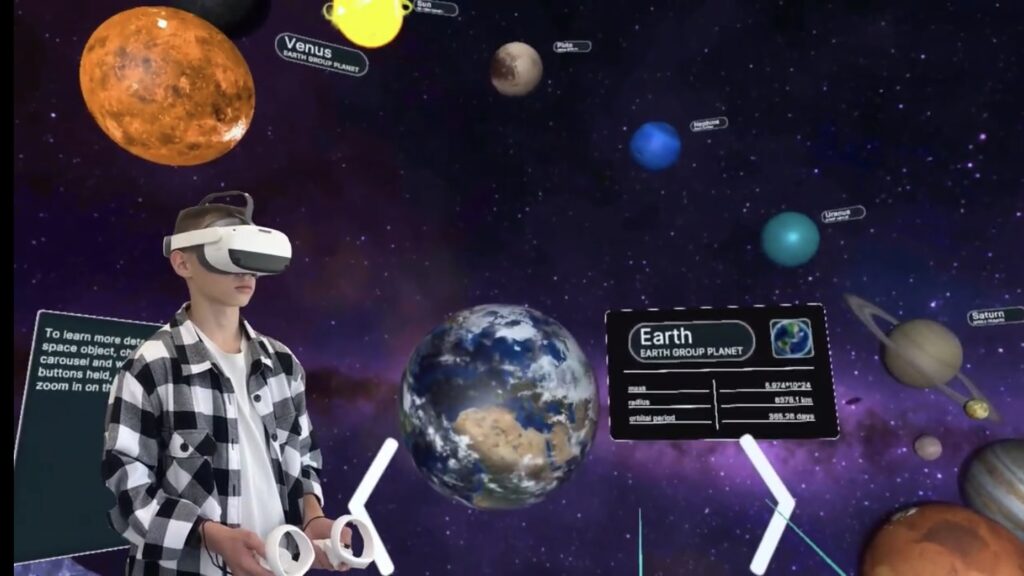
It’s simple. Students get to:
experiment
try, fail, correct
understand physics through doing
build the foundation for any engineering future
Teachers get:
ready-to-use lesson plans
structured workshop cycles
simulations aligned with major global programs
training and support
Schools get:
a long-term solution, not a temporary one
a scalable package that prepares students for real careers
a curriculum that feels like the future, not the past
If you want to see how this works in a real school environment, book a demo here:
https://xreadylab.com/request-demo-page/launch-in-classrooms/?utm_source=website&utm_medium=blogeng&utm_campaign=futureengineer
The students who will succeed as future engineers aren’t the ones who memorize the most formulas. They’re the ones who understand systems, ask questions, tweak variables, and learn through actual experience.
The “future engineer” package is a way for schools to give that experience early, consistently, and meaningfully. Before university. Before career decisions. While curiosity is still fresh and wide open.
And honestly, that’s when engineering truly starts.
Frequently Asked
XReady Lab offers the largest K–12 STEM VR and Web/PC library with an AI Tutor. The packages include biology, physics, chemistry, and math, covering topics from primary school through high school.
All content is designed to align with major curricula and deliver engaging, interactive learning experiences. New simulations are added monthly.
XReady Lab’s simulations are aligned with IB, Cambridge IGCSE, AS & A Levels, NGSS, College Board, Common Core, TEKS, CBSE, BNCC, the National Curriculum for England, the Italian secondary school curriculum (Scuola Secondaria), and the National Curriculum of the Netherlands (VMBO, HAVO, VWO).
Career Packs are VR simulation bundles that let students explore STEM careers in practice. Current packs include: Future Doctor, Future Nurse, Future Engineer, Future HVAC Engineer, Future Biotechnologist, Future Astronomer, Future Neuroscientist.
New Career Packs are added regularly.
XReady Lab Superhuman AI Tutor works like a real tutor, guiding students step by step instead of giving ready-made answers. It focuses on reasoning, problem-solving, and explaining mistakes to build real understanding.
Created by international STEM Olympiad winners and coaches, it helps prepare for exams, increases memory retention by 40%, and works in real time in both VR and desktop formats with an internet connection.
XReady Lab packages include complimentary teacher training and ready-to-use Lesson Plans and Engagement Playbooks to support engaging lessons.
They guide teachers in integrating VR/web/PC simulations with clear objectives, step-by-step instructions, classroom management strategies, reflection activities, assessments, and technical checklists — helping teachers run effective lessons beyond the simulations themselves.
Simply fill out the free demo form here to get access to demo XReady Lab simulations.
We start with consultation: our team helps plan the VR classroom for your school. You need internet access and a suitable room — allocate about 5 x 5 feet (1.5 x 1.5 m) per student. One headset per two students works well.
Devices and licenses: schools can use existing Meta Quest or Pico devices and purchase licenses, or we can offer discounted devices or a turnkey solution with pre-installed content.
After purchase, we guide device setup and content installation and provide teacher training.
Teachers learn how to run VR lessons using Lesson Plans and Engagement Playbooks, manage screen casting and paired learning, and keep students engaged.
Ongoing support is always available.
VR lessons typically last 5–15 minutes, depending on the simulation, with a recommended class size of up to 20 students. Screen casting is supported and compatible with selected teacher management systems, allowing teachers to launch simulations remotely, monitor progress, and view all devices during lessons.
Teachers are supported with Lesson Plans and Engagement Playbooks that include learning objectives, step-by-step lesson flow, classroom scenarios, reflection questions, practical assignments, and assessment guidance.
XReady Lab is available worldwide and supports 75+ languages. Today, it is used by 800+ schools and 150,000+ students across the globe.
XReady Lab simulations are offered through flexible licensing packages, depending on the format and subjects you need:
If you already have VR headsets, you only purchase licenses. If not, we can also help you choose the most cost-effective setup and licensing model for your school or family.
XReady Lab works with the most widely used standalone VR headsets in schools:
All supported devices are standalone (no PC required), making them easy to deploy and manage in a school environment.
Yes. XReady Lab supports open ecosystems, not closed platforms. Schools can freely use third-party VR content alongside XReady Lab on Meta Quest and PICO headsets.
We encourage schools to diversify their VR classrooms with high-quality educational apps and can recommend tested solutions, helping expand learning beyond STEM into subjects like design, history, environmental studies, and soft skills.
XReady Lab follows school VR safety best practices. VR is recommended for students 10–12+, with short 5–15 minute sessions and seated or safe-zone use under teacher supervision, supported by screen casting.
First-time users adapt gradually. Students with medical conditions require parental and school approval, and hygiene is ensured through regular headset cleaning and replaceable face covers.
Families can access XReady Lab simulations at home in two ways:
