


Question: How do you run a meaningful VR lesson when there is only one headset for two students?
This question sounds technical. In reality, it is deeply pedagogical.
Many schools want to use VR, but they hit a very normal wall. Not enough headsets. A limited budget. A class of 24 students and maybe 10 devices. Or even fewer.
And at this point, schools often stop. Or postpone VR “until we can buy more equipment”.
That pause is understandable. But it is also unnecessary.
Because effective VR lessons are not built on hardware abundance. They are built on lesson design. On roles. On thinking. On conversation.
This is exactly where the TRICK philosophy shows its real value.
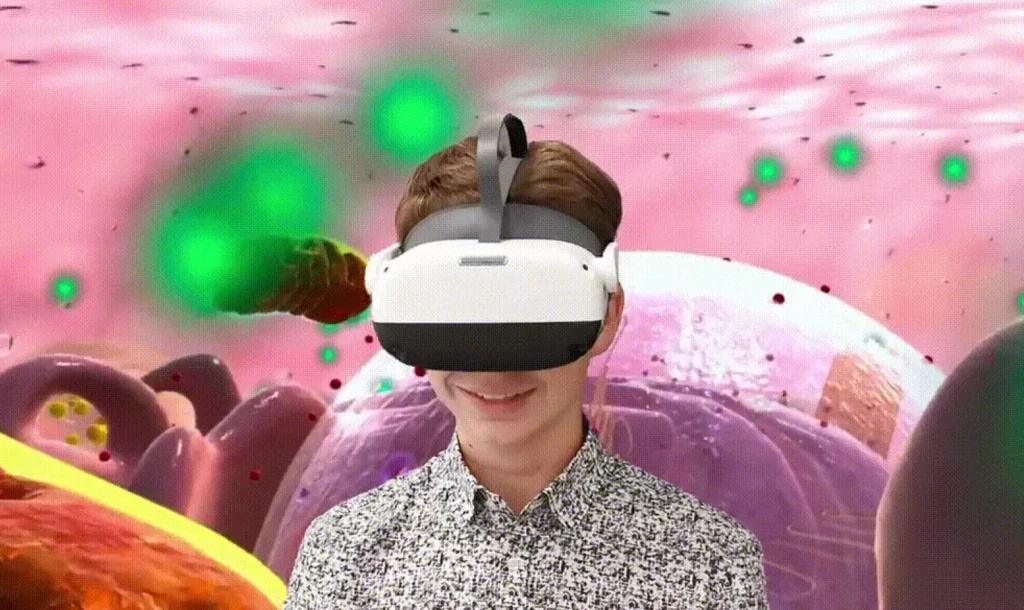
When teachers first encounter VR, the instinct is logical.
“How do I put everyone inside VR at the same time?”
But this instinct comes from traditional classroom logic. Rows of desks. Everyone doing the same thing at the same moment. Control through uniformity.
VR breaks that model.
VR introduces experience. And experience does not need to be simultaneous to be shared.
In fact, some of the strongest learning moments happen when students are not inside VR, but talking about it.
In recent years, education has quietly changed its language.
Teachers talk less about tools and more about learning experiences.
Administrators ask not “what device do we buy?” but “what kind of thinking does this produce?”
This shift did not come from VR alone. It came from several converging trends:
Project-based learning
Inquiry-driven lessons
AI tutors that guide instead of explain
Competency-based assessment
All of them share one idea: learning happens after action, not before it.
VR fits perfectly into this model. But only if the lesson around it is designed well.
VR is not the magic. The lesson is.
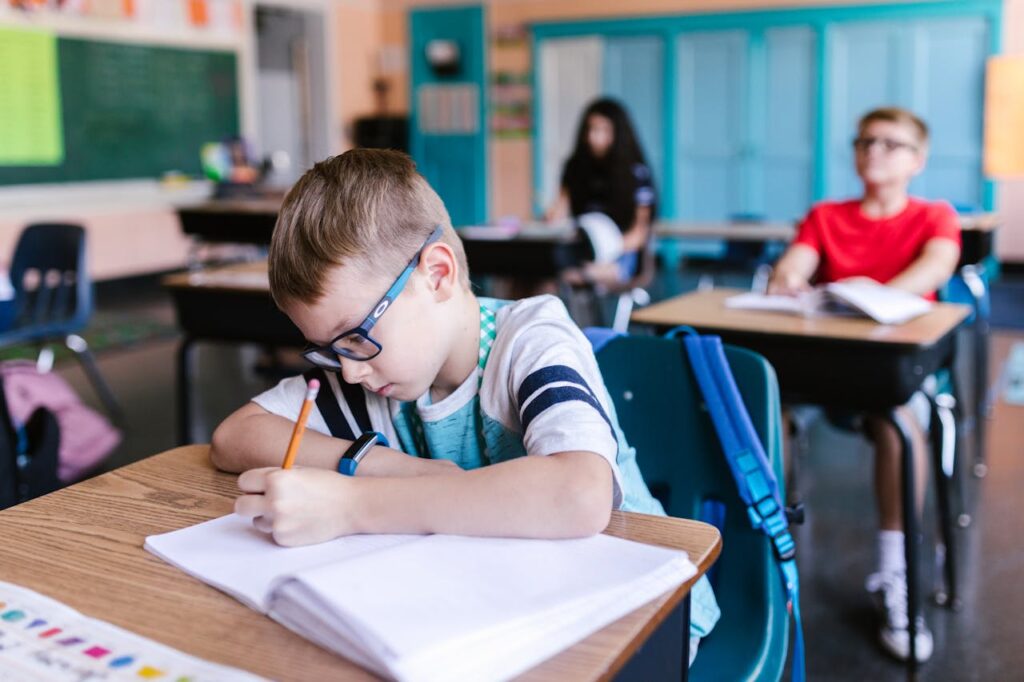
TRICK is a pedagogical framework developed by Esther Wojcicki, one of the most influential educators of our time.
TRICK stands for:
Trust
Respect
Independence
Collaboration
Kindness
Esther is an advisor to XReady Lab, and we are genuinely fortunate to work with someone whose ideas are grounded in real classrooms, not theory alone. Her profile is here:
https://www.linkedin.com/in/estherwojcicki/
TRICK matters today because it answers a modern classroom reality:
Students learn best when they are trusted to explore, respected as thinkers, allowed to interpret, supported by peers, and protected from fear of failure.
And importantly, TRICK does not depend on advanced technology.
It works with simple tools. It works with linear VR scenarios. And it works extremely well in rotational formats, including one headset for two students.
This is the key shift in mindset.
Having one headset for two students is not a limitation. It is a built-in structure for dialogue.
Instead of asking “how do I get everyone inside VR?”, the teacher asks:
“How do I design roles so everyone is thinking?”
And once roles are designed well, VR stops being an individual activity and becomes a shared cognitive experience.
Let us be honest about how VR actually looks in schools.
There are fewer devices than students
Many VR simulations are linear by design
Teachers need to maintain structure and timing
Lessons must align with curriculum goals
This is normal. And it is exactly why TRICK works here.
TRICK does not require open-world freedom. It works through questioning, role separation, and reflection.
The class is divided into pairs.
Student A enters VR
Student B stays outside VR as observer and analyst
Then they switch
That is it. Simple. No complex logistics.
The power comes from what students do in each role.
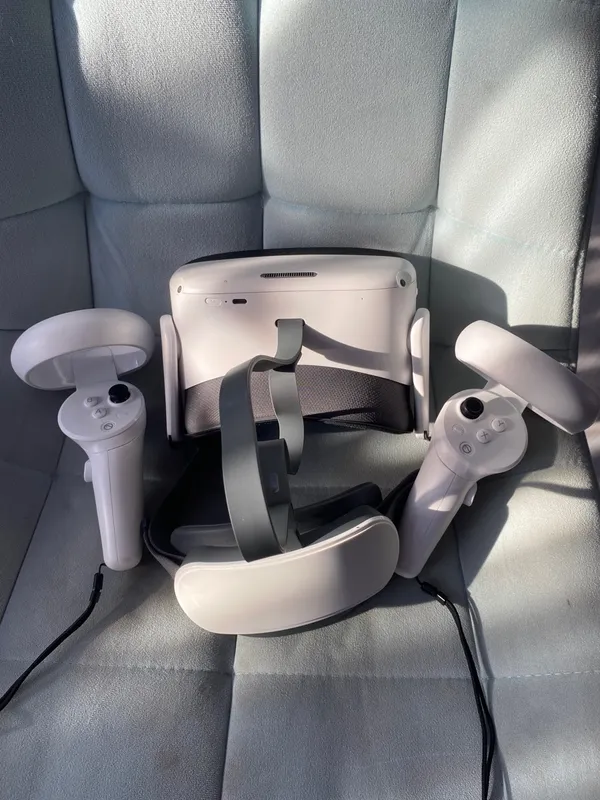
Student A – in VR
Role: explorer or researcher
The student goes through the simulation without being told exactly what to conclude. They interact, observe, and make choices.
Student B – outside VR
Role: observer and question designer
The observer can:
Watch the VR stream on a screen
Look at screenshots or a short clip
Read a brief description of the scenario
Task for the observer:
Prepare three questions for the student in VR.
Typical questions sound like:
What did you change first, and why?
What happened immediately after your action?
What surprised you most?
At this stage, there are no right answers.
TRICK here:
Collaboration: thinking is distributed
Independence: interpretation is open
The student exits VR.
The observer asks their questions.
This is often the most powerful moment of the lesson.
Students start articulating what they did and what they think it means. Gaps appear. Assumptions surface. Curiosity grows.
The teacher listens. Occasionally nudges. Rarely explains.
This is where experience becomes learning.
Students switch roles.
Now the second student enters VR with context.
They are not starting from zero. They already have hypotheses, expectations, and questions.
The same simulation suddenly feels different.
Deeper. More intentional.
TRICK here:
Trust and Independence
Students act with awareness, not blind trial.
This is where understanding stabilizes.
The teacher brings the class together and guides reflection.
Not a lecture. A conversation.
What actions did you take in VR?
What happened right after each action?
What result did you not expect?
At what moment did things start to make sense?
What was confusing at first but clearer later?
How would you explain this to someone who was not in VR?
This is the kindness layer.
Where did you misunderstand what was happening?
What helped you correct it?
Did discussion help more than action, or vice versa?
How did it feel to be in VR versus observing?
What was harder: acting or analyzing?
Did the discussion before your turn help you?
Which question from a classmate helped you most?
Which explanation felt the clearest and why?
Optional for older students:
What mattered more for your learning: the VR experience or the discussion afterward? Why?
Trust
Students are trusted to explore without being spoon-fed meaning.
Respect
Explanation is delayed. Understanding is constructed, not delivered.
Independence
Everyone experiences the same simulation, but interpretations differ.
Collaboration
Learning happens between students, not just between student and device.
Kindness
Linear VR scenarios reduce anxiety. The structure creates safety. Students know they cannot “break” the lesson by being wrong.
Is it really possible to run a VR lesson with one headset for two students?
Yes. And in many cases, learning becomes deeper because discussion is built in.
Does this work with linear VR STEM simulations?
Yes. TRICK works through roles and dialogue, not technical complexity.
Is there curriculum-aligned VR STEM content available?
Yes. You can explore aligned simulations and request a demo here:
An effective VR lesson is not about hardware quantity.
It is about how thinking is distributed in the classroom.
When roles are designed intentionally, one headset can support not two students, but an entire learning ecosystem.
TRICK does not make VR louder.
It makes it smarter.
And that is exactly what classrooms need right now.
Frequently Asked
XReady Lab offers the largest K–12 STEM VR and Web/PC library with an AI Tutor. The packages include biology, physics, chemistry, and math, covering topics from primary school through high school.
All content is designed to align with major curricula and deliver engaging, interactive learning experiences. New simulations are added monthly.
XReady Lab’s simulations are aligned with IB, Cambridge IGCSE, AS & A Levels, NGSS, College Board, Common Core, TEKS, CBSE, BNCC, the National Curriculum for England, the Italian secondary school curriculum (Scuola Secondaria), and the National Curriculum of the Netherlands (VMBO, HAVO, VWO).
Career Packs are VR simulation bundles that let students explore STEM careers in practice. Current packs include: Future Doctor, Future Nurse, Future Engineer, Future HVAC Engineer, Future Biotechnologist, Future Astronomer, Future Neuroscientist.
New Career Packs are added regularly.
XReady Lab Superhuman AI Tutor works like a real tutor, guiding students step by step instead of giving ready-made answers. It focuses on reasoning, problem-solving, and explaining mistakes to build real understanding.
Created by international STEM Olympiad winners and coaches, it helps prepare for exams, increases memory retention by 40%, and works in real time in both VR and desktop formats with an internet connection.
XReady Lab packages include complimentary teacher training and ready-to-use Lesson Plans and Engagement Playbooks to support engaging lessons.
They guide teachers in integrating VR/web/PC simulations with clear objectives, step-by-step instructions, classroom management strategies, reflection activities, assessments, and technical checklists — helping teachers run effective lessons beyond the simulations themselves.
Simply fill out the free demo form here to get access to demo XReady Lab simulations.
We start with consultation: our team helps plan the VR classroom for your school. You need internet access and a suitable room — allocate about 5 x 5 feet (1.5 x 1.5 m) per student. One headset per two students works well.
Devices and licenses: schools can use existing Meta Quest or Pico devices and purchase licenses, or we can offer discounted devices or a turnkey solution with pre-installed content.
After purchase, we guide device setup and content installation and provide teacher training.
Teachers learn how to run VR lessons using Lesson Plans and Engagement Playbooks, manage screen casting and paired learning, and keep students engaged.
Ongoing support is always available.
VR lessons typically last 5–15 minutes, depending on the simulation, with a recommended class size of up to 20 students. Screen casting is supported and compatible with selected teacher management systems, allowing teachers to launch simulations remotely, monitor progress, and view all devices during lessons.
Teachers are supported with Lesson Plans and Engagement Playbooks that include learning objectives, step-by-step lesson flow, classroom scenarios, reflection questions, practical assignments, and assessment guidance.
XReady Lab is available worldwide and supports 75+ languages. Today, it is used by 800+ schools and 150,000+ students across the globe.
XReady Lab simulations are offered through flexible licensing packages, depending on the format and subjects you need:
If you already have VR headsets, you only purchase licenses. If not, we can also help you choose the most cost-effective setup and licensing model for your school or family.
XReady Lab works with the most widely used standalone VR headsets in schools:
All supported devices are standalone (no PC required), making them easy to deploy and manage in a school environment.
Yes. XReady Lab supports open ecosystems, not closed platforms. Schools can freely use third-party VR content alongside XReady Lab on Meta Quest and PICO headsets.
We encourage schools to diversify their VR classrooms with high-quality educational apps and can recommend tested solutions, helping expand learning beyond STEM into subjects like design, history, environmental studies, and soft skills.
XReady Lab follows school VR safety best practices. VR is recommended for students 10–12+, with short 5–15 minute sessions and seated or safe-zone use under teacher supervision, supported by screen casting.
First-time users adapt gradually. Students with medical conditions require parental and school approval, and hygiene is ensured through regular headset cleaning and replaceable face covers.
Families can access XReady Lab simulations at home in two ways:
