Childhood is a whirlwind of excitement, curiosity, and occasionally overwhelming emotions. As adults, we often try to reason with children during emotional moments, but logic and persuasion don’t always resonate. Play—the universal language of childhood—can be a more effective tool. It redirects a child’s focus to a positive, imaginative state, making strong feelings more manageable.
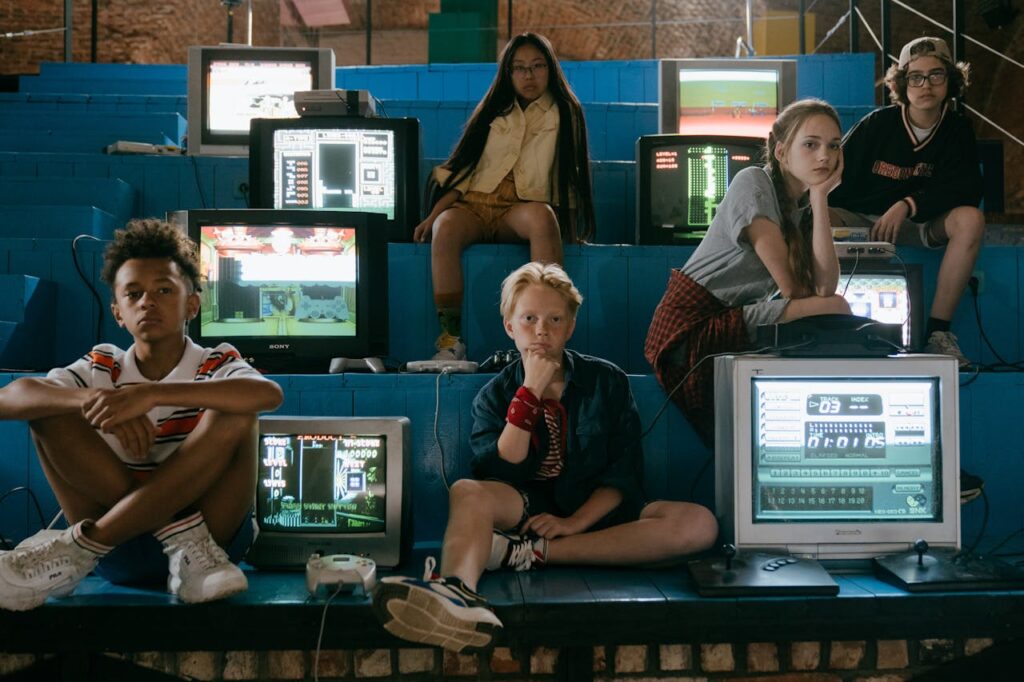
Children naturally discover the world through play, engaging their senses, creativity, and problem-solving skills. When intense emotions arise, offering a fun or structured activity can lower anxiety levels by releasing dopamine—a neurotransmitter connected to pleasure and motivation. This not only shifts attention away from distress but also fosters healthier coping mechanisms.
Experts note that play activates various brain regions:
By stimulating these areas together, playful experiences guide children toward emotional self-regulation without the rigidity of formal lessons.

Reframing tense or stressful situations with playful strategies can work wonders:
Mini Competitions
Transform challenging tasks (like cleaning up) into friendly races or point-based contests. The competitive element adds excitement and distracts from negative feelings.
Role-Playing Games
For younger children, adopting characters (e.g., doctors, astronauts, or adventurers) reduces stress by placing them in imaginative roles where they have control and a clear mission.
Cooperative Challenges
Encouraging children to solve puzzles or build structures together fosters teamwork. This collaborative process naturally shifts their focus from upset emotions to shared objectives.
Music and Movement
Turning tension into dance-offs or rhythmic clapping engages the child’s body and mind in a positive, energetic way—perfect for relieving frustration.
While playful techniques feel natural for children aged 6–10, middle schoolers and teenagers often view “play” as childish. They’re also balancing a range of interests like socializing, personal hobbies, and digital entertainment. To engage them, educators and parents must innovate.
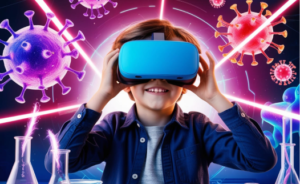
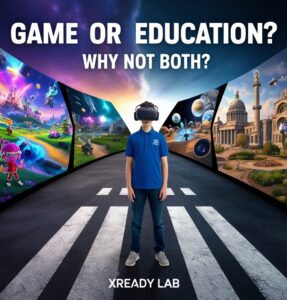
One approach that seamlessly incorporates game elements—even for complex topics and older students—is virtual reality. By creating immersive learning environments, older learners can explore challenging subjects without feeling patronized. Learn more in our article on Gamifying STEM with VR.
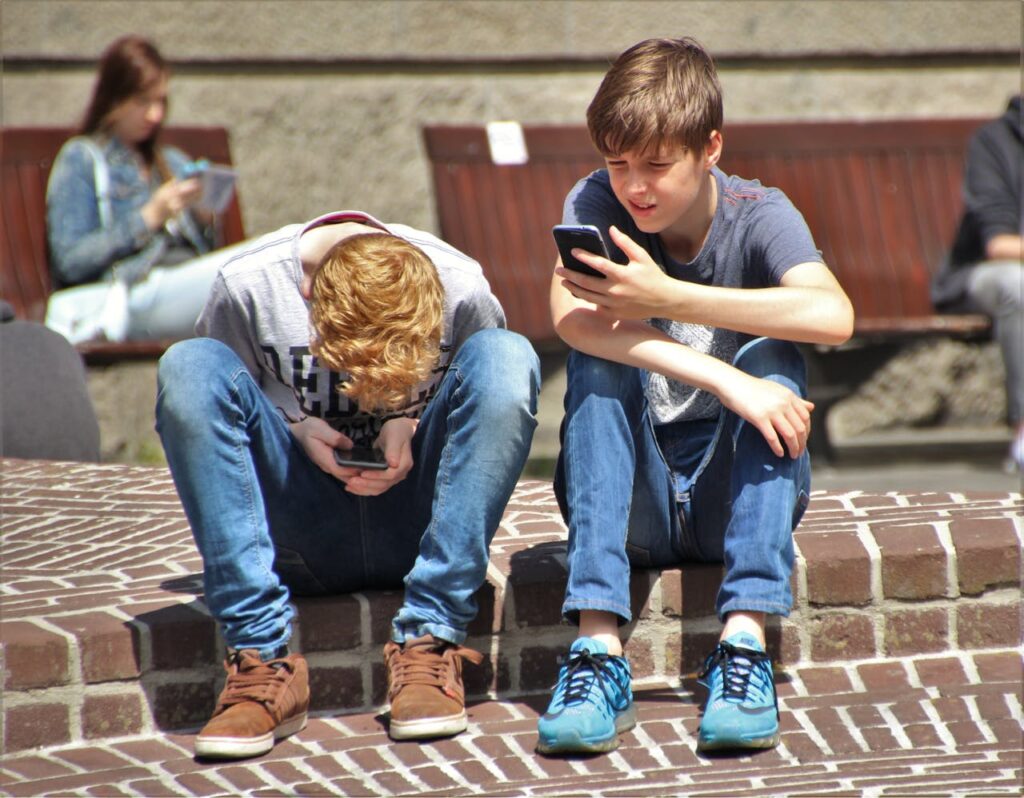
Today’s youth, often called the “Alpha Generation,” are inherently digital. They expect dynamic, interactive content instead of static lectures. According to our research on Generation Alpha, these learners thrive on storytelling, challenge, and immediate feedback.
By offering mission-based learning through simulation, teachers can embed playful elements into serious topics. In a virtual setting, students can adopt roles like scientist-in-a-secret-lab, astronaut studying Mars, or cellular engineer.
Read more:
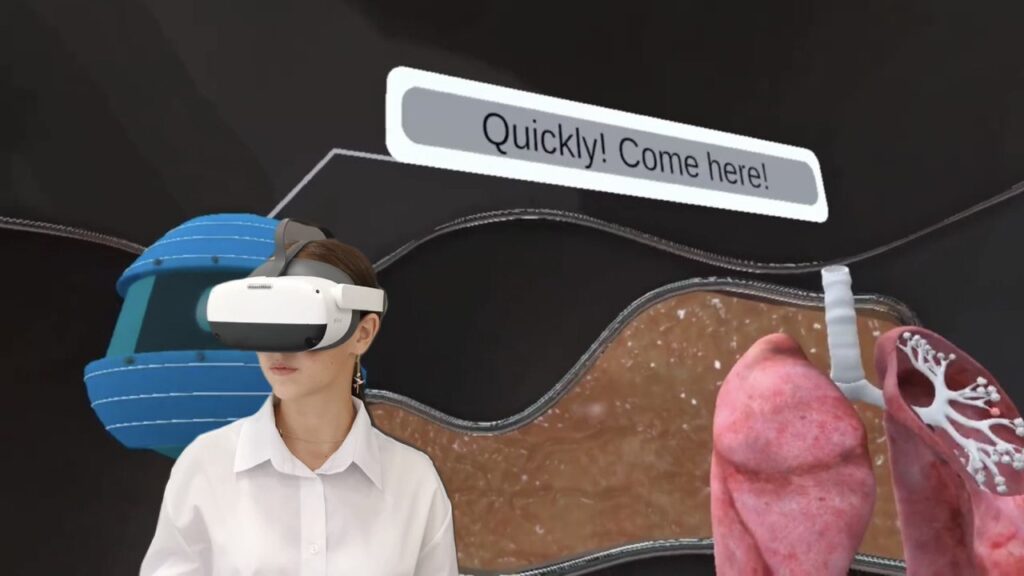
At XReady Lab, our primary mission is to enrich STEM learning by blending imaginative play and advanced technology. Tools like immersive simulation can captivate students of varying ages, whether they’re exploring science, math, or emotional intelligence. Play and technology both encourage students to experiment, reflect, and build resilience in ways that traditional lectures often cannot.
Play remains one of the most effective methods to help children manage their emotions. Younger children respond to simple, imaginative games, while older ones benefit from more sophisticated digital solutions—like immersive simulations. By embracing playful strategies, parents and educators can alleviate stress, nurture empathy, and foster essential life skills.
Whether you’re teaching fundamental science topics or looking to support emotional well-being, playful approaches offer a universal language. Let’s transform the learning experience and encourage children of all ages to discover, innovate, and thrive.
Interested in seeing how these simulations can transform your classroom? Explore our resources at XReady Lab and learn how playful, tech-driven experiences can make education both emotionally supportive and academically rich.
Frequently Asked
XReady Lab offers the largest K–12 STEM VR and Web/PC library with an AI Tutor. The packages include biology, physics, chemistry, and math, covering topics from primary school through high school.
All content is designed to align with major curricula and deliver engaging, interactive learning experiences. New simulations are added monthly.
XReady Lab’s simulations are aligned with IB, Cambridge IGCSE, AS & A Levels, NGSS, College Board, Common Core, TEKS, CBSE, BNCC, the National Curriculum for England, the Italian secondary school curriculum (Scuola Secondaria), and the National Curriculum of the Netherlands (VMBO, HAVO, VWO).
Career Packs are VR simulation bundles that let students explore STEM careers in practice. Current packs include: Future Doctor, Future Nurse, Future Engineer, Future HVAC Engineer, Future Biotechnologist, Future Astronomer, Future Neuroscientist.
New Career Packs are added regularly.
XReady Lab Superhuman AI Tutor works like a real tutor, guiding students step by step instead of giving ready-made answers. It focuses on reasoning, problem-solving, and explaining mistakes to build real understanding.
Created by international STEM Olympiad winners and coaches, it helps prepare for exams, increases memory retention by 40%, and works in real time in both VR and desktop formats with an internet connection.
XReady Lab packages include complimentary teacher training and ready-to-use Lesson Plans and Engagement Playbooks to support engaging lessons.
They guide teachers in integrating VR/web/PC simulations with clear objectives, step-by-step instructions, classroom management strategies, reflection activities, assessments, and technical checklists — helping teachers run effective lessons beyond the simulations themselves.
Simply fill out the free demo form here to get access to demo XReady Lab simulations.
We start with consultation: our team helps plan the VR classroom for your school. You need internet access and a suitable room — allocate about 5 x 5 feet (1.5 x 1.5 m) per student. One headset per two students works well.
Devices and licenses: schools can use existing Meta Quest or Pico devices and purchase licenses, or we can offer discounted devices or a turnkey solution with pre-installed content.
After purchase, we guide device setup and content installation and provide teacher training.
Teachers learn how to run VR lessons using Lesson Plans and Engagement Playbooks, manage screen casting and paired learning, and keep students engaged.
Ongoing support is always available.
VR lessons typically last 5–15 minutes, depending on the simulation, with a recommended class size of up to 20 students. Screen casting is supported and compatible with selected teacher management systems, allowing teachers to launch simulations remotely, monitor progress, and view all devices during lessons.
Teachers are supported with Lesson Plans and Engagement Playbooks that include learning objectives, step-by-step lesson flow, classroom scenarios, reflection questions, practical assignments, and assessment guidance.
XReady Lab is available worldwide and supports 75+ languages. Today, it is used by 800+ schools and 150,000+ students across the globe.
XReady Lab simulations are offered through flexible licensing packages, depending on the format and subjects you need:
If you already have VR headsets, you only purchase licenses. If not, we can also help you choose the most cost-effective setup and licensing model for your school or family.
XReady Lab works with the most widely used standalone VR headsets in schools:
All supported devices are standalone (no PC required), making them easy to deploy and manage in a school environment.
Yes. XReady Lab supports open ecosystems, not closed platforms. Schools can freely use third-party VR content alongside XReady Lab on Meta Quest and PICO headsets.
We encourage schools to diversify their VR classrooms with high-quality educational apps and can recommend tested solutions, helping expand learning beyond STEM into subjects like design, history, environmental studies, and soft skills.
XReady Lab follows school VR safety best practices. VR is recommended for students 10–12+, with short 5–15 minute sessions and seated or safe-zone use under teacher supervision, supported by screen casting.
First-time users adapt gradually. Students with medical conditions require parental and school approval, and hygiene is ensured through regular headset cleaning and replaceable face covers.
Families can access XReady Lab simulations at home in two ways: