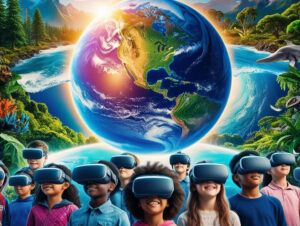
In an ever-shrinking world, cultural competence is emerging as a vital skill for personal growth and global understanding. Thanks to immersive technologies, students and enthusiasts can now explore diverse cultures, historic landmarks, and awe-inspiring landscapes—all without leaving home or the digital-classroom environment. Below are five standout experiences that blend interactive education with digital travel, helping you and your learners dive into new worlds at the click of a button.
The pace of globalization is accelerating, making cross-cultural interactions more common than ever. Employers increasingly seek individuals who can communicate sensitively and effectively with people from different backgrounds, while educational programs evolve to reflect multicultural realities. Incorporating virtual-reality-learning tools into a STEM lab or social-studies class can enrich lessons, foster empathy, and spark lasting curiosity. Whether you’re an educator or a lifelong learner, stepping into these digitized landscapes is a powerful way to build real-world understanding.
Immersive Expeditions with Real Explorers
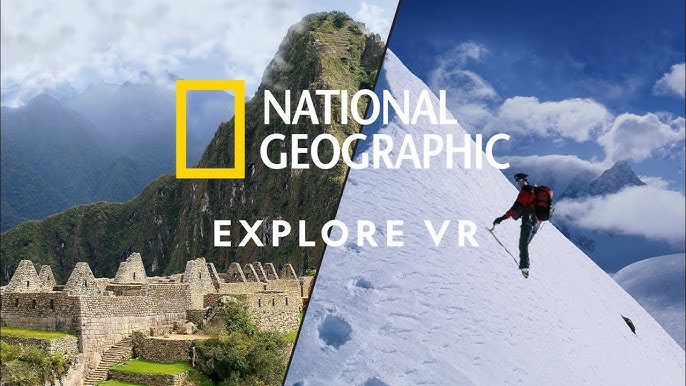
National Geographic Explore VR stands out by letting you join Nat Geo explorers in discovering hidden corners of the planet. Roam through icy Arctic terrains or marvel at the vivid biodiversity of rainforests, all woven together with high-quality storytelling.
Key Features
Why It Builds Cultural Competence
By stepping into the shoes of real explorers, learners gain insight into communities beyond their usual scope. This approach encourages empathy, stimulates critical thinking, and underscores the importance of cultural sensitivity in global research.
Historical Context Meets Emotional Depth
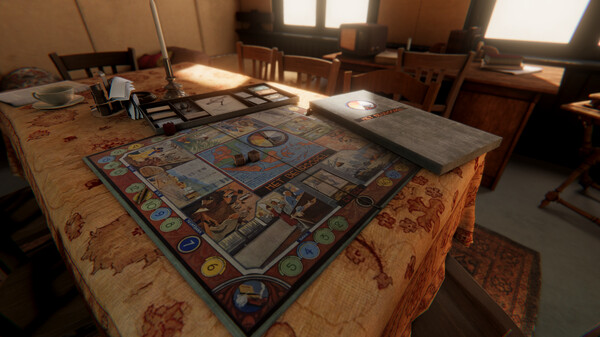
Anne Frank House VR is a meticulously recreated tour of the secret annex where Anne Frank and her family hid during World War II. Its authenticity offers an intense look at one of history’s most poignant stories, bringing this period to life like never before.
Key Features
Why It Builds Cultural Competence
The emotional resonance of visiting a real-world historical location fosters a deeper understanding of cultural and social contexts. This immersive setting serves as a springboard for meaningful discussions about tolerance, prejudice, and resilience.

A Glimpse into Ancient Egypt
Nefertari: Journey to Eternity whisks you into the astonishingly detailed tomb of Nefertari, the wife of Pharaoh Ramses II. Through high-fidelity reconstructions, users can observe ancient art, hieroglyphs, and architecture in a way that textbooks rarely convey.
Key Features
Why It Builds Cultural Competence
Immersing oneself in a civilization that thrived thousands of years ago sparks curiosity about cultural development, art, religion, and governance. This firsthand-like exposure promotes empathy and appreciation for diverse historical narratives.

Global Tour Through 3D Models
Blueplanet VR Explore presents nearly 100 exquisitely rendered 3D models of both natural and cultural sites. One moment, you might wander through ancient temples in Indonesia; the next, you’re gazing at breathtaking canyons in the United States.
Key Features
Why It Builds Cultural Competence
Experiencing such diverse locales fosters a global mindset. Seeing how different cultures build temples, manage natural resources, or celebrate traditions underscores the many ways societies shape, and are shaped by, their surroundings.
A Bird’s-Eye Global Perspective
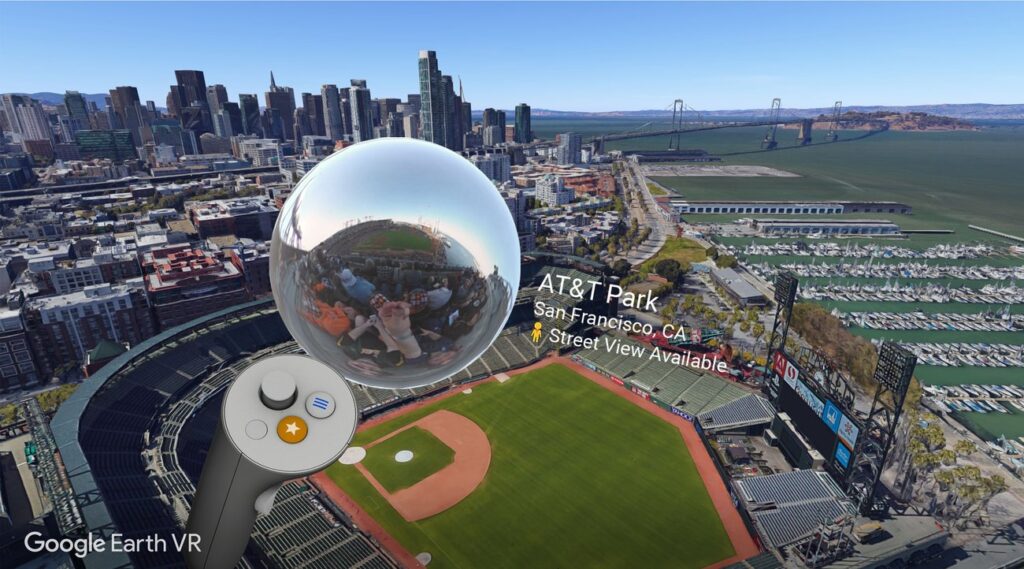
Perhaps one of the broadest platforms for virtual exploration, Google Earth VR lets you fly effortlessly from continent to continent, zooming in to explore cities, landscapes, and cultural hotspots.
Key Features
Why It Builds Cultural Competence
Seeing how people live in different regions—whether bustling metropolises or secluded villages—nurtures respect for cultural diversity and fosters broader global awareness.
Though VR is often associated with subjects like VR physics, VR biology, or VR chemistry, its potential extends far beyond traditional science fields. Cultural exploration is an emerging frontier, one that schools and individuals can tap into for real-world skill development. Imagine combining a high school STEM lab with cultural explorations: it might begin with 3D modeling of ancient ruins, then transition into a discussion about art history or international relations.
Key Takeaways for Educators and Learners
Virtual reality isn’t just for gamers or tech enthusiasts; it’s a game-changer for cultural competence as well. These five experiences—National Geographic Explore, Anne Frank House, Nefertari: Journey to Eternity, Blueplanet VR Explore, and Google Earth—offer immersive windows into civilizations past and present. They transform any classroom (or home setting) into an interactive space where empathy, curiosity, and understanding can blossom.
In the evolving educational landscape of 2025, embracing immersive cultural exploration can broaden perspectives, stimulate critical thinking, and encourage respectful global citizenship. Whether you’re an educator aiming to enrich lesson plans or a curious traveler itching to see the world, virtual pathways are waiting to elevate your cultural understanding—one breathtaking view at a time.
Frequently Asked
XReady Lab offers the largest K–12 STEM VR and Web/PC library with an AI Tutor. The packages include biology, physics, chemistry, and math, covering topics from primary school through high school.
All content is designed to align with major curricula and deliver engaging, interactive learning experiences. New simulations are added monthly.
XReady Lab’s simulations are aligned with IB, Cambridge IGCSE, AS & A Levels, NGSS, College Board, Common Core, TEKS, CBSE, BNCC, the National Curriculum for England, the Italian secondary school curriculum (Scuola Secondaria), and the National Curriculum of the Netherlands (VMBO, HAVO, VWO).
Career Packs are VR simulation bundles that let students explore STEM careers in practice. Current packs include: Future Doctor, Future Nurse, Future Engineer, Future HVAC Engineer, Future Biotechnologist, Future Astronomer, Future Neuroscientist.
New Career Packs are added regularly.
XReady Lab Superhuman AI Tutor works like a real tutor, guiding students step by step instead of giving ready-made answers. It focuses on reasoning, problem-solving, and explaining mistakes to build real understanding.
Created by international STEM Olympiad winners and coaches, it helps prepare for exams, increases memory retention by 40%, and works in real time in both VR and desktop formats with an internet connection.
XReady Lab packages include complimentary teacher training and ready-to-use Lesson Plans and Engagement Playbooks to support engaging lessons.
They guide teachers in integrating VR/web/PC simulations with clear objectives, step-by-step instructions, classroom management strategies, reflection activities, assessments, and technical checklists — helping teachers run effective lessons beyond the simulations themselves.
Simply fill out the free demo form here to get access to demo XReady Lab simulations.
We start with consultation: our team helps plan the VR classroom for your school. You need internet access and a suitable room — allocate about 5 x 5 feet (1.5 x 1.5 m) per student. One headset per two students works well.
Devices and licenses: schools can use existing Meta Quest or Pico devices and purchase licenses, or we can offer discounted devices or a turnkey solution with pre-installed content.
After purchase, we guide device setup and content installation and provide teacher training.
Teachers learn how to run VR lessons using Lesson Plans and Engagement Playbooks, manage screen casting and paired learning, and keep students engaged.
Ongoing support is always available.
VR lessons typically last 5–15 minutes, depending on the simulation, with a recommended class size of up to 20 students. Screen casting is supported and compatible with selected teacher management systems, allowing teachers to launch simulations remotely, monitor progress, and view all devices during lessons.
Teachers are supported with Lesson Plans and Engagement Playbooks that include learning objectives, step-by-step lesson flow, classroom scenarios, reflection questions, practical assignments, and assessment guidance.
XReady Lab is available worldwide and supports 75+ languages. Today, it is used by 800+ schools and 150,000+ students across the globe.
XReady Lab simulations are offered through flexible licensing packages, depending on the format and subjects you need:
If you already have VR headsets, you only purchase licenses. If not, we can also help you choose the most cost-effective setup and licensing model for your school or family.
XReady Lab works with the most widely used standalone VR headsets in schools:
All supported devices are standalone (no PC required), making them easy to deploy and manage in a school environment.
Yes. XReady Lab supports open ecosystems, not closed platforms. Schools can freely use third-party VR content alongside XReady Lab on Meta Quest and PICO headsets.
We encourage schools to diversify their VR classrooms with high-quality educational apps and can recommend tested solutions, helping expand learning beyond STEM into subjects like design, history, environmental studies, and soft skills.
XReady Lab follows school VR safety best practices. VR is recommended for students 10–12+, with short 5–15 minute sessions and seated or safe-zone use under teacher supervision, supported by screen casting.
First-time users adapt gradually. Students with medical conditions require parental and school approval, and hygiene is ensured through regular headset cleaning and replaceable face covers.
Families can access XReady Lab simulations at home in two ways: