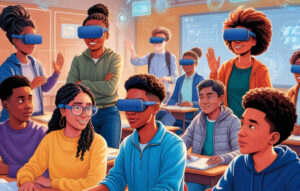
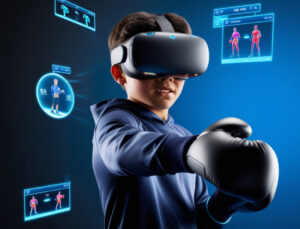
“Is it really okay to perform inherently dangerous experiments in a safe, virtual setting, or is it not?” This provocative question captures the essence of today’s educational debate around virtual reality in education. From VR physics labs exploring lasers too powerful for real classrooms to VR biology simulations shining bright lights on virtual pupils—these experiences push the boundaries of what we’d consider “normal.” Yet they also highlight the benefits of virtual reality in education, giving students a chance to learn without real-world risks.
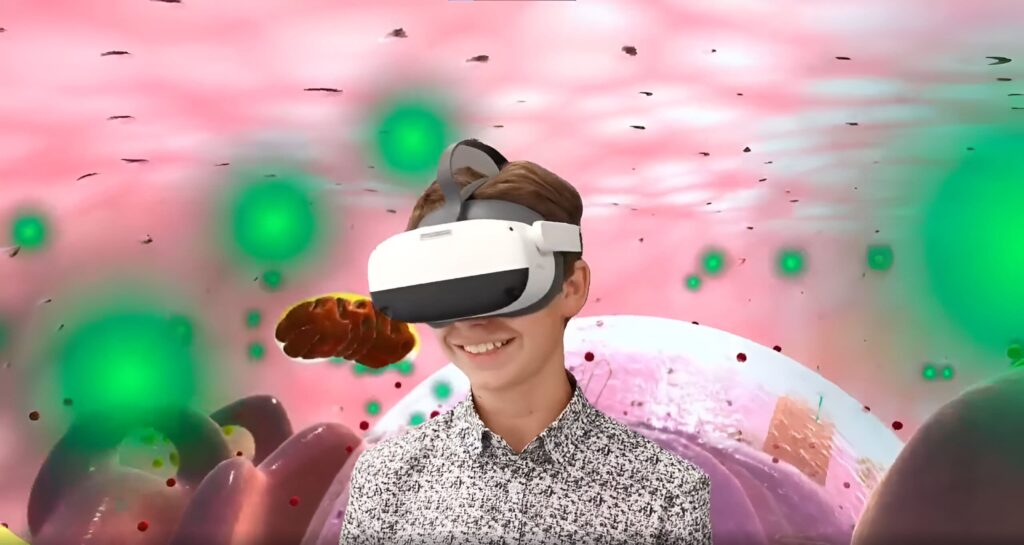
Educational technology has always promised to expand teaching possibilities, but VR learning takes that promise to new heights. In subjects like VR chemistry, students can perform explosive or toxic reactions with zero physical danger, while in VR physics they can use high-intensity lasers not feasible for normal classrooms. On one hand, this seems like the ultimate solution: no chance of chemical accidents, no frantic cleanup, and no missing equipment. On the other, it sparks an ethical debate—can students truly appreciate the gravity of real hazards if mistakes in virtual worlds don’t have tangible consequences?
Biology Eye Reflex
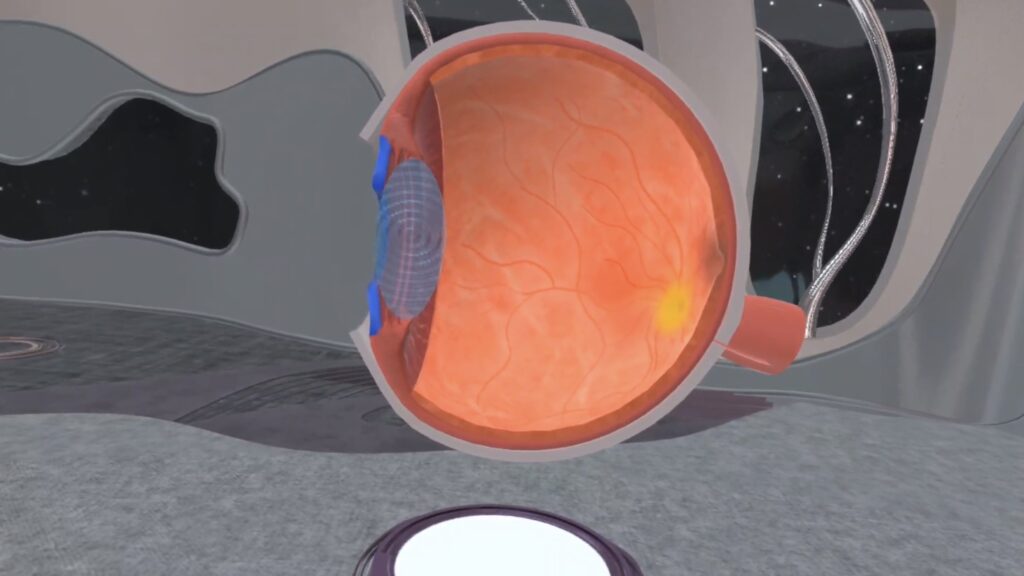
In traditional VR biology classes, learning about the pupillary reflex might involve shining a bright flashlight – uncomfortable at best, unsafe at worst. In a virtual reality classroom, you can mimic this reflex by watching a virtual pupil change without hurting anyone.
High-Risk Chemical Reactions
Many standard chemistry reactions taught in schools are either explosive, toxic, or both. Typically, students see only the equations in textbooks, rarely handling these materials in person. Virtual reality learning makes hands-on experiences possible, allowing learners to observe results safely and develop deeper conceptual understanding.
Space Missions
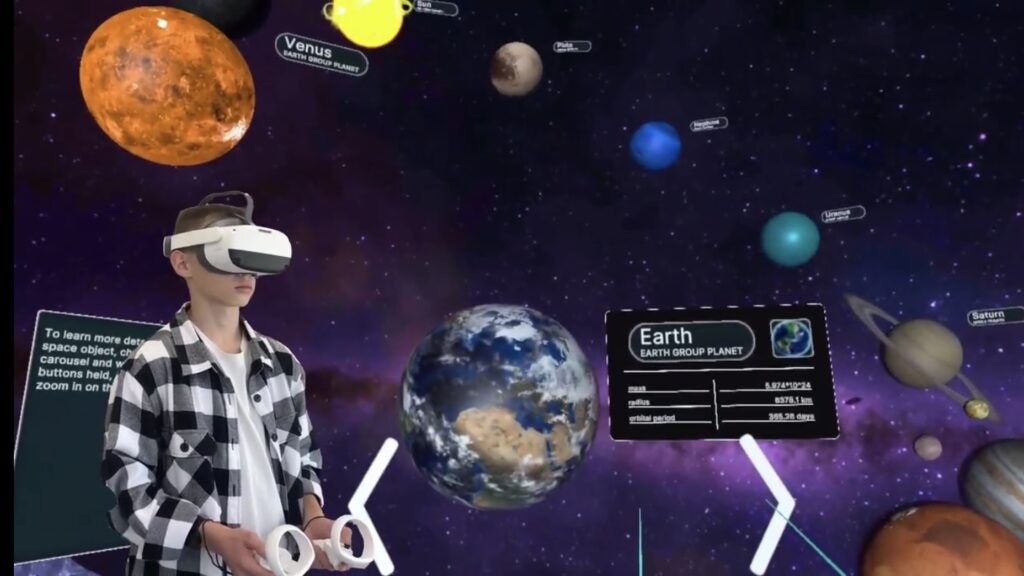
Real-life space missions have razor-thin margins for error. As discussed in a recent XReady Lab article, a mission-based VR space simulation can let students experiment with environment parameters—like customizing a spacesuit—to land on a celestial body. But is it healthy for them to get used to mistakes without facing real consequences? That’s the question we invite you to ponder.
“Is it normal to experiment and let things fail, even if it’s in a virtual environment?” This dilemma goes beyond just optics or toxic reactions in a lab; it reaches into scenarios like VR school safety training. Consider:
Critics argue that if virtual mistakes yield no negative fallout, students might not grasp the genuine stakes of real-life experiments. Proponents counter that VR in schools is about learning first, giving students an environment where they can fail safely and learn from errors. Proper context and debriefing can bridge that gap, ensuring they develop respect for real-world consequences.
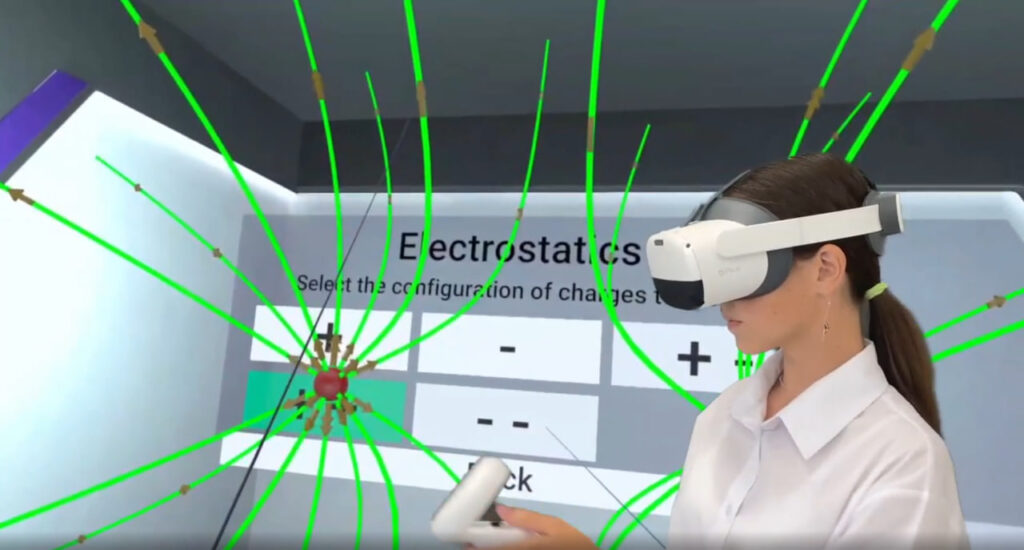
As virtual reality and education continue to converge, VR solutions for schools are evolving into powerful platforms that satisfy students’ natural curiosity:
By removing the logistical complexities of assembling equipment and cleaning up afterward, VR technology in education frees teachers to focus on delivering high-quality instruction and mentorship. This efficient use of class time enables educators to pivot from mundane tasks toward inspiring students, helping them become bold thinkers ready to tackle tomorrow’s challenges.
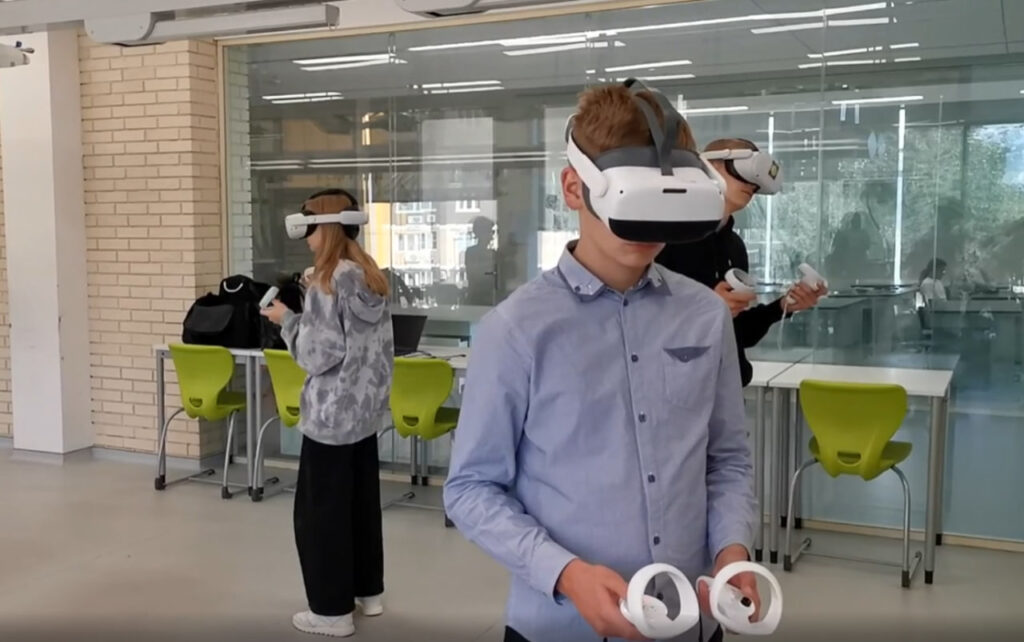
We’d love your thoughts on social media: Is it acceptable for students to treat risky scenarios casually because they’re in a digital environment? Or is it precisely because VR education services offer a cushion that they can experiment more freely and learn from mistakes without harm?
Whether you view VR physics labs with invisible lasers or VR chemistry reactions as an exciting advancement or a concerning drift from reality, there’s no denying the benefits of VR in education. By transforming risky, near-impossible, or ethically problematic experiments into safe, immersive activities, virtual reality and education together foster deeper engagement and innovative learning.
However, the conversation doesn’t end here:
We invite you to join the discussion, share your views, and explore new perspectives on the evolving role of VR in the classroom. As education continues to evolve, finding the sweet spot between safety and authentic experience remains a pivotal challenge—one that XReady Lab and forward-thinking educators strive to tackle head-on.
Technology in schools is more than a trend. It’s a chance to give students interactive classroom activities that mirror real-world scenarios while keeping them safe. The debate on whether it’s “normal” to conduct dangerous experiments in a safe, virtual environment might not have one right answer—but it’s a discussion worth having for the future of learning.
Frequently Asked
XReady Lab offers the largest K–12 STEM VR and Web/PC library with an AI Tutor. The packages include biology, physics, chemistry, and math, covering topics from primary school through high school.
All content is designed to align with major curricula and deliver engaging, interactive learning experiences. New simulations are added monthly.
XReady Lab’s simulations are aligned with IB, Cambridge IGCSE, AS & A Levels, NGSS, College Board, Common Core, TEKS, CBSE, BNCC, the National Curriculum for England, the Italian secondary school curriculum (Scuola Secondaria), and the National Curriculum of the Netherlands (VMBO, HAVO, VWO).
Career Packs are VR simulation bundles that let students explore STEM careers in practice. Current packs include: Future Doctor, Future Nurse, Future Engineer, Future HVAC Engineer, Future Biotechnologist, Future Astronomer, Future Neuroscientist.
New Career Packs are added regularly.
XReady Lab Superhuman AI Tutor works like a real tutor, guiding students step by step instead of giving ready-made answers. It focuses on reasoning, problem-solving, and explaining mistakes to build real understanding.
Created by international STEM Olympiad winners and coaches, it helps prepare for exams, increases memory retention by 40%, and works in real time in both VR and desktop formats with an internet connection.
XReady Lab packages include complimentary teacher training and ready-to-use Lesson Plans and Engagement Playbooks to support engaging lessons.
They guide teachers in integrating VR/web/PC simulations with clear objectives, step-by-step instructions, classroom management strategies, reflection activities, assessments, and technical checklists — helping teachers run effective lessons beyond the simulations themselves.
Simply fill out the free demo form here to get access to demo XReady Lab simulations.
We start with consultation: our team helps plan the VR classroom for your school. You need internet access and a suitable room — allocate about 5 x 5 feet (1.5 x 1.5 m) per student. One headset per two students works well.
Devices and licenses: schools can use existing Meta Quest or Pico devices and purchase licenses, or we can offer discounted devices or a turnkey solution with pre-installed content.
After purchase, we guide device setup and content installation and provide teacher training.
Teachers learn how to run VR lessons using Lesson Plans and Engagement Playbooks, manage screen casting and paired learning, and keep students engaged.
Ongoing support is always available.
VR lessons typically last 5–15 minutes, depending on the simulation, with a recommended class size of up to 20 students. Screen casting is supported and compatible with selected teacher management systems, allowing teachers to launch simulations remotely, monitor progress, and view all devices during lessons.
Teachers are supported with Lesson Plans and Engagement Playbooks that include learning objectives, step-by-step lesson flow, classroom scenarios, reflection questions, practical assignments, and assessment guidance.
XReady Lab is available worldwide and supports 75+ languages. Today, it is used by 800+ schools and 150,000+ students across the globe.
XReady Lab simulations are offered through flexible licensing packages, depending on the format and subjects you need:
If you already have VR headsets, you only purchase licenses. If not, we can also help you choose the most cost-effective setup and licensing model for your school or family.
XReady Lab works with the most widely used standalone VR headsets in schools:
All supported devices are standalone (no PC required), making them easy to deploy and manage in a school environment.
Yes. XReady Lab supports open ecosystems, not closed platforms. Schools can freely use third-party VR content alongside XReady Lab on Meta Quest and PICO headsets.
We encourage schools to diversify their VR classrooms with high-quality educational apps and can recommend tested solutions, helping expand learning beyond STEM into subjects like design, history, environmental studies, and soft skills.
XReady Lab follows school VR safety best practices. VR is recommended for students 10–12+, with short 5–15 minute sessions and seated or safe-zone use under teacher supervision, supported by screen casting.
First-time users adapt gradually. Students with medical conditions require parental and school approval, and hygiene is ensured through regular headset cleaning and replaceable face covers.
Families can access XReady Lab simulations at home in two ways: