In the dynamic landscape of education, the interaction between students, parents, and teachers forms the cornerstone of the learning process. Each party brings unique expectations and challenges to the table, often leading to misunderstandings and frustration. By understanding these differing perspectives, we can foster better communication and create a more effective and harmonious educational environment.
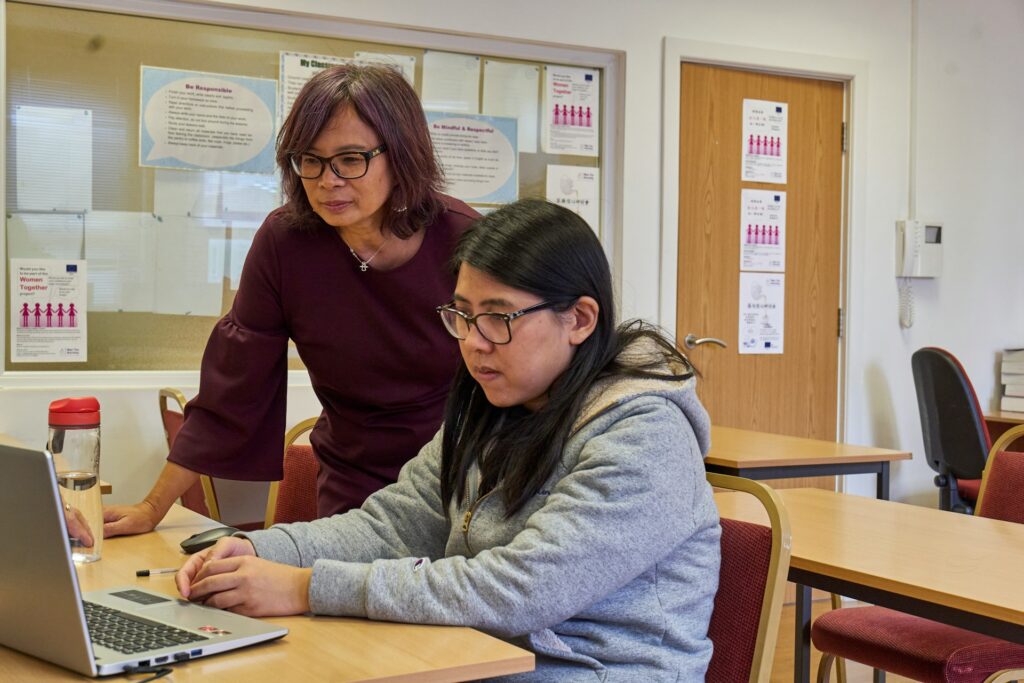
Teachers are the frontline facilitators of education, dedicated to nurturing young minds. However, their work is often demanding and exhausting. Overloaded with administrative tasks, lesson planning, and classroom management, teachers dream of:
Despite their best efforts, teachers may feel overwhelmed when they perceive a lack of support from parents and disinterest from students.
Parents juggle numerous responsibilities, including work, household duties, and family life. Many parents hope to:
However, this expectation can lead to a disconnect when parents are not actively involved in their child’s learning process, potentially causing friction with teachers.
Children, especially in their formative years, are not always driven by long-term goals. Their immediate interests often include:
When educational environments fail to meet these needs, students may become disengaged, leading to challenges in academic performance.
The ultimate goal of education is to facilitate learning for the student. The way students, parents, and teachers communicate significantly affects not only academic outcomes but also the mental health of the child.
Unfortunately, communication among the three parties often becomes accusatory:
This cycle of blame can create a stressful environment, hindering the student’s ability to learn effectively and damaging relationships.
For more insights, check out our article on Top 5 AI Tools for Teachers to enhance teaching strategies.
Discover ways to inspire your child with technology in our article Inspire Your Child with Technology.

The integration of technology in education offers innovative solutions to bridge the gaps between students, parents, and teachers.
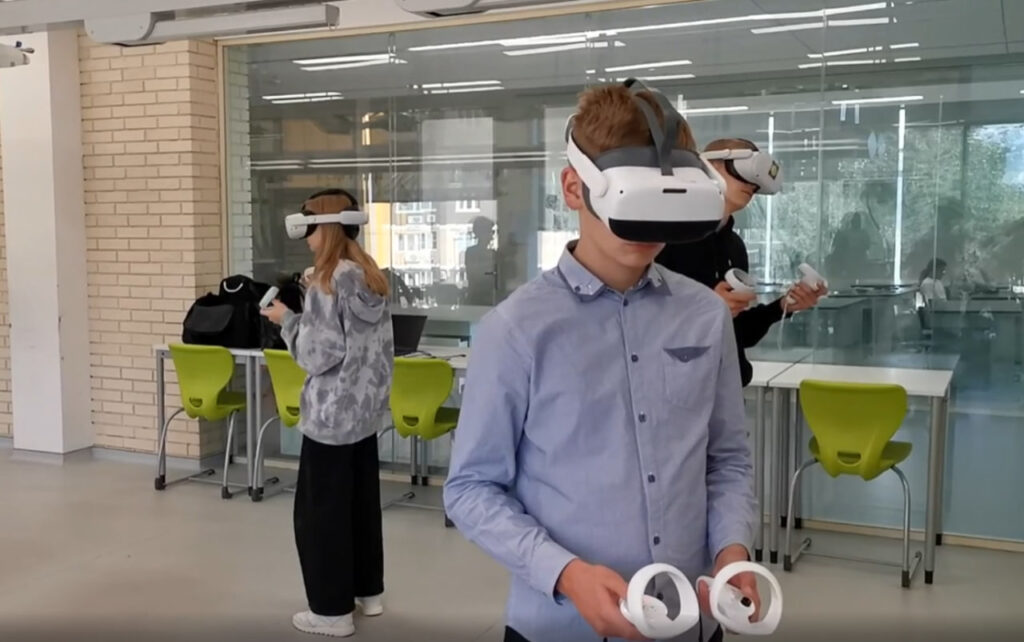
Today’s students belong to the Alpha Generation, born into a world of digital connectivity and advanced technology. To effectively educate and engage them, it’s crucial to understand their unique characteristics and preferences.
Learn more about adapting education to meet their needs in Adapting Education for the Alpha Generation.
Parents play a vital role in nurturing their child’s interest in learning. By embracing technology, parents can:
Discover practical ways to inspire your child in our article Inspire Your Child with Technology.
The educational journey is a collaborative effort between students, parents, and teachers. Recognizing and aligning their differing expectations is key to creating a supportive and effective learning environment.
By fostering open communication, embracing technology, and understanding each other’s perspectives, we can bridge the gaps that hinder educational success. Together, we can empower students to reach their full potential, ensuring that learning is not only effective but also enjoyable.
Education thrives when students, parents, and teachers unite with a shared vision. Let’s collaborate to make learning a fulfilling experience for everyone involved.
Frequently Asked
XReady Lab offers the largest K–12 STEM VR and Web/PC library with an AI Tutor. The packages include biology, physics, chemistry, and math, covering topics from primary school through high school.
All content is designed to align with major curricula and deliver engaging, interactive learning experiences. New simulations are added monthly.
XReady Lab’s simulations are aligned with IB, Cambridge IGCSE, AS & A Levels, NGSS, College Board, Common Core, TEKS, CBSE, BNCC, the National Curriculum for England, the Italian secondary school curriculum (Scuola Secondaria), and the National Curriculum of the Netherlands (VMBO, HAVO, VWO).
Career Packs are VR simulation bundles that let students explore STEM careers in practice. Current packs include: Future Doctor, Future Nurse, Future Engineer, Future HVAC Engineer, Future Biotechnologist, Future Astronomer, Future Neuroscientist.
New Career Packs are added regularly.
XReady Lab Superhuman AI Tutor works like a real tutor, guiding students step by step instead of giving ready-made answers. It focuses on reasoning, problem-solving, and explaining mistakes to build real understanding.
Created by international STEM Olympiad winners and coaches, it helps prepare for exams, increases memory retention by 40%, and works in real time in both VR and desktop formats with an internet connection.
XReady Lab packages include complimentary teacher training and ready-to-use Lesson Plans and Engagement Playbooks to support engaging lessons.
They guide teachers in integrating VR/web/PC simulations with clear objectives, step-by-step instructions, classroom management strategies, reflection activities, assessments, and technical checklists — helping teachers run effective lessons beyond the simulations themselves.
Simply fill out the free demo form here to get access to demo XReady Lab simulations.
We start with consultation: our team helps plan the VR classroom for your school. You need internet access and a suitable room — allocate about 5 x 5 feet (1.5 x 1.5 m) per student. One headset per two students works well.
Devices and licenses: schools can use existing Meta Quest or Pico devices and purchase licenses, or we can offer discounted devices or a turnkey solution with pre-installed content.
After purchase, we guide device setup and content installation and provide teacher training.
Teachers learn how to run VR lessons using Lesson Plans and Engagement Playbooks, manage screen casting and paired learning, and keep students engaged.
Ongoing support is always available.
VR lessons typically last 5–15 minutes, depending on the simulation, with a recommended class size of up to 20 students. Screen casting is supported and compatible with selected teacher management systems, allowing teachers to launch simulations remotely, monitor progress, and view all devices during lessons.
Teachers are supported with Lesson Plans and Engagement Playbooks that include learning objectives, step-by-step lesson flow, classroom scenarios, reflection questions, practical assignments, and assessment guidance.
XReady Lab is available worldwide and supports 75+ languages. Today, it is used by 800+ schools and 150,000+ students across the globe.
XReady Lab simulations are offered through flexible licensing packages, depending on the format and subjects you need:
If you already have VR headsets, you only purchase licenses. If not, we can also help you choose the most cost-effective setup and licensing model for your school or family.
XReady Lab works with the most widely used standalone VR headsets in schools:
All supported devices are standalone (no PC required), making them easy to deploy and manage in a school environment.
Yes. XReady Lab supports open ecosystems, not closed platforms. Schools can freely use third-party VR content alongside XReady Lab on Meta Quest and PICO headsets.
We encourage schools to diversify their VR classrooms with high-quality educational apps and can recommend tested solutions, helping expand learning beyond STEM into subjects like design, history, environmental studies, and soft skills.
XReady Lab follows school VR safety best practices. VR is recommended for students 10–12+, with short 5–15 minute sessions and seated or safe-zone use under teacher supervision, supported by screen casting.
First-time users adapt gradually. Students with medical conditions require parental and school approval, and hygiene is ensured through regular headset cleaning and replaceable face covers.
Families can access XReady Lab simulations at home in two ways: